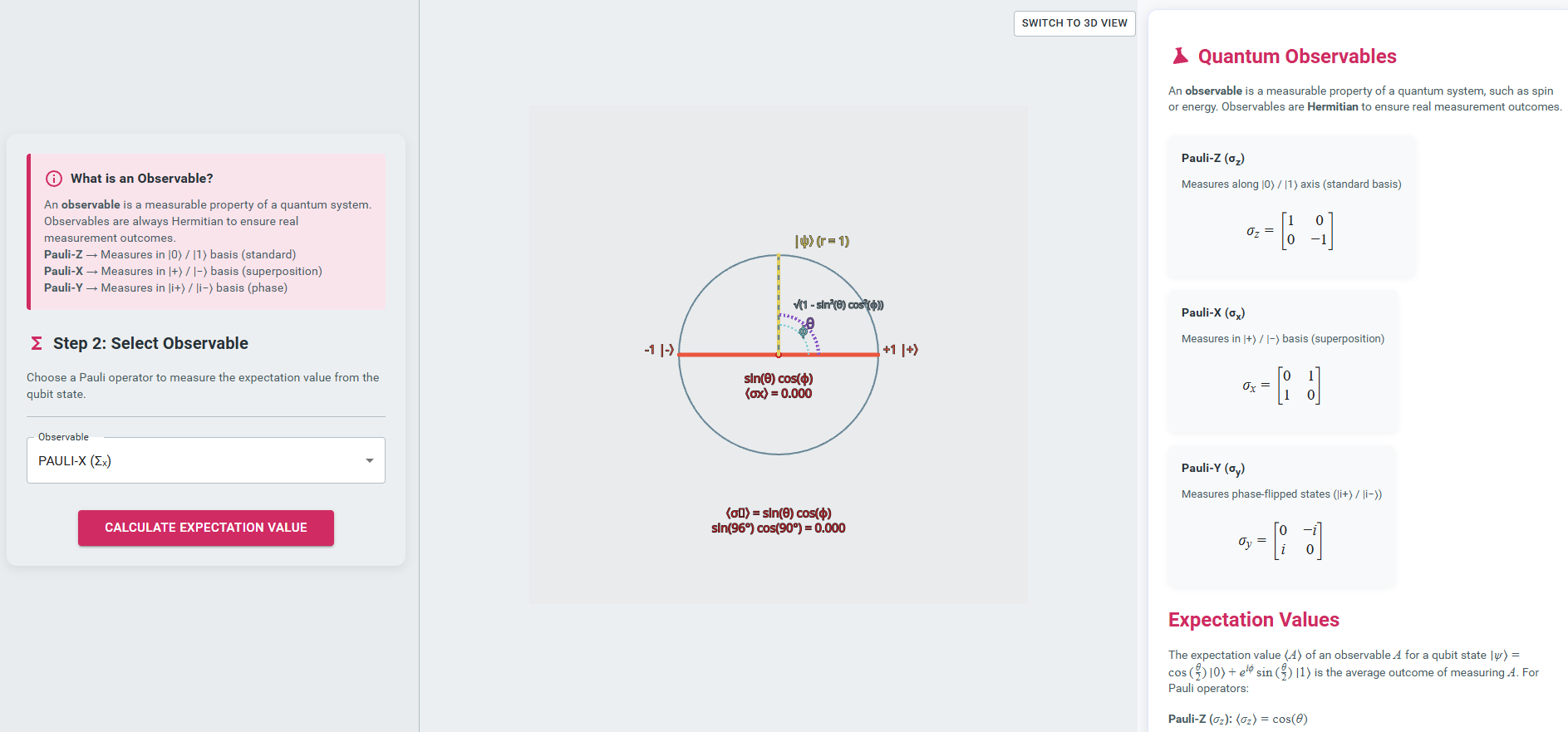
Expectation value calculation
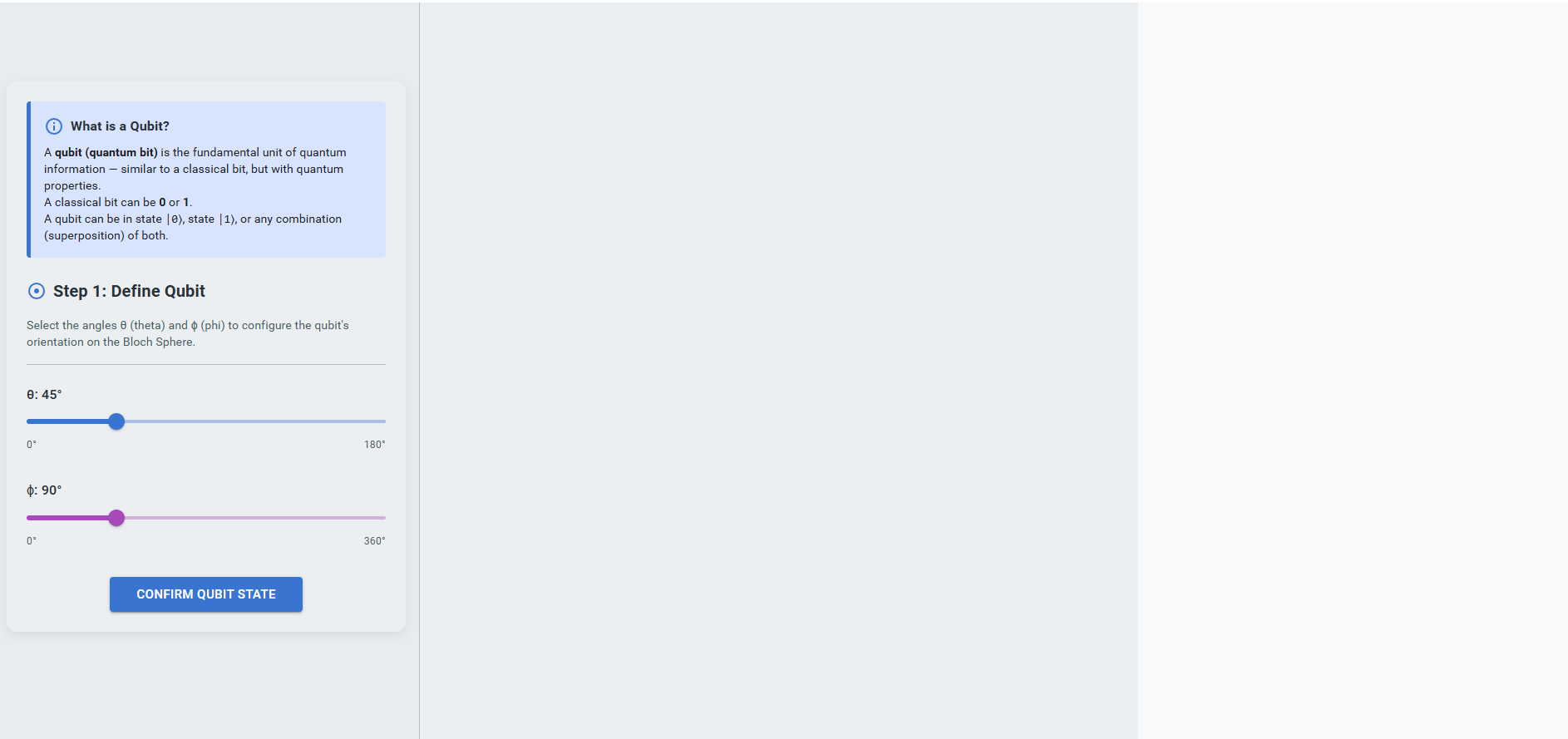
- Define the Qubit State:
Adjust the angles θ (theta) and φ (phi) using the sliders to configure the qubit’s orientation on the Bloch sphere. After setting the desired values, click the “Confirm Qubit State” button to proceed.
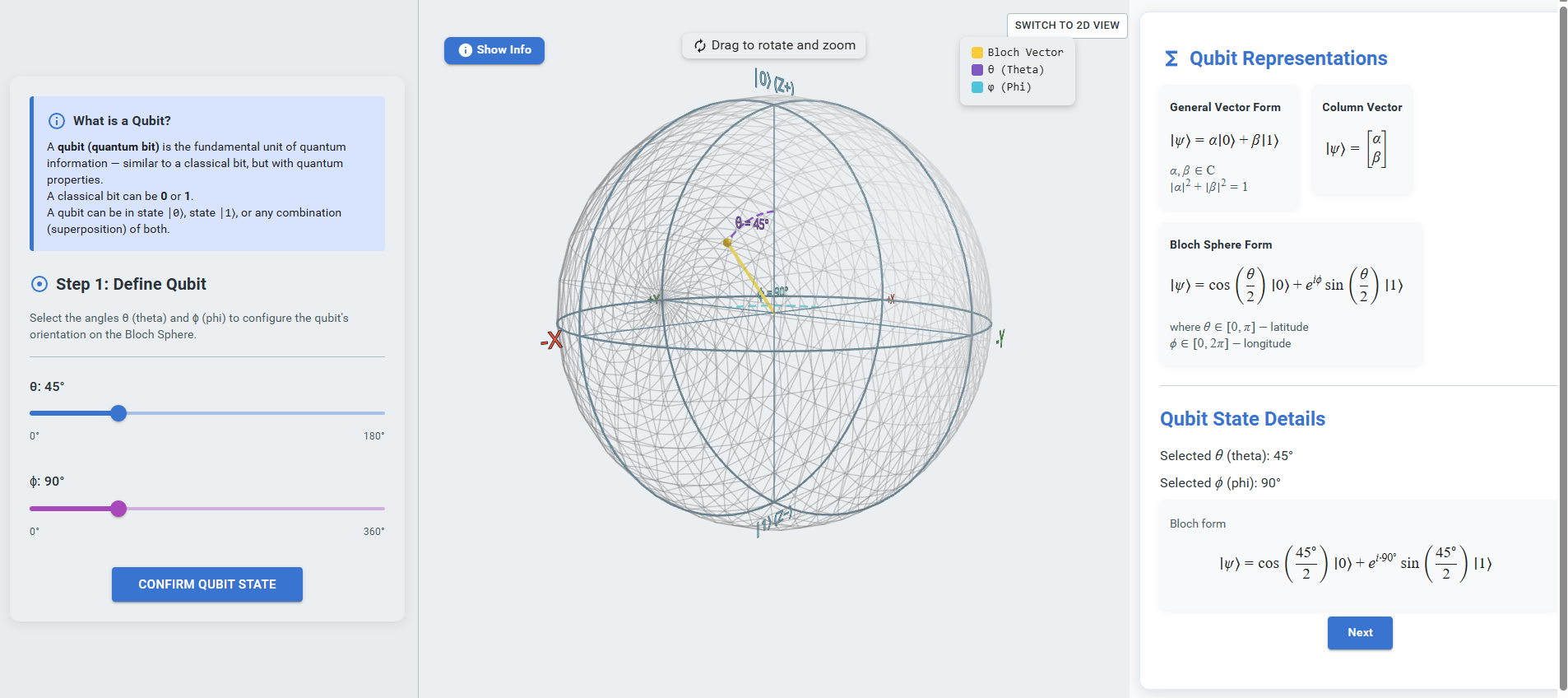
Observe the Qubit Representation:
After confirming the qubit state, observe the Bloch sphere visualization in the central panel and the mathematical representation of the qubit in the right panel.Proceed to the Next Step:
Click the “Next” button to move to the observable selection step.
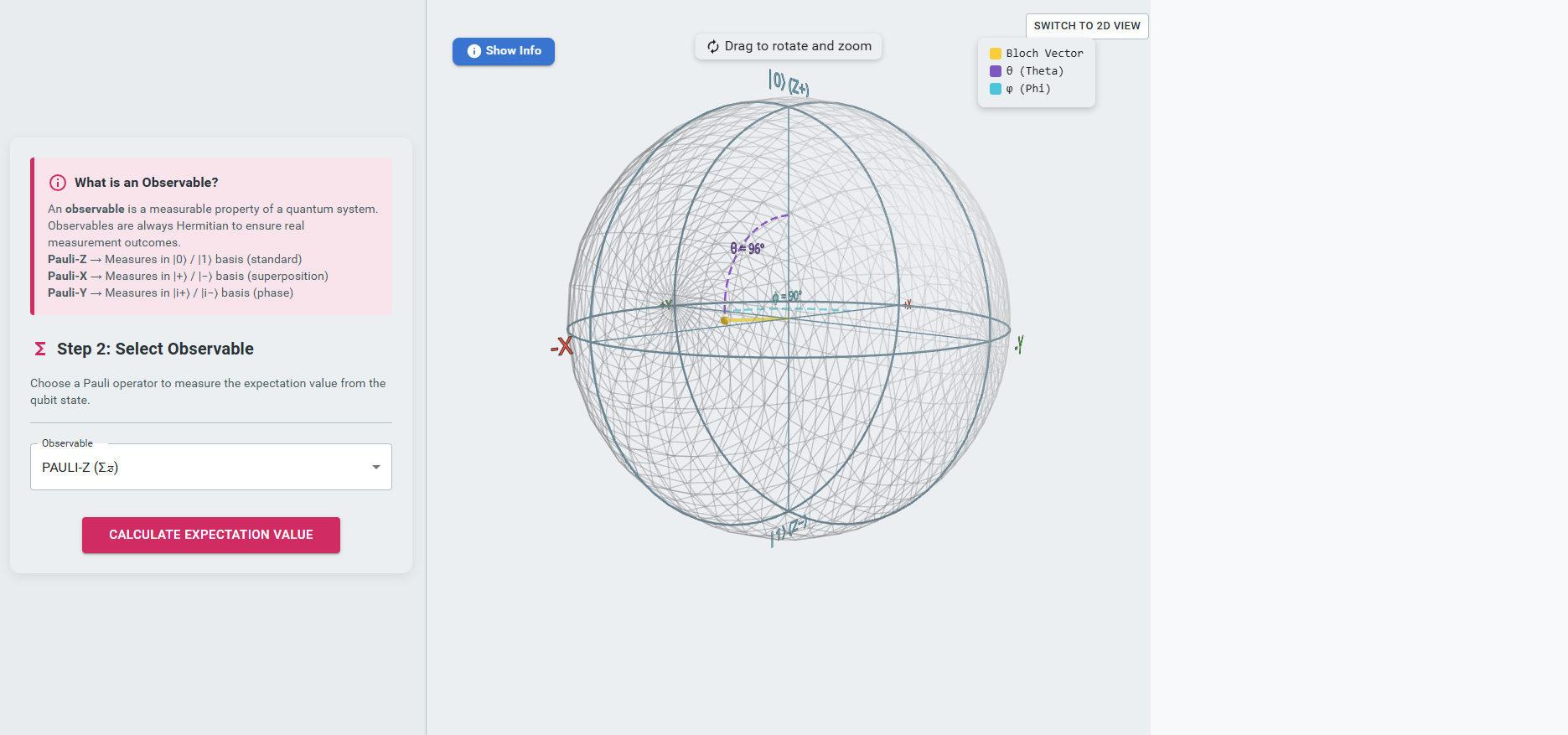
- Select an Observable:
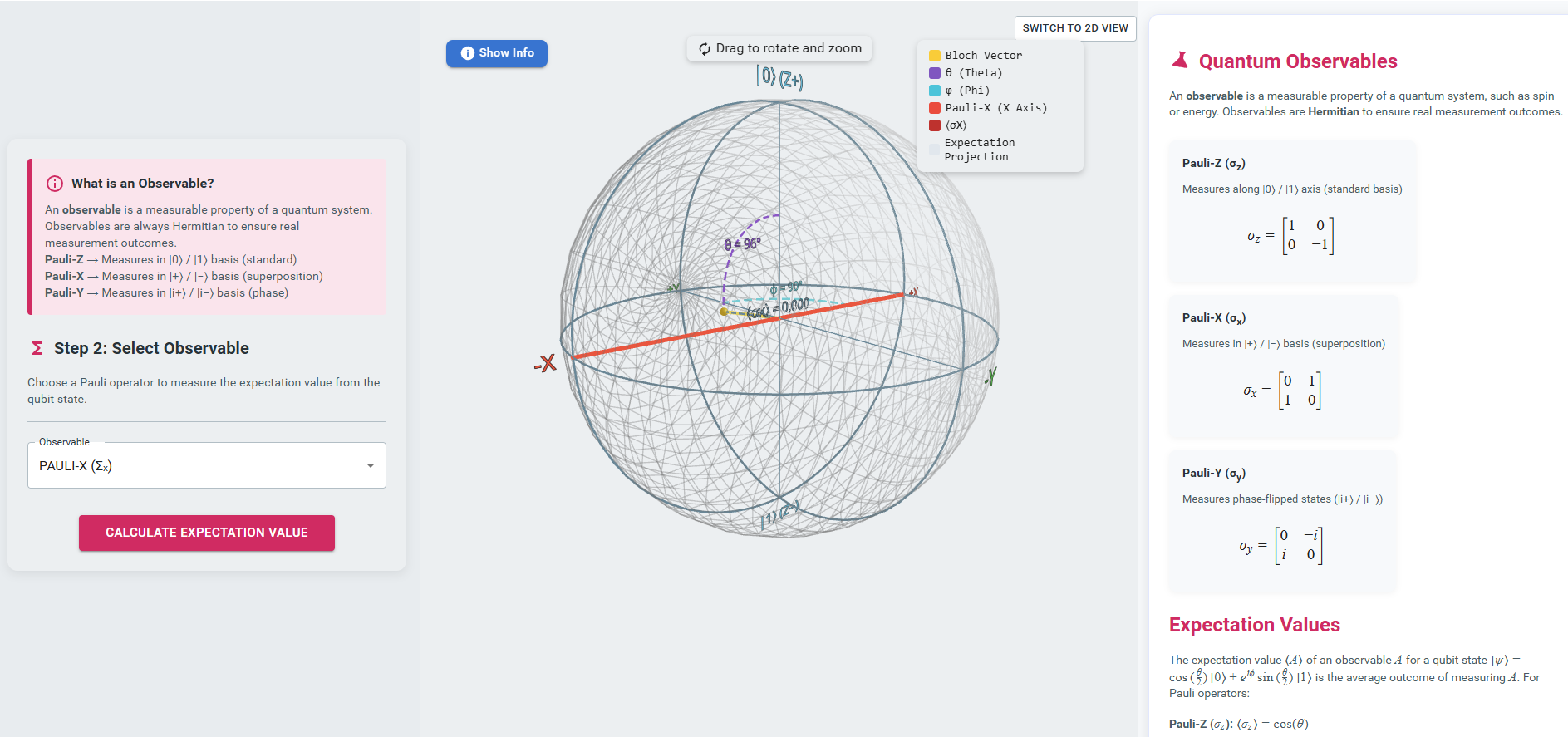
Choose an observable (Pauli operator) from the dropdown menu shown in the left panel and click “Calculate Expectation Value” to compute the expectation value of the selected observable.
- Analyze the Result:
Observe the projection of the observable on the Bloch sphere in the central panel and review the expectation value calculation displayed on the right panel.
- View the 2D Representation:
Click the “Switch to 2D View” button to observe the two-dimensional representation of the qubit state.