
Quantum Support Vector Machines (QSVM)
1: Data Selection
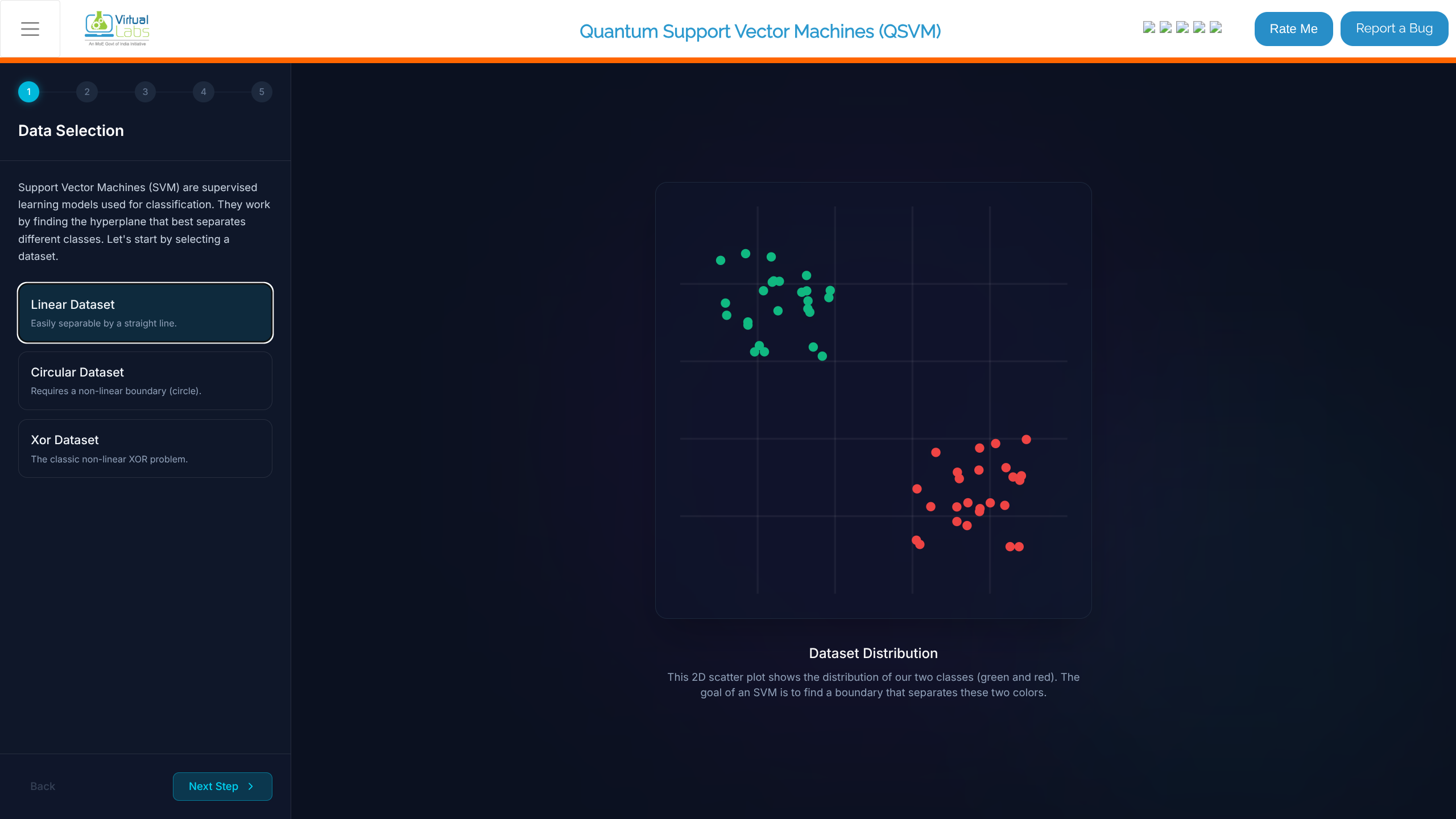
- Navigate to the "Data Selection" stage in the simulation.
- Choose a dataset from the available options (e.g., Linear Dataset, Circular Dataset, Xor Dataset).
- Observe the "Dataset Distribution" scatter plot. The objective is to find a boundary separating the classes (green vs. red).
- Click Next Step.
2: Classical SVM
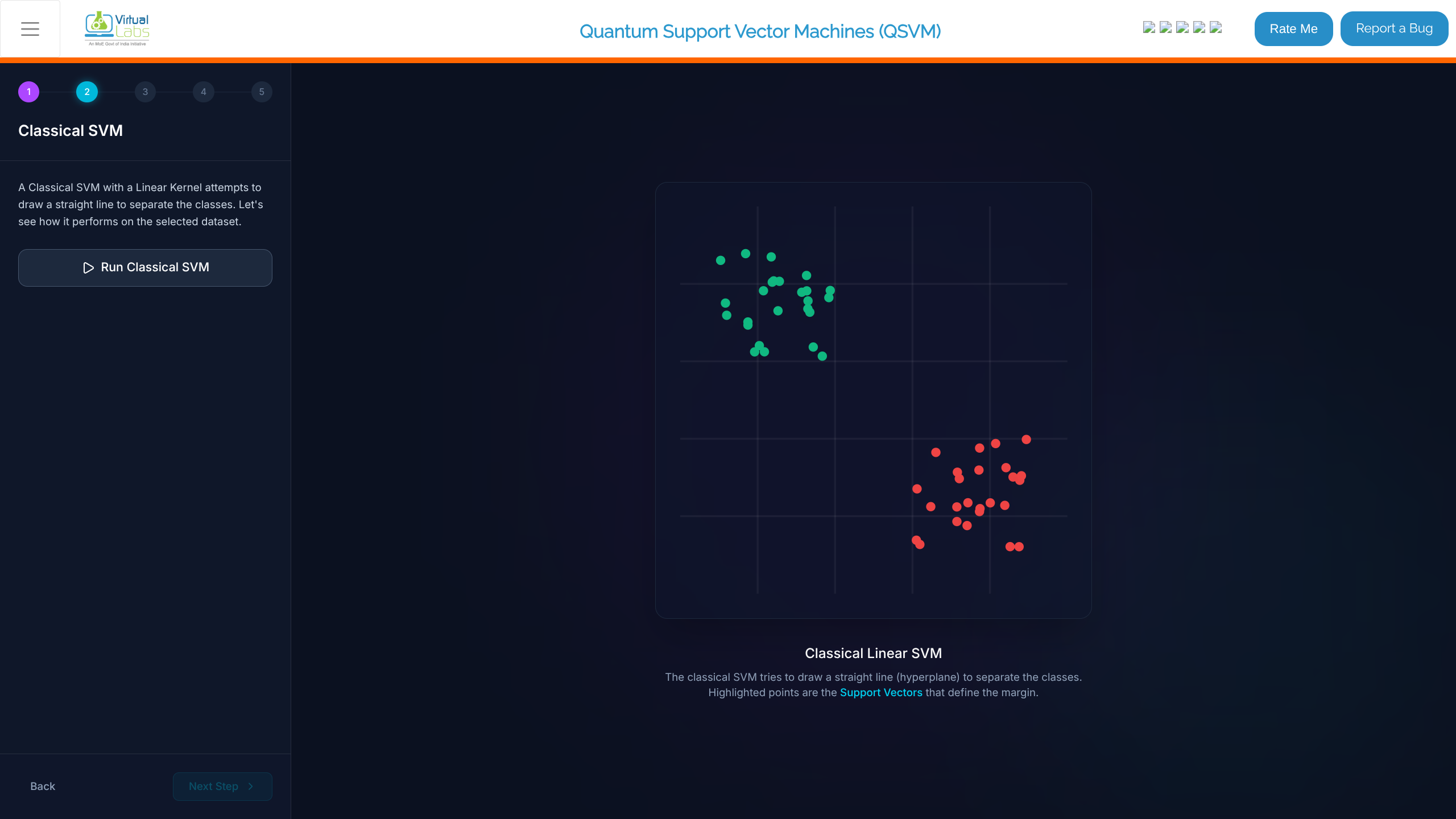
- In the "Classical SVM" stage, review the prompt. This step trains a classical Support Vector Machine using a Linear Kernel.
- Click the Run Classical SVM button.
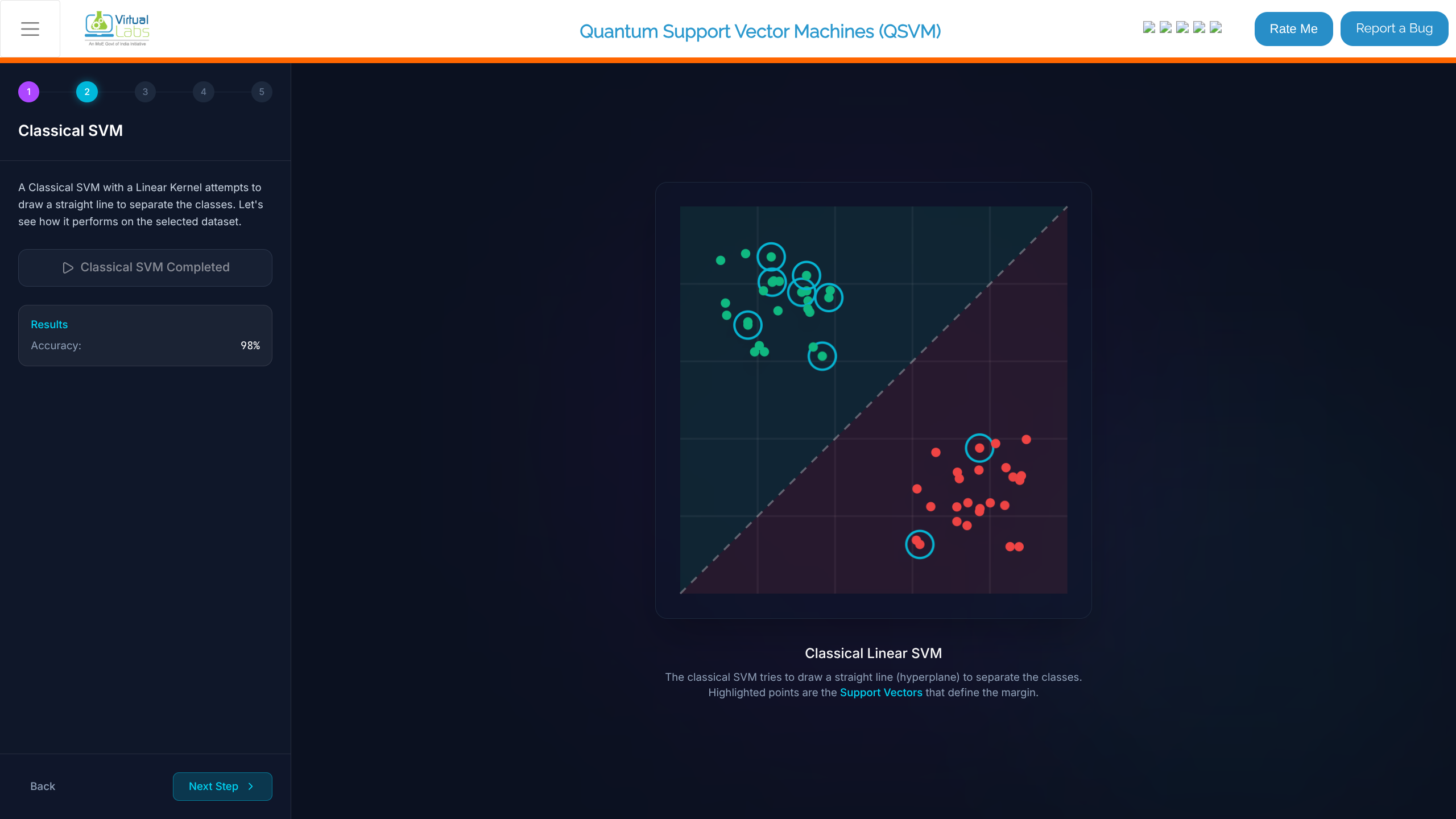
- Once completed, view the results:
- Identify the straight line (hyperplane) separating the classes.
- Note the Accuracy (e.g., 98%).
- Highlighted points denote the Support Vectors defining the margin.
- Click Next Step.
3: Quantum Feature Map
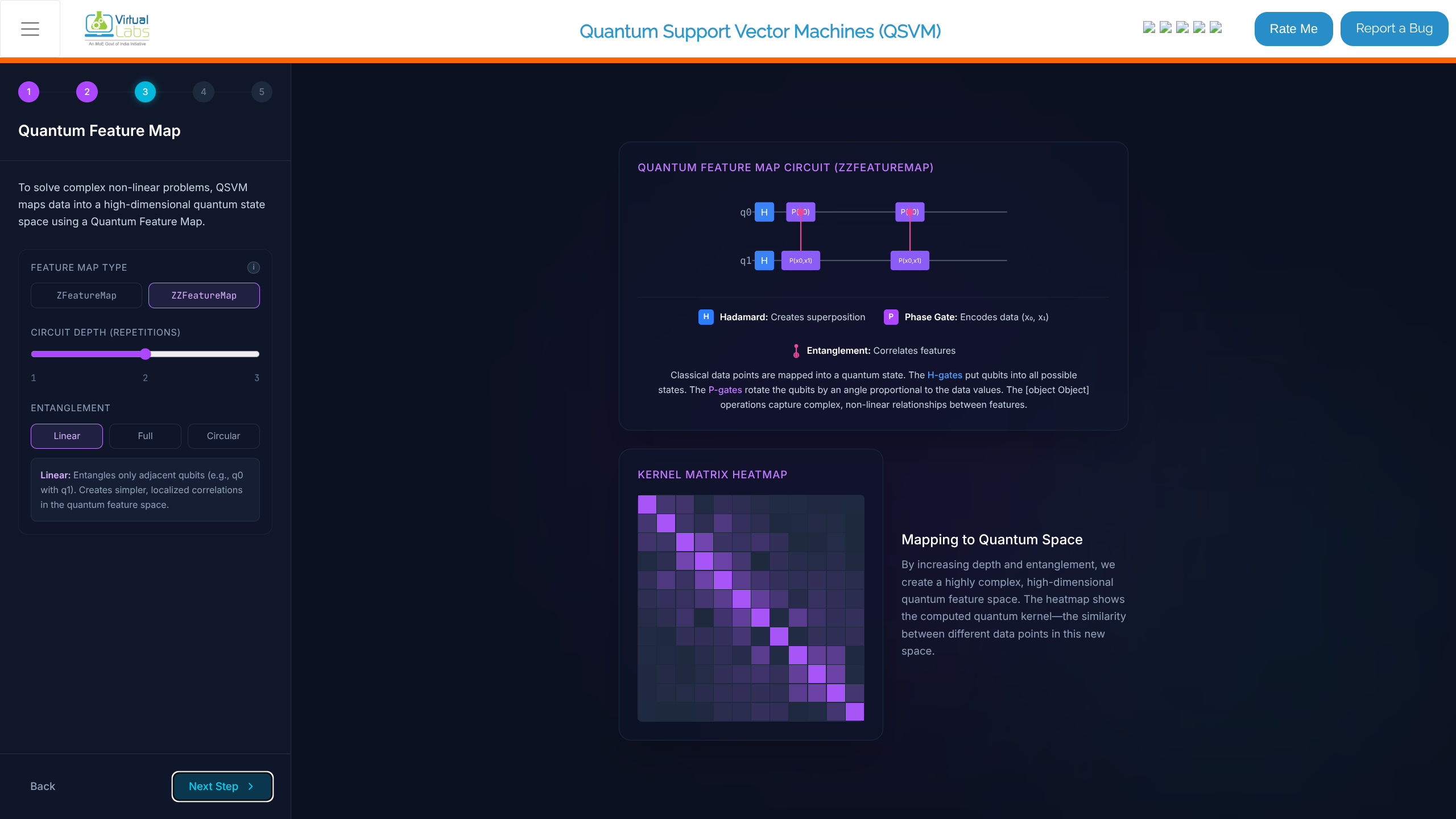
- In the "Quantum Feature Map" stage, configure the map parameters to map data into a high-dimensional quantum state space:
- Feature Map Type: Set to
ZZFeatureMap. - Circuit Depth (Repetitions): Set the slider (e.g., 2).
- Entanglement: Select from Linear, Full, or Circular (e.g., Full).
- Feature Map Type: Set to
- Observe the generated "Quantum Feature Map Circuit (ZZFeatureMap)" showing Hadamard and Phase Gates.
- Review the "Kernel Matrix Heatmap" resulting from mapping to the quantum space.
- Click Next Step.
4: Quantum SVM
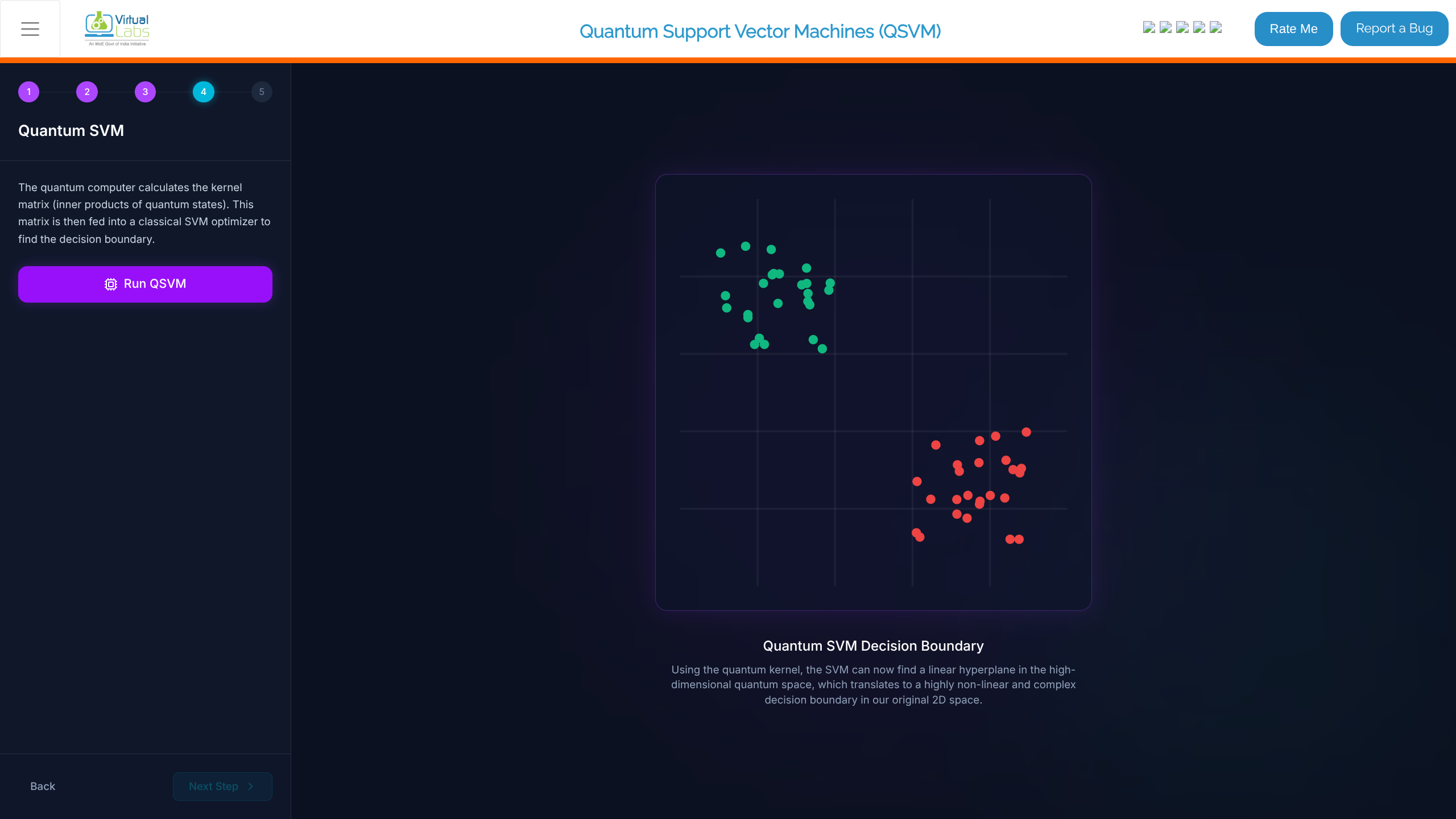
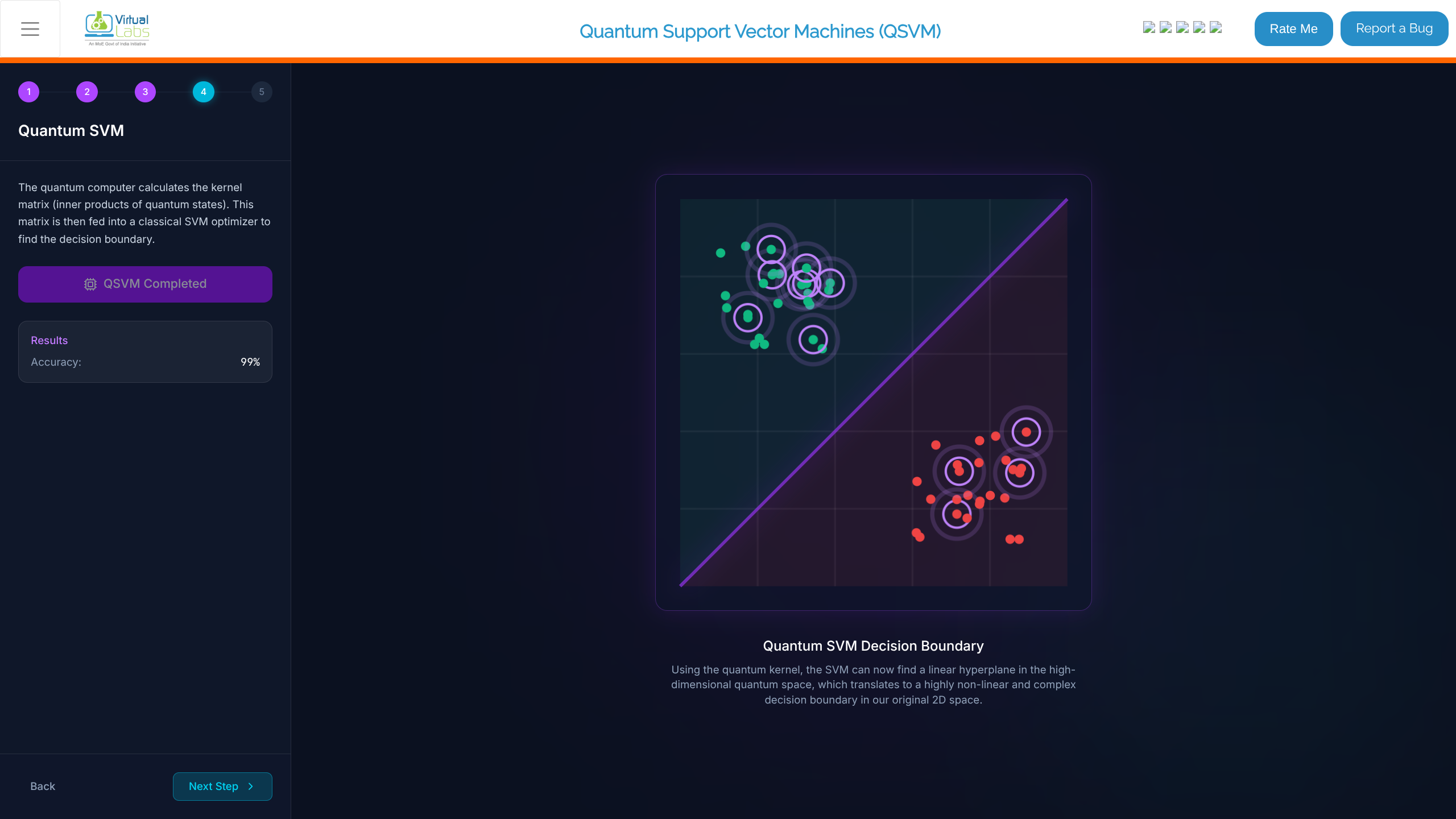
In the "Quantum SVM" stage, read the background on how the quantum computer calculation matrix is fed to a classical SVM optimizer.
Click the Run QSVM button.
Once completed, view the results:
- See the "Quantum SVM Decision Boundary", which finds a linear hyperplane in a high-dimensional quantum space, translating to a non-linear complex boundary in the 2D space.
- Note the Accuracy (e.g., 99%).
Click Next Step.
5: Comparison
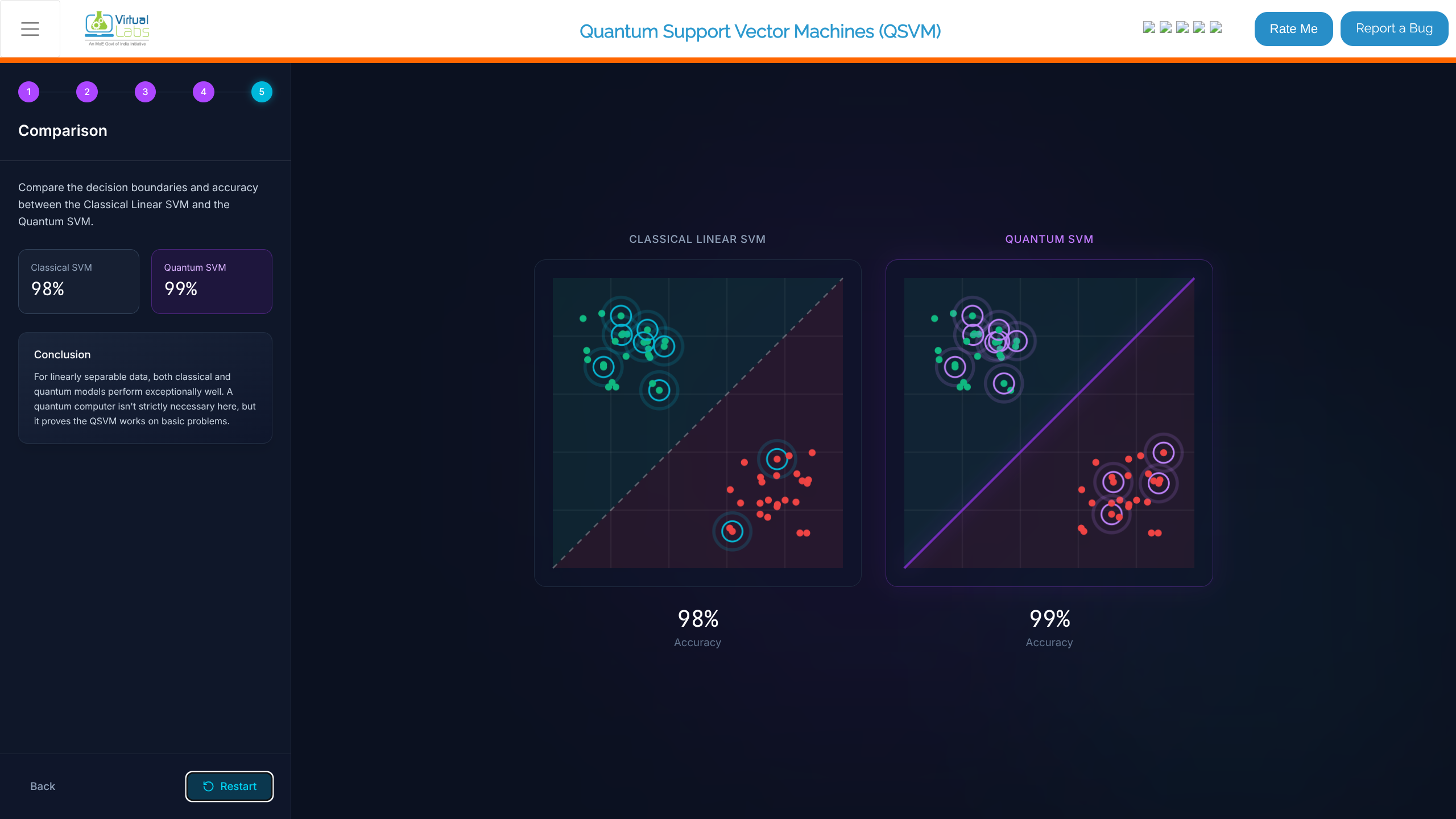
- Compare the Classical SVM and Quantum SVM decision boundaries side-by-side.
- Review the accuracies (e.g., Classical 98% vs Quantum 99%).
- Read the Conclusion. For linearly separable data, models perform well across the board, proving that QSVM acts properly on basic problems.
- If needed, click Restart to try another dataset or configuration.