Quantum Linear Algebra – Matrix and Vector Operations
1: Select Operation
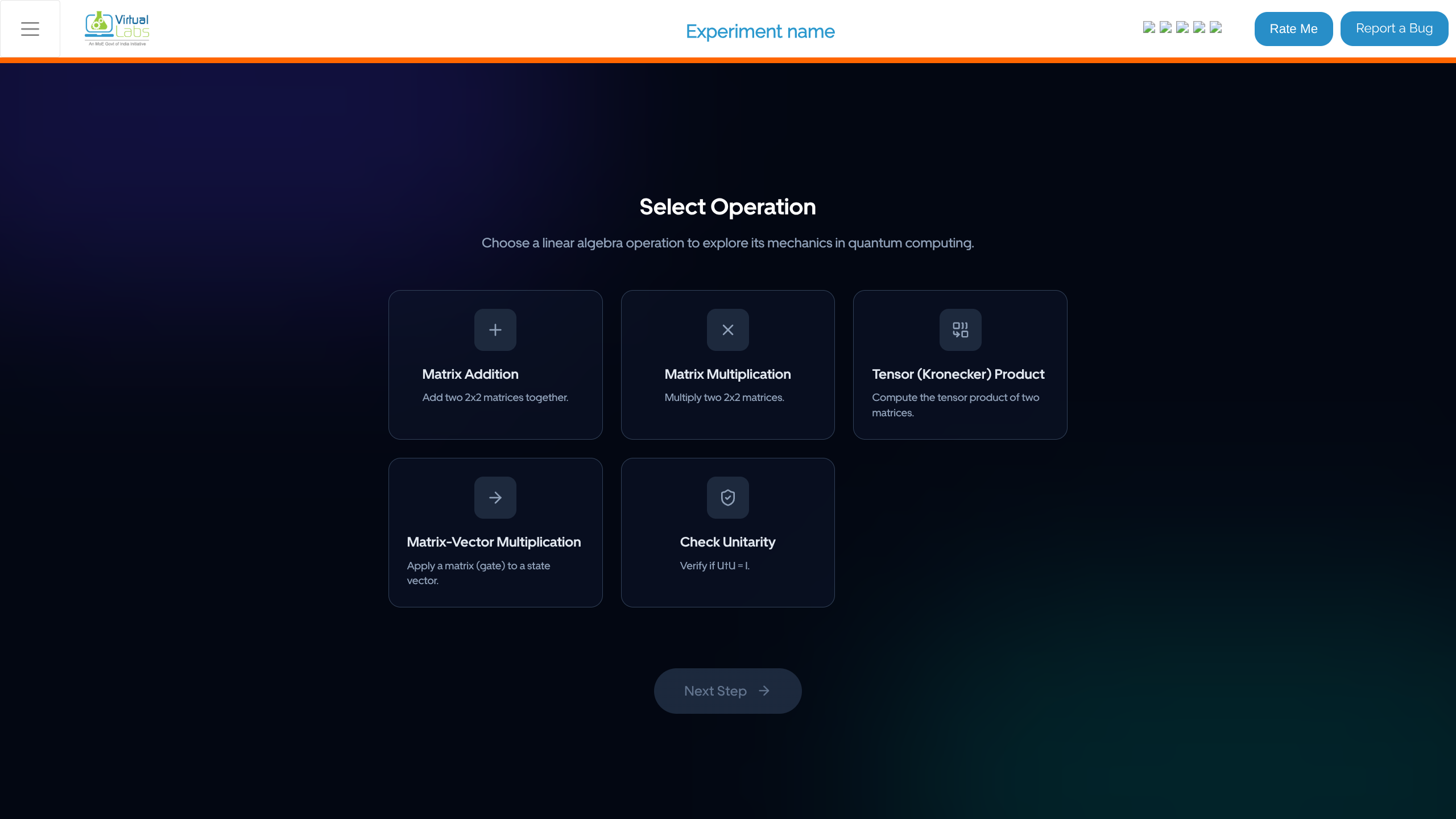
- Navigate to the simulation interface.
- In the "Select Operation" stage, choose a linear algebra operation to explore in the context of quantum computing:
- Matrix Addition
- Matrix Multiplication
- Tensor (Kronecker) Product
- Matrix-Vector Multiplication
- Check Unitarity
- Click on the desired operation card.
- Click Next Step.
2: Choose Matrix A
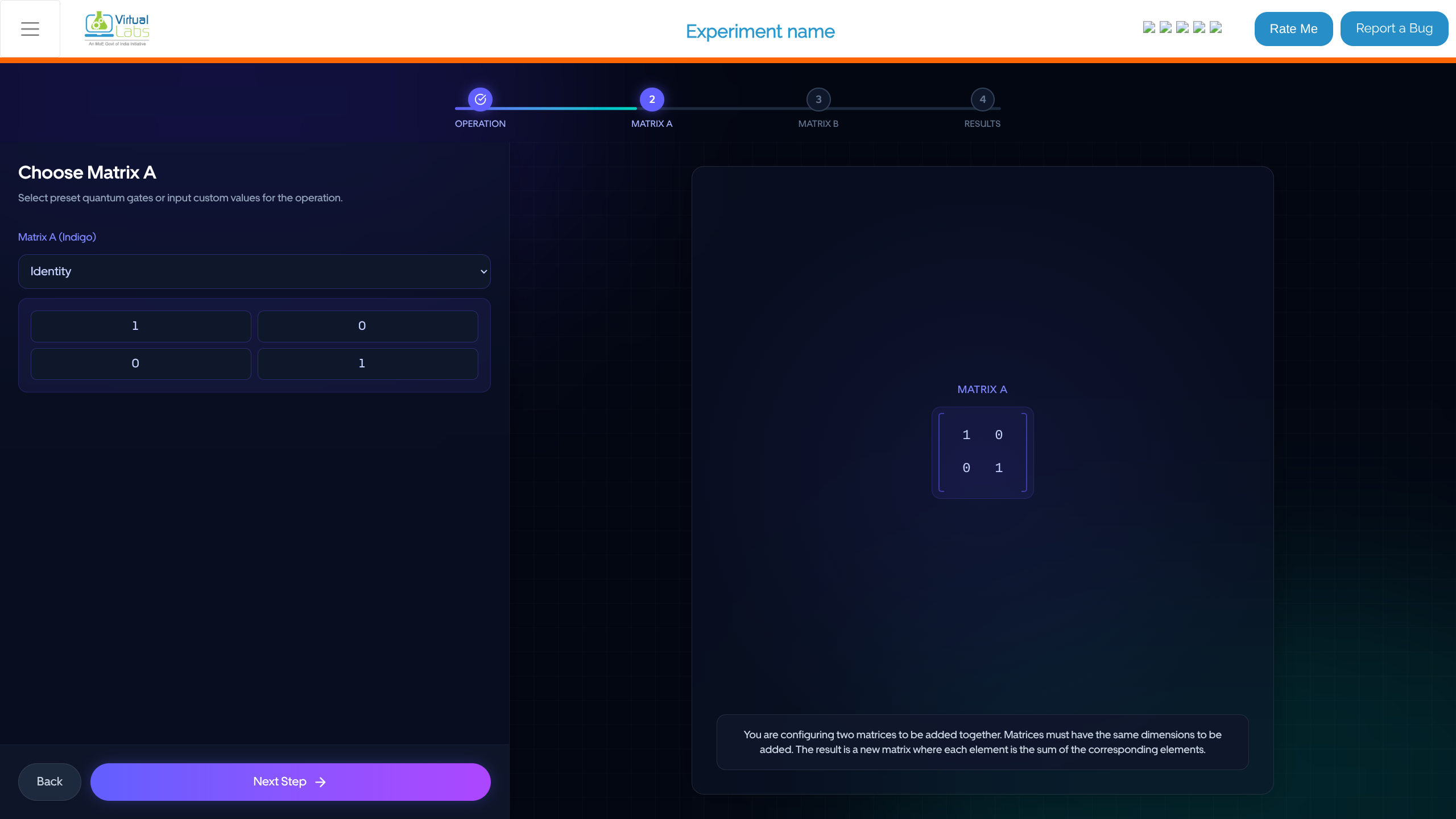
- In the "Choose Matrix A" step, configure the first operand.
- Select a preset quantum gate (e.g., Identity, Pauli-X) from the dropdown menu for Matrix A (Indigo), or input custom values directly into the matrix cells.
- Review the structural display of the matrix representing the chosen quantum gate.
- Click Next Step.
3: Choose Matrix B
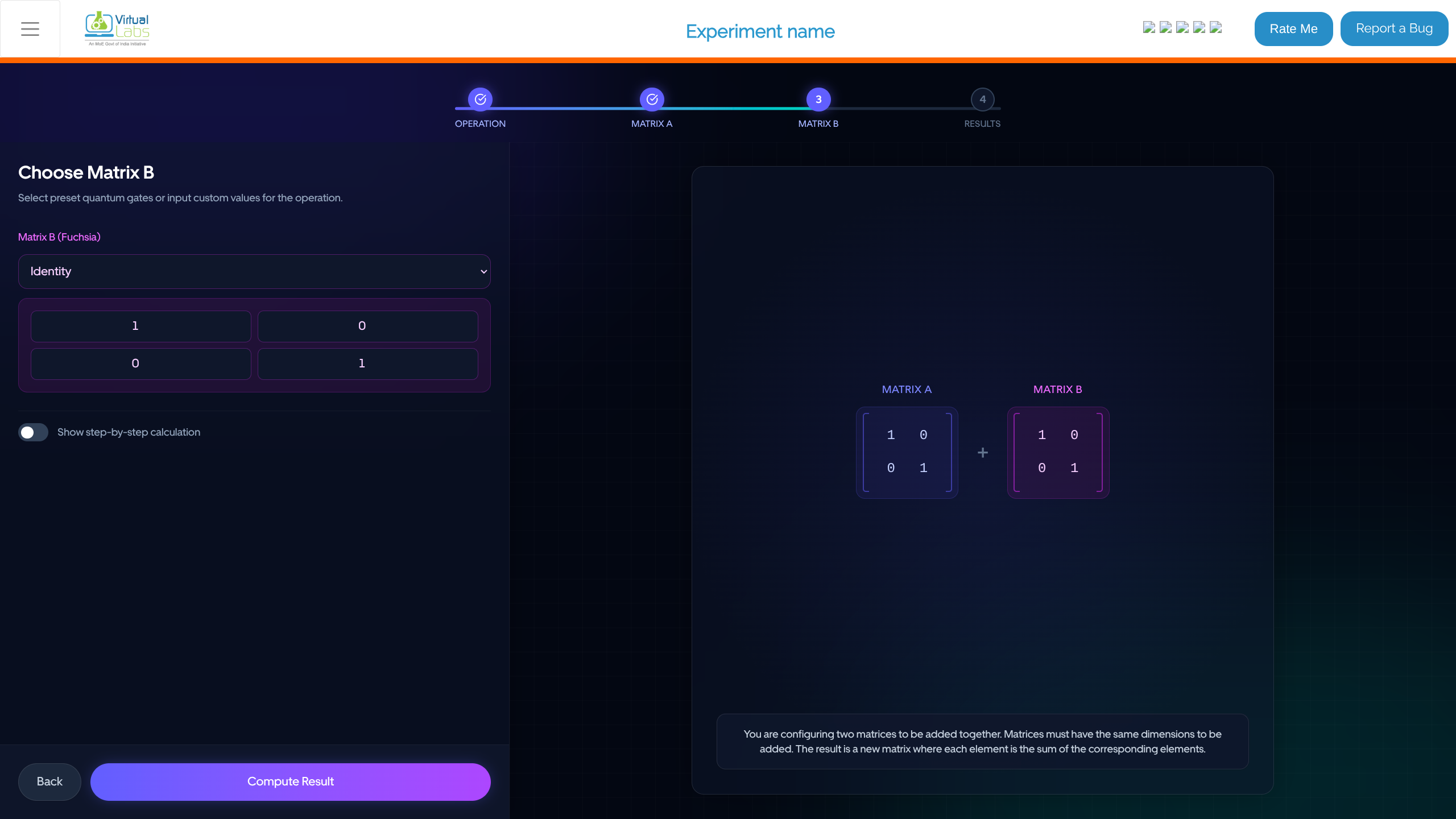
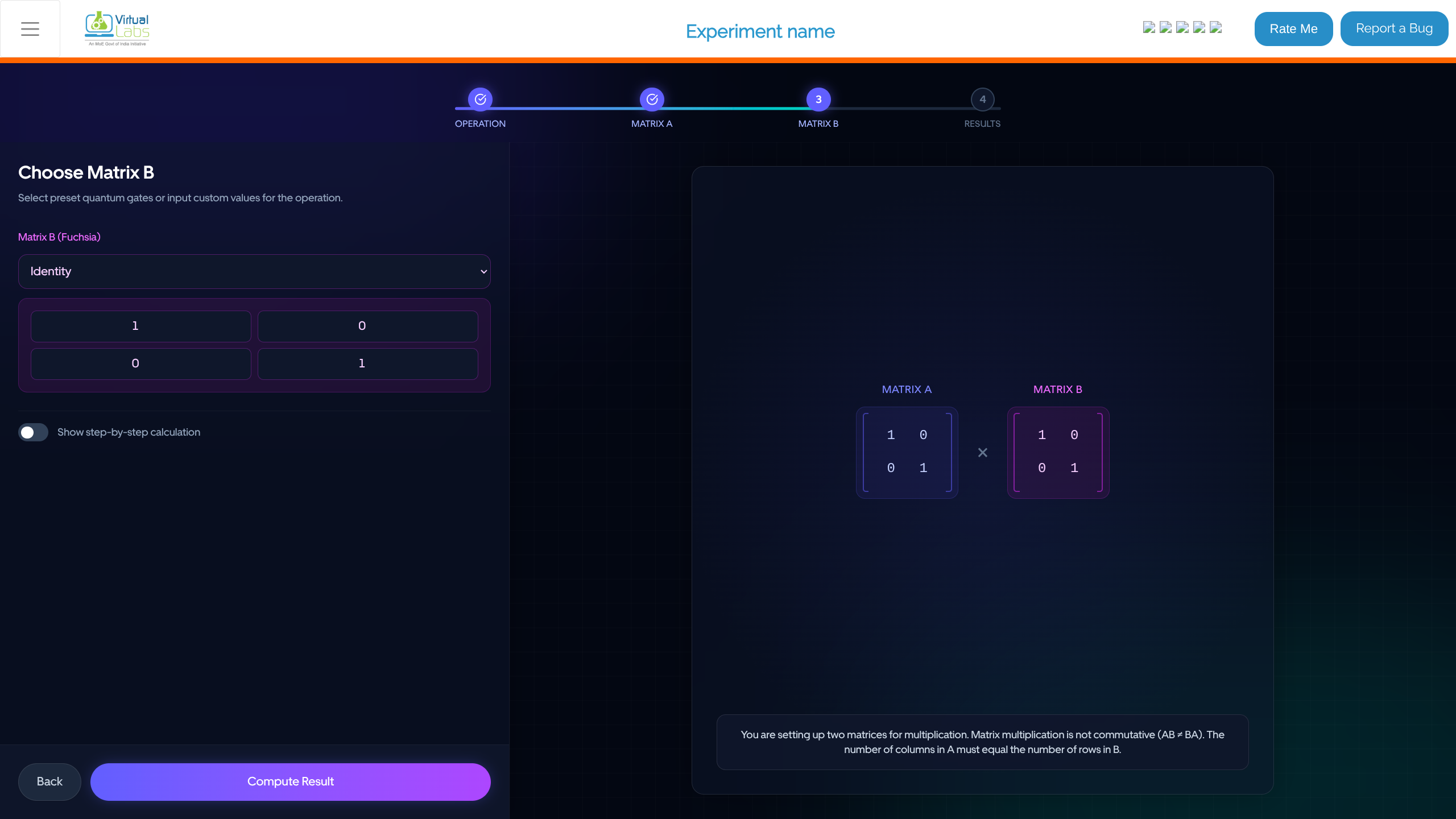
- In the "Choose Matrix B" step, configure the second operand.
- Similar to Matrix A, select a preset quantum gate from the dropdown menu for Matrix B (Fuchsia) or input custom values.
- Observe the preview of the operation (e.g., addition
+ or multiplication x) between Matrix A and Matrix B on the canvas.
- (Optional) Toggle "Show step-by-step calculation" if you want to see detailed algorithmic steps.
- Click Compute Result.
4: View Results
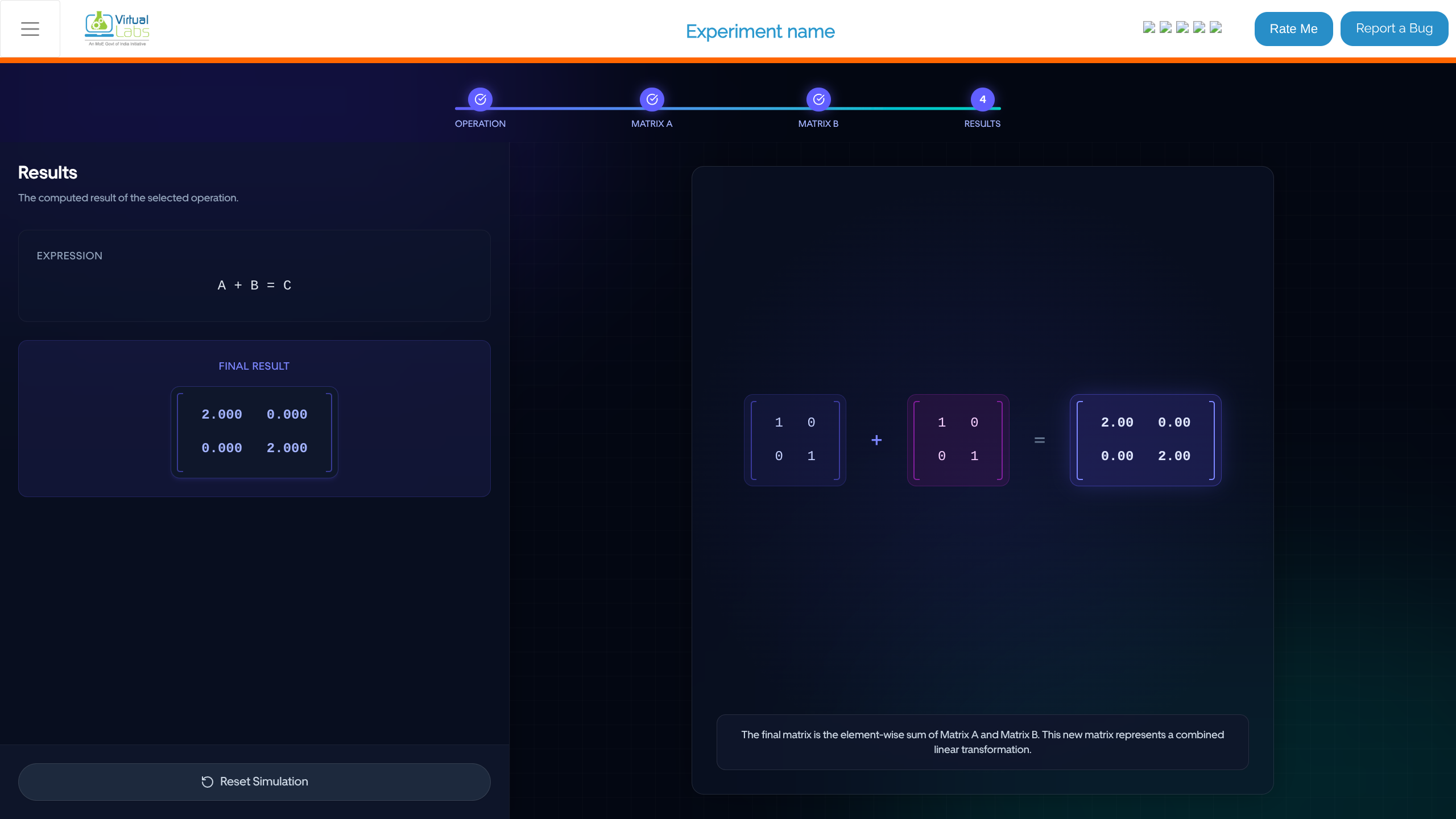
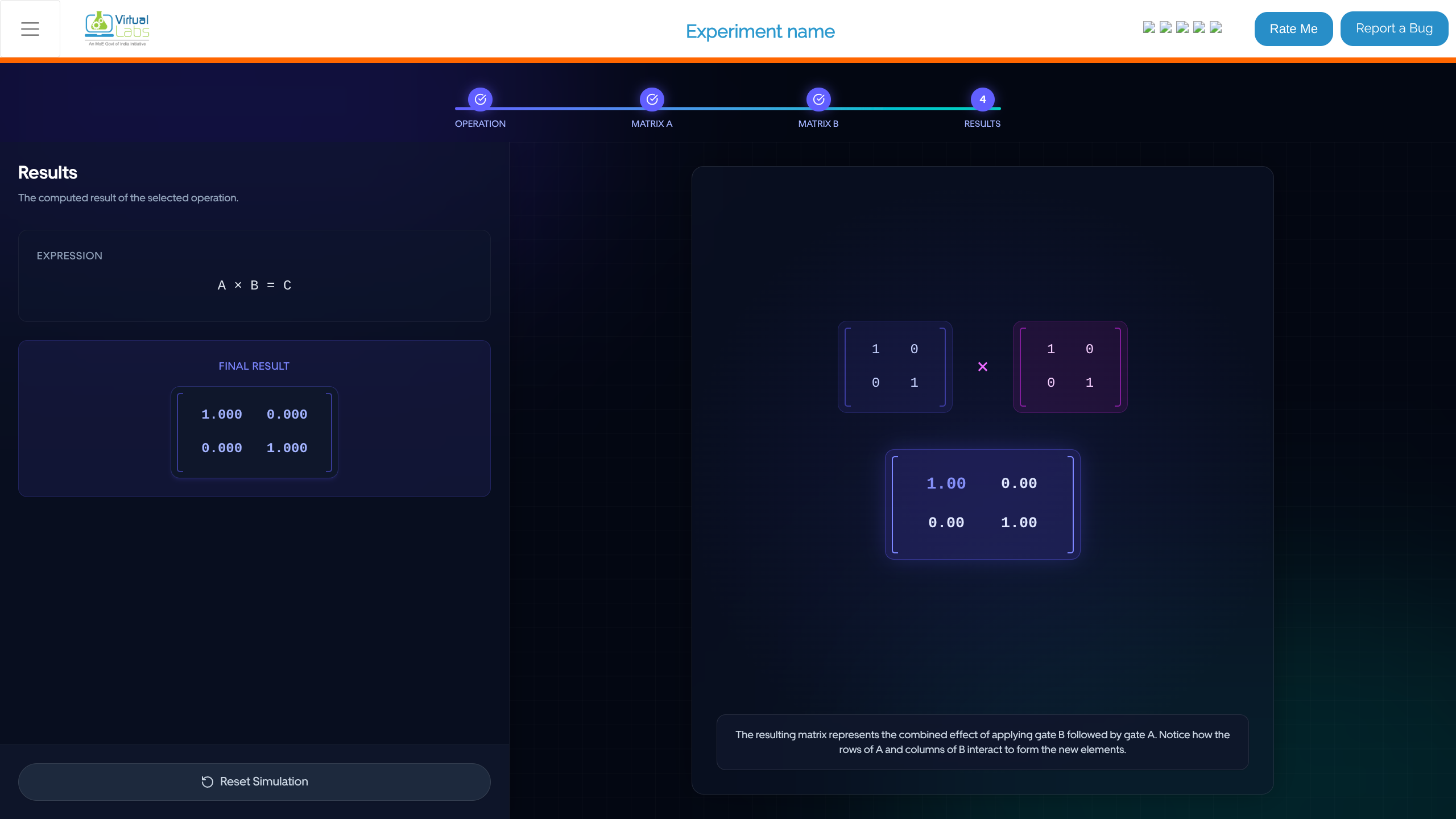
- In the "Results" stage, review the mathematical output of your chosen operation.
- Observe the "EXPRESSION" (e.g., A + B = C, or A x B = C).
- View the "FINAL RESULT" matrix prominently displayed on the canvas.
- Read the explanation at the bottom (e.g., "The resulting matrix represents the combined effect of applying gate B followed by gate A...").
- Click Reset Simulation to go back to the beginning and try another sequence or operation.