
Handoff 
Procedure
Follow the instructions given below to perform the experiments:-
Step1: Enter your name then click on START SIMULATION button to start experiment.
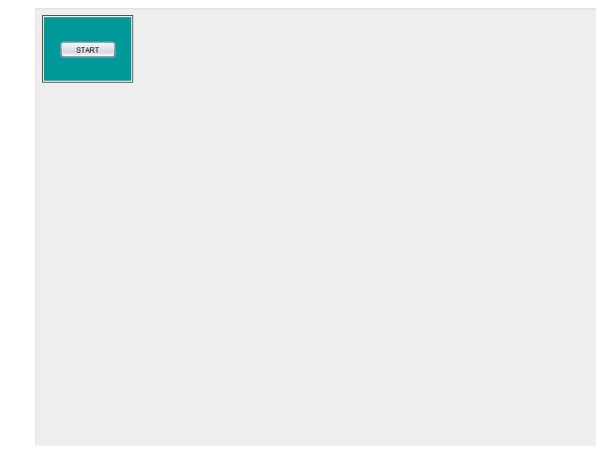
Step2: Select the parameters (e.g.: Reuse, Environment, Beamwidth, Carrier frequency etc.)
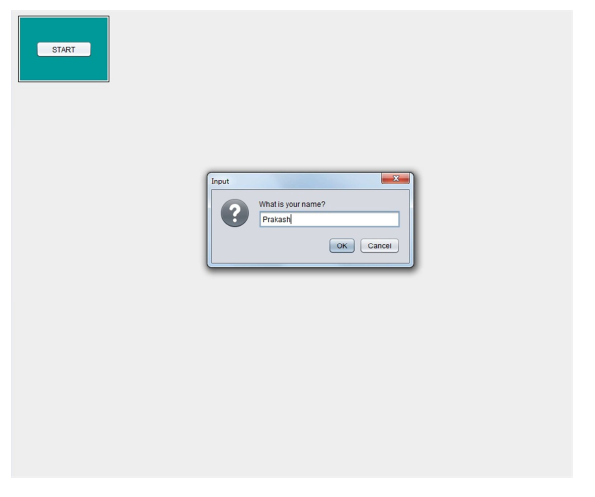
Step3: Click on START button and observe No. of Call Drops and No. of Handoffs. After start, you will notice the color of the mobile image changing from black to red if the mobile has entered the call-drop zone.

Step4: Click on STOP button to stop the running simulation.
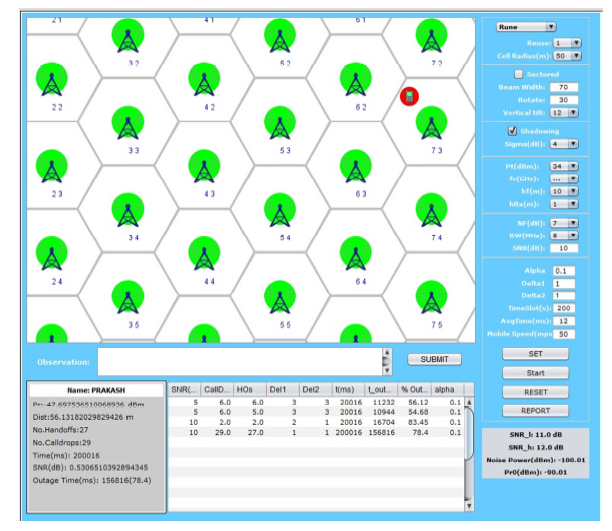
Step5: Enter your observation in the OBSERVATION box and click on the SUBMIT button.
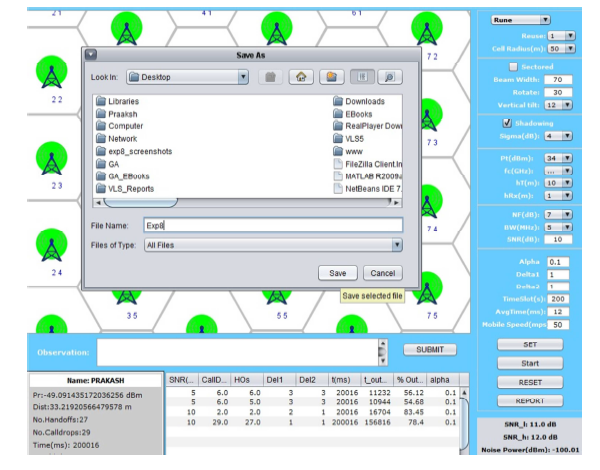
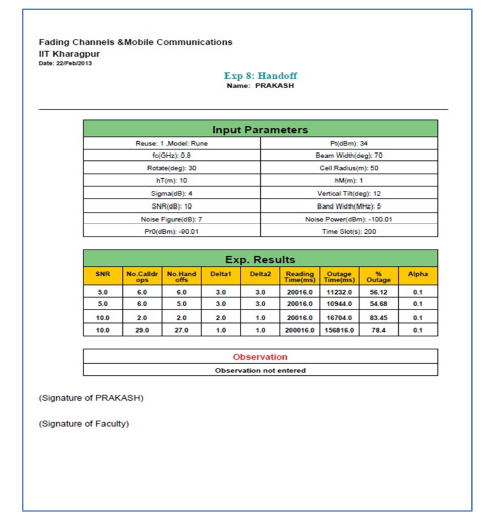
Step6: Finally, click on REPORT to generate PDF report of the experiment.
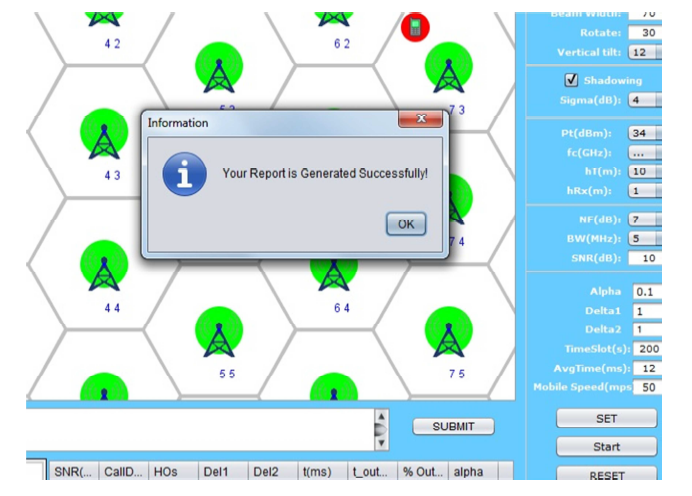
Step7: After PDF report generation you will get following message.
Step8: PDF report will appear like this.
Step9: To redo experiment click on RESET button.