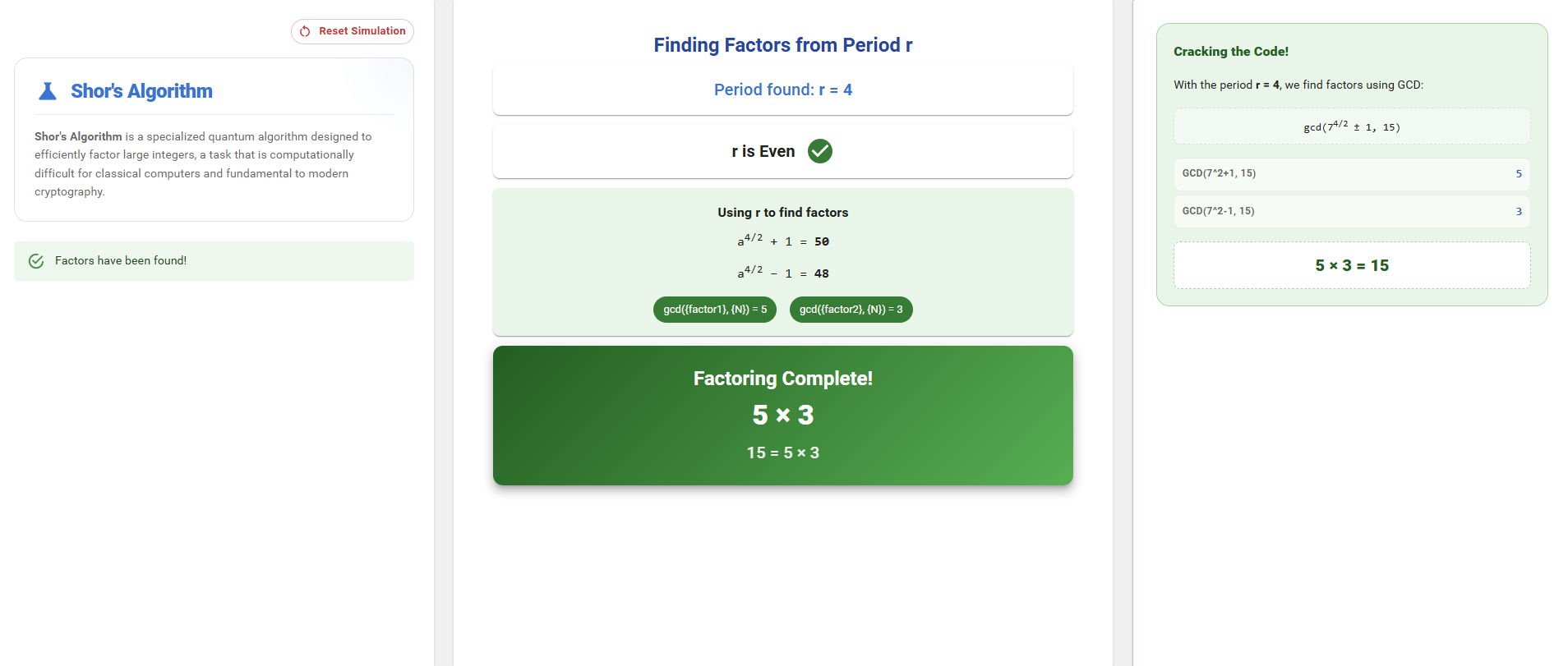
Factorization Using Shor’s Algorithm
Enter a Number to Factor:
Enter a composite number that you want to factor and click the Confirm button.
Choose a Coprime Number:
Select a number a that is coprime with the chosen number (N), then click the Set A button to proceed.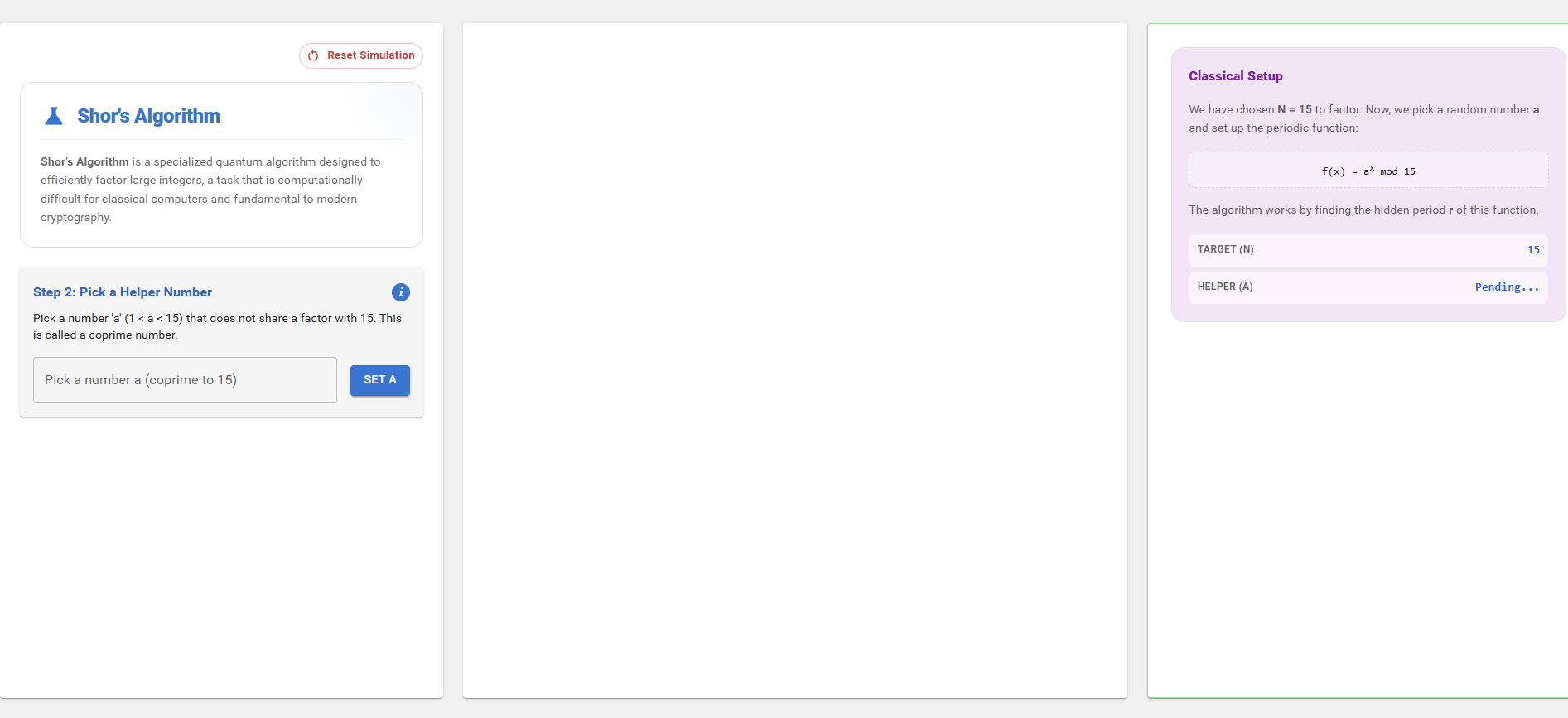
Observe Initialization:
The simulation initializes two quantum registers. Observe the initialized registers and click the Next button to move to the next step.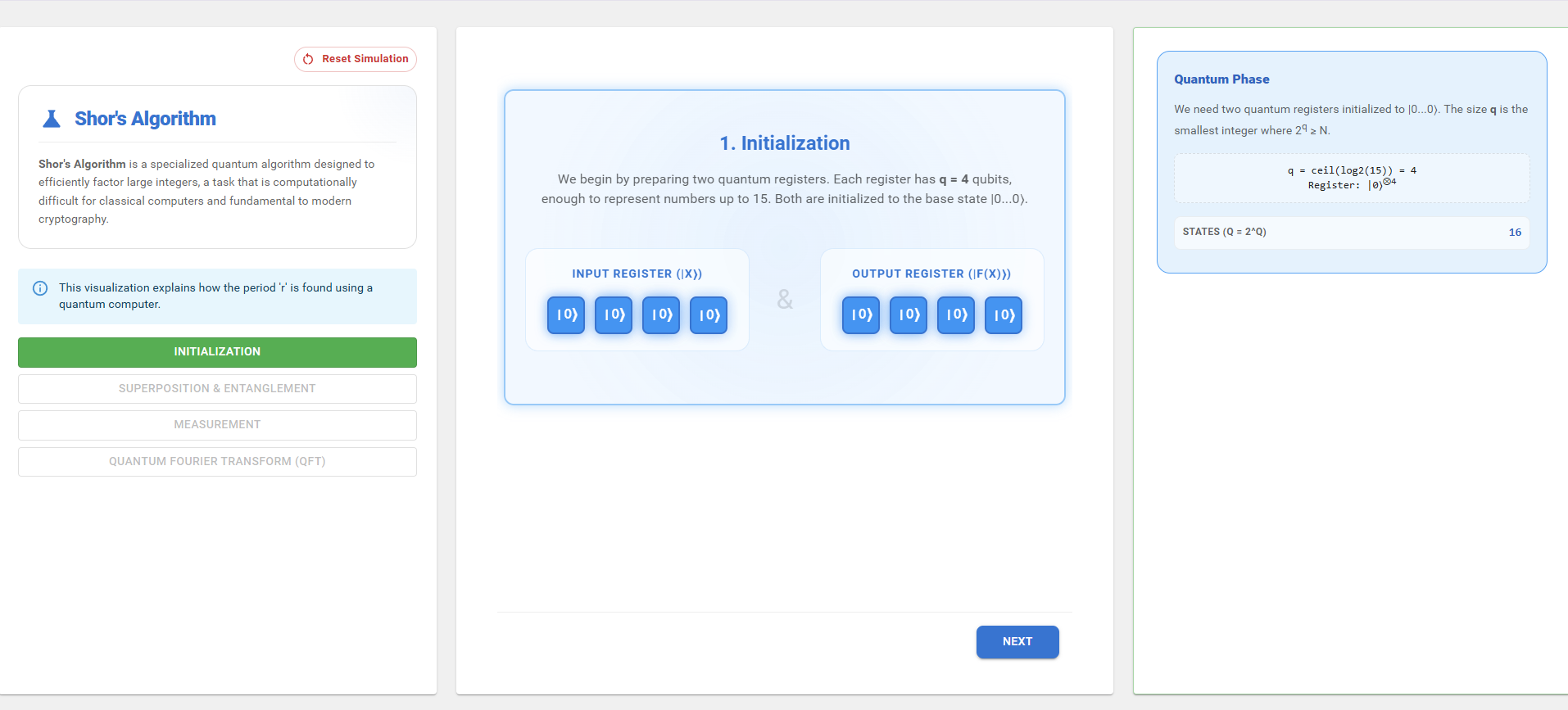
Observe Superposition and Modular Mapping:
The system creates a superposition of input states and performs modular exponentiation mapping. Observe how the input register states map to the output register values.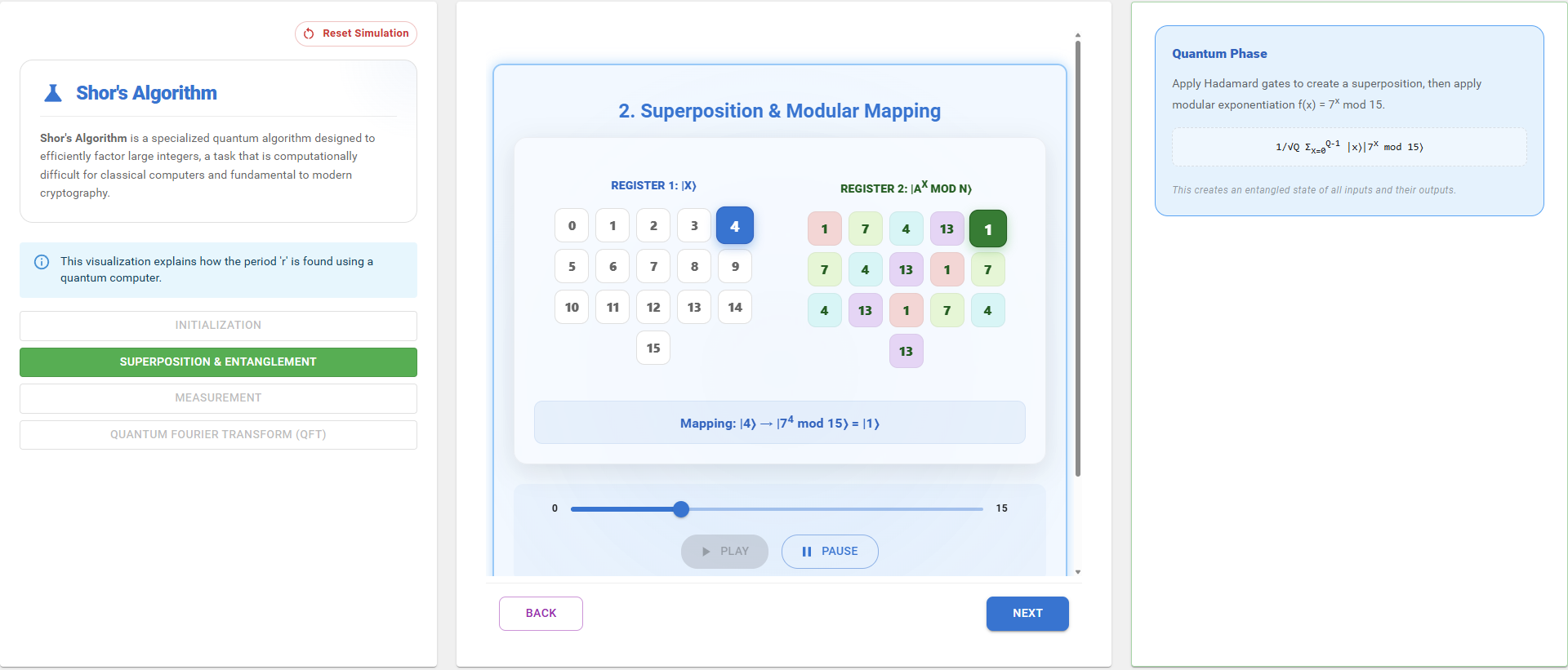
Perform Measurement:
Click one of the output values to perform a measurement and observe how the quantum state collapses based on the selected result.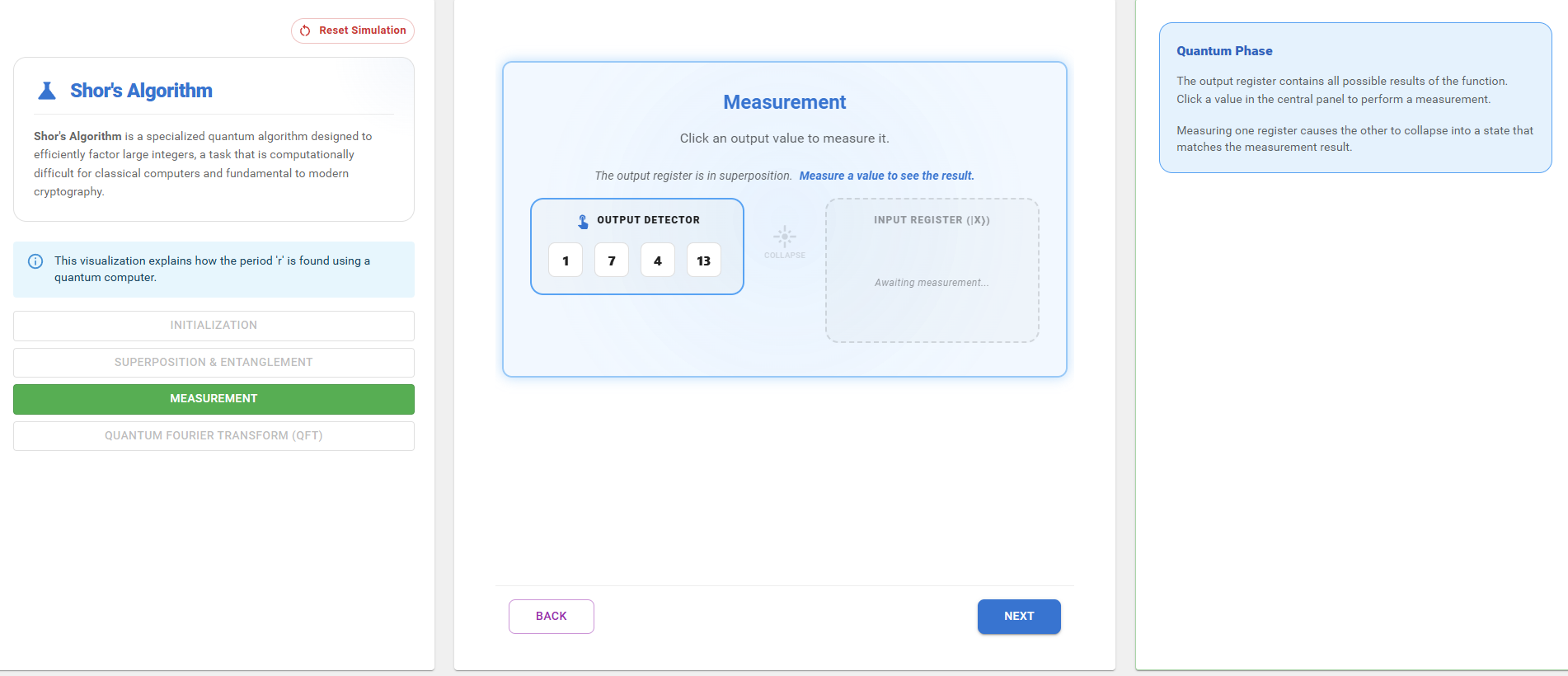
Apply Quantum Fourier Transform (QFT):
Click the Apply QFT button. The Quantum Fourier Transform converts the periodic structure of the state into frequency peaks that help identify the period (r).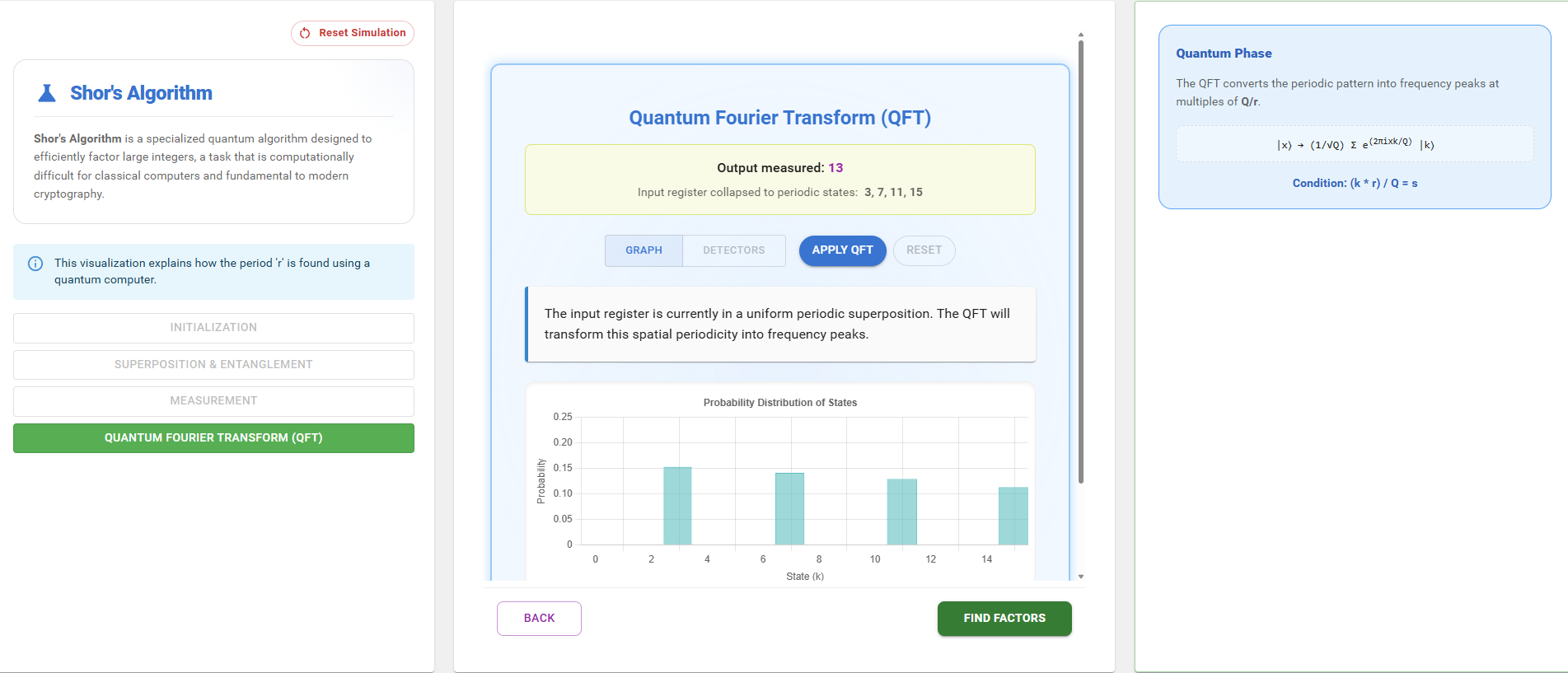
Determine the Factors:
Using the discovered period (r), the simulation computes the factors of the chosen number (N). Observe the calculated factors displayed in the simulation.