
Elongation Index of the Coarse Aggregate
Step 1: Weighing Coarse Aggregate Sample
• Click on the tray to place it on the weighing balance.
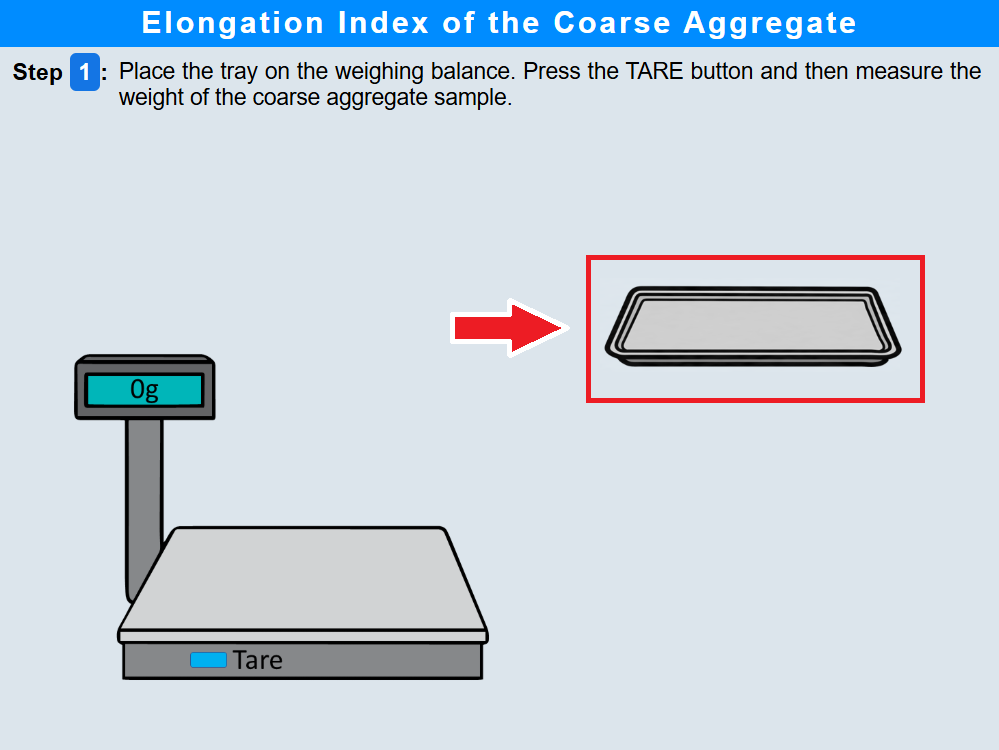
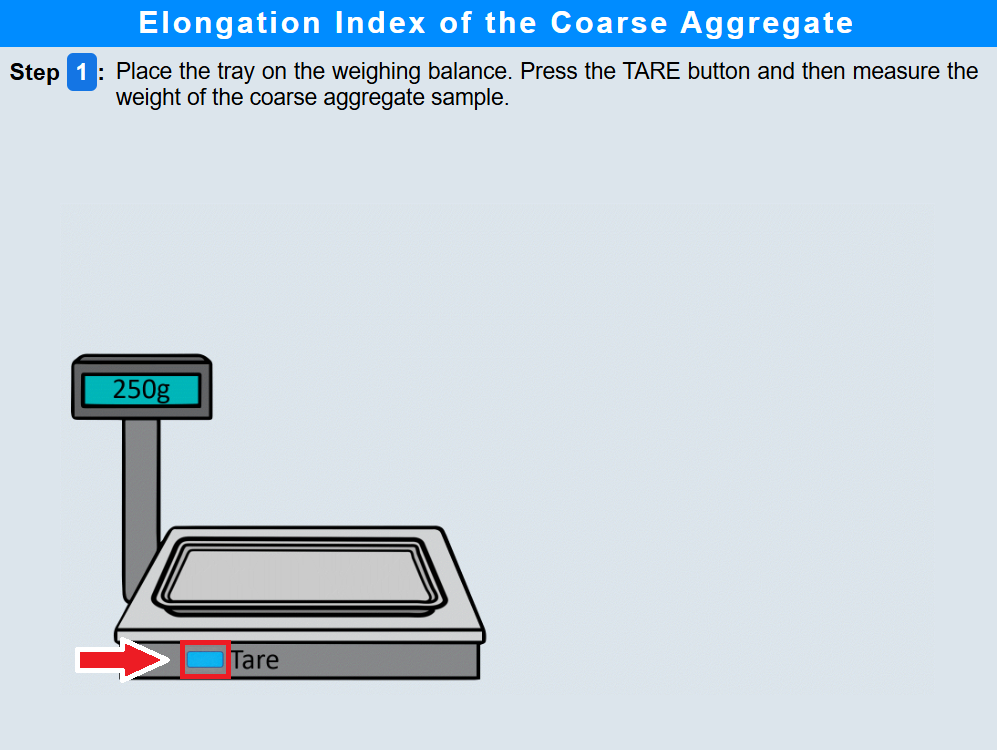
• Click the "TARE" button to zero the balance .
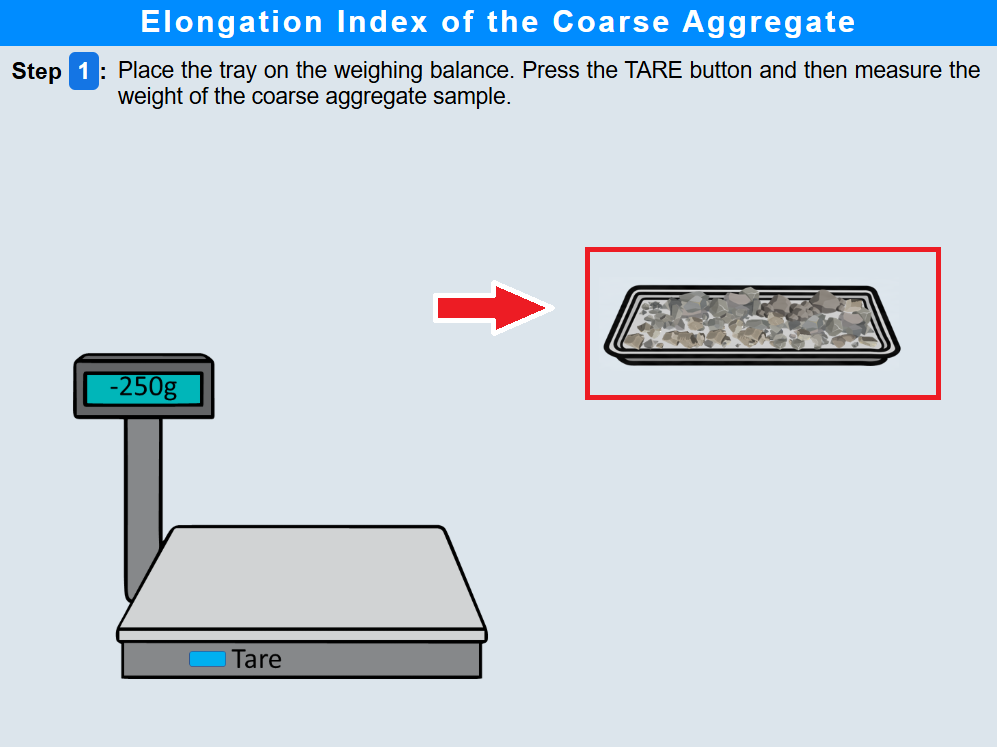
• Click on the coarse aggregate sample to measure its weight .
• Click the "Next Step" button.
Step 2: Preparation for Sieve Analysis of Coarse Aggregates
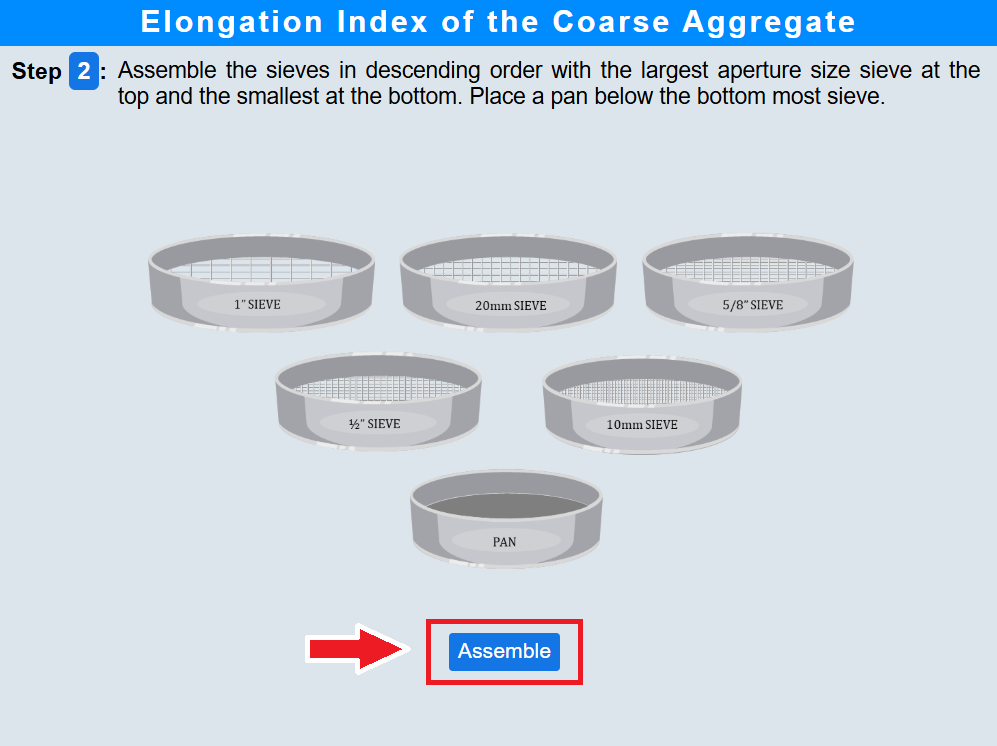
• Click on the Assemble button to assemble sieves in descending order.
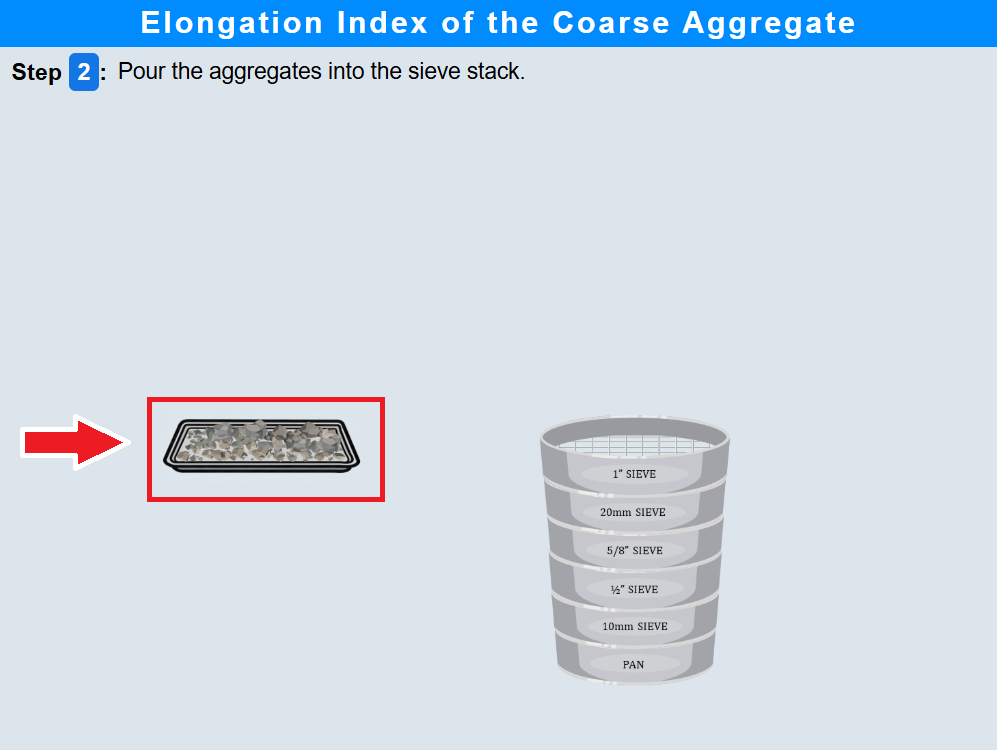
• Click on the aggregate sample to pour into the sieve stack .
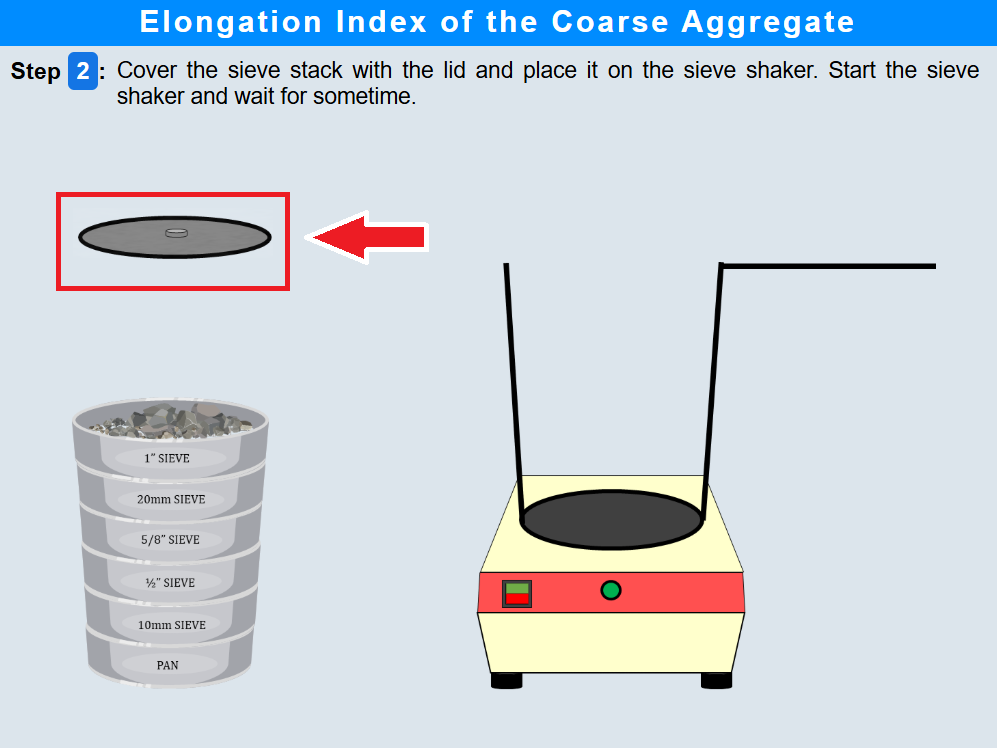
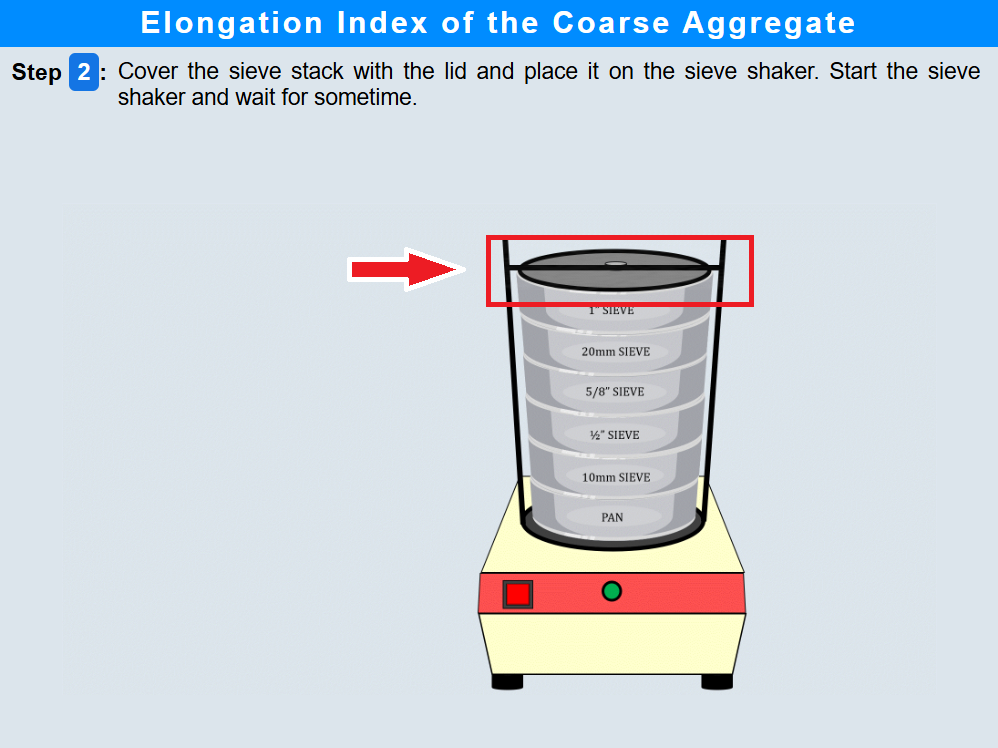
• Click on the lid to cover the sieve stack
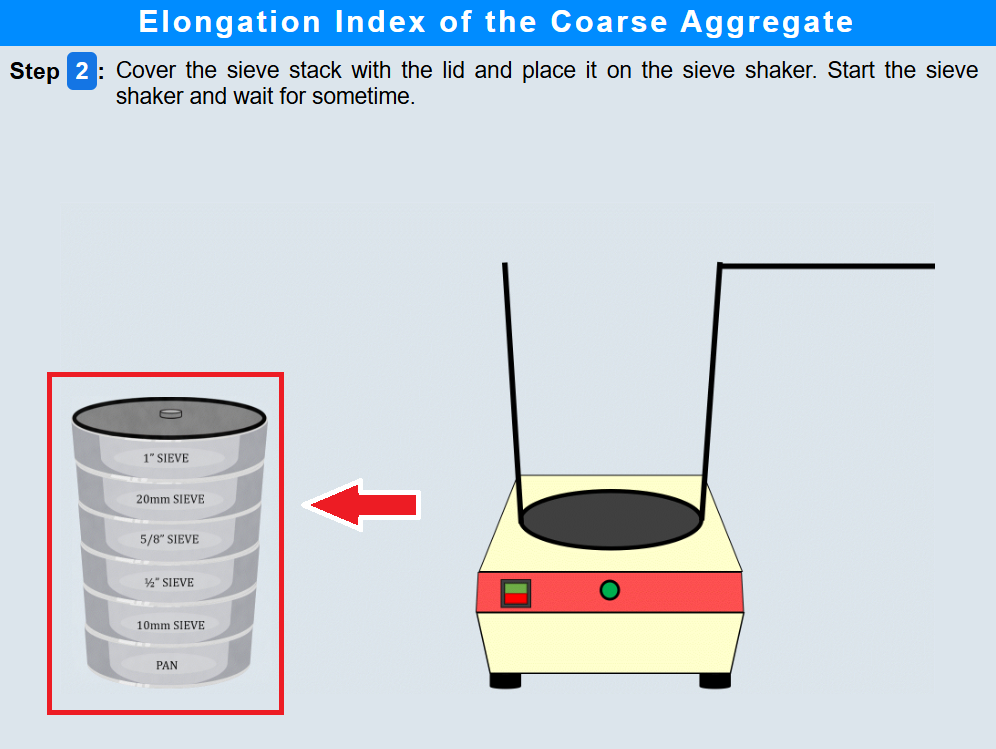
• Click on the sieve shaker to place it on the sieve shaker.
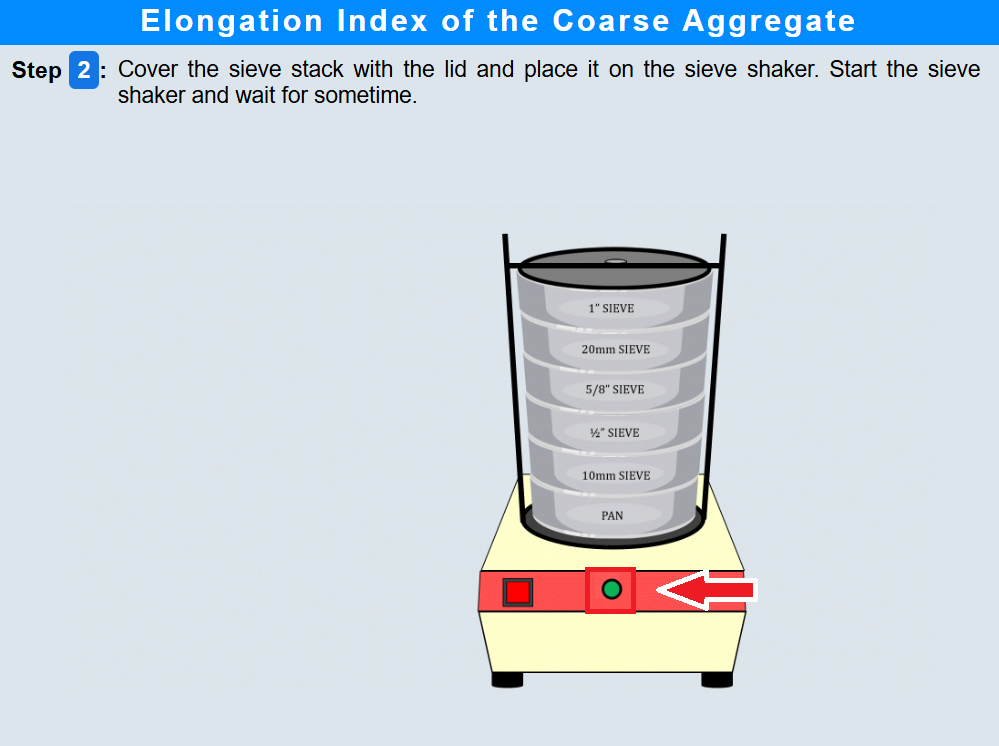
• Click on the Tare button to start shaking.
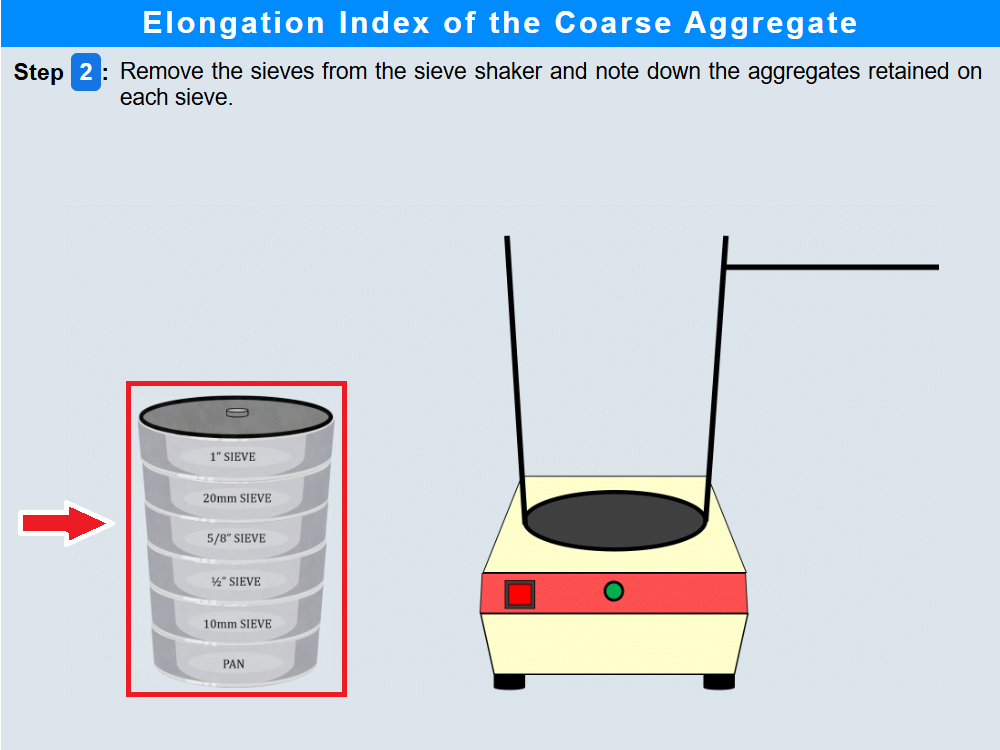
• Click on the lid to remove sieve from the shaker.
• Click on the sieve and note down the aggregates.
• Click the "Next Step" button.
Step 3: Aggregate Size Analysis Using 25–20 mm Gauge
• Click on each aggregate particle to pass through the 25-20mm gauge.
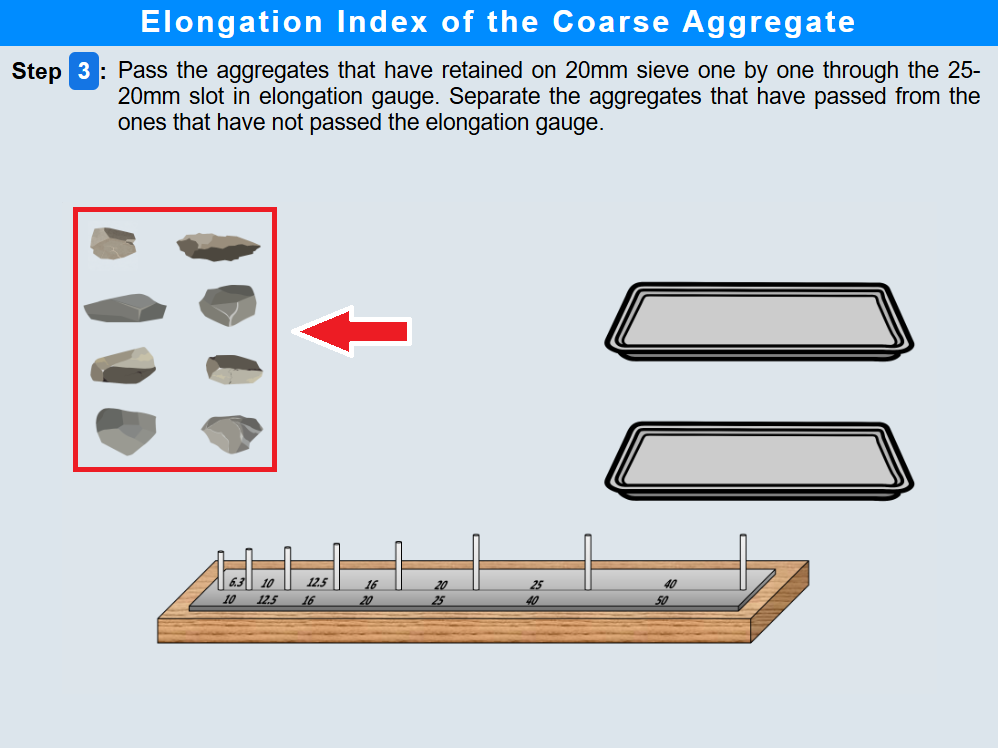
• Click on the aggregates tray to weigh passing aggregates.
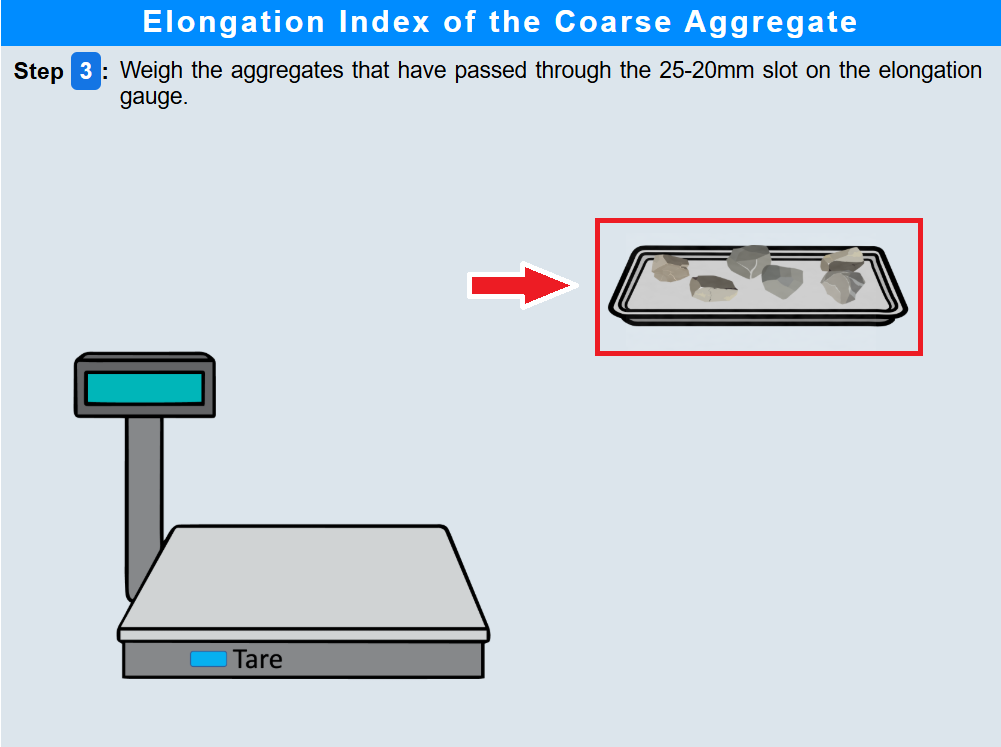
• Click the "Next Step" button.
Step 4: Aggregate Size Analysis Using 20–16 mm Gauge
• Click on aggregate particles to pass through the 20-16mm gauge.
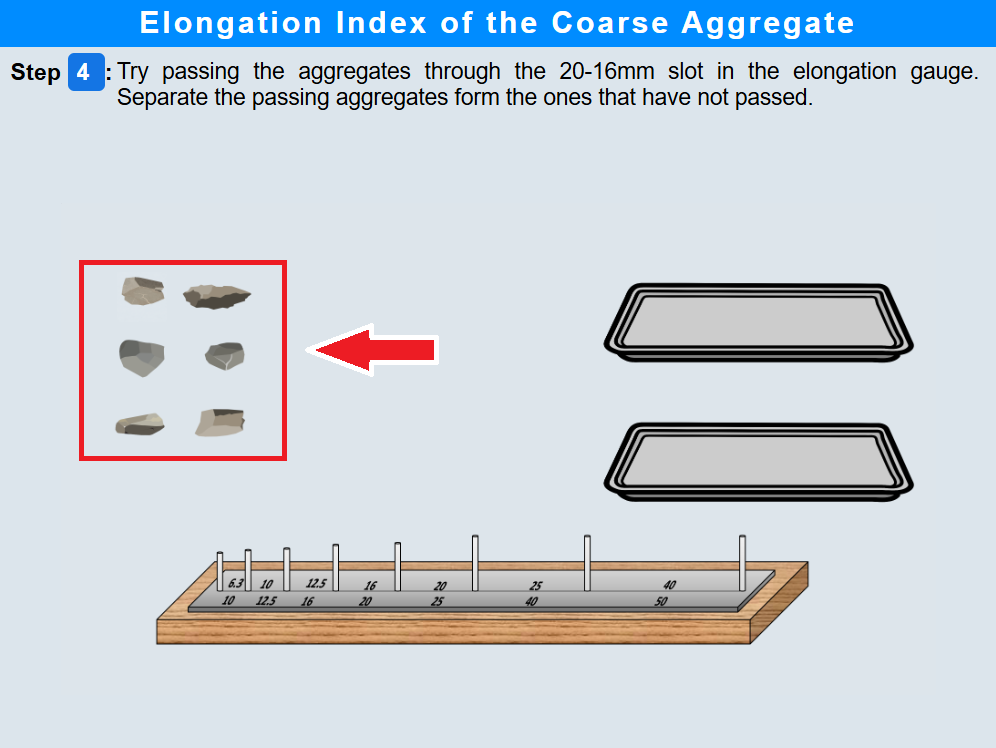
• Click on the aggregates tray to weigh passing aggregates.
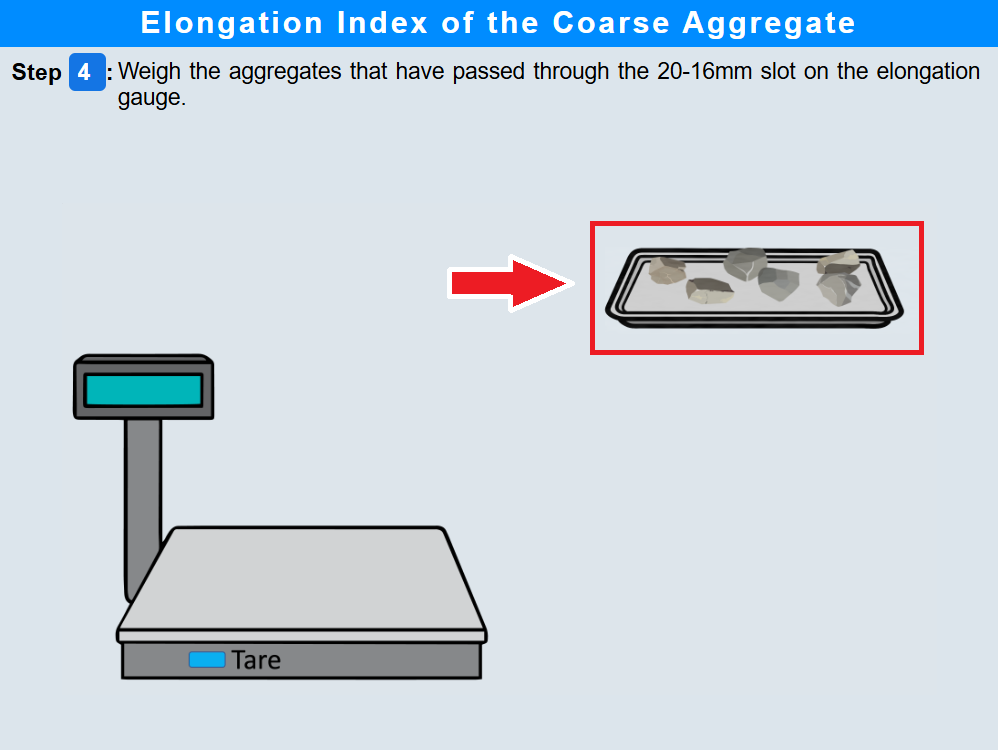
• Click the "Next Step" button.
Step 5:Aggregate Size Analysis Using 16.5–12 mm Gauge
• Click on aggregate particles to pass through the 16.5-12mm gauge.
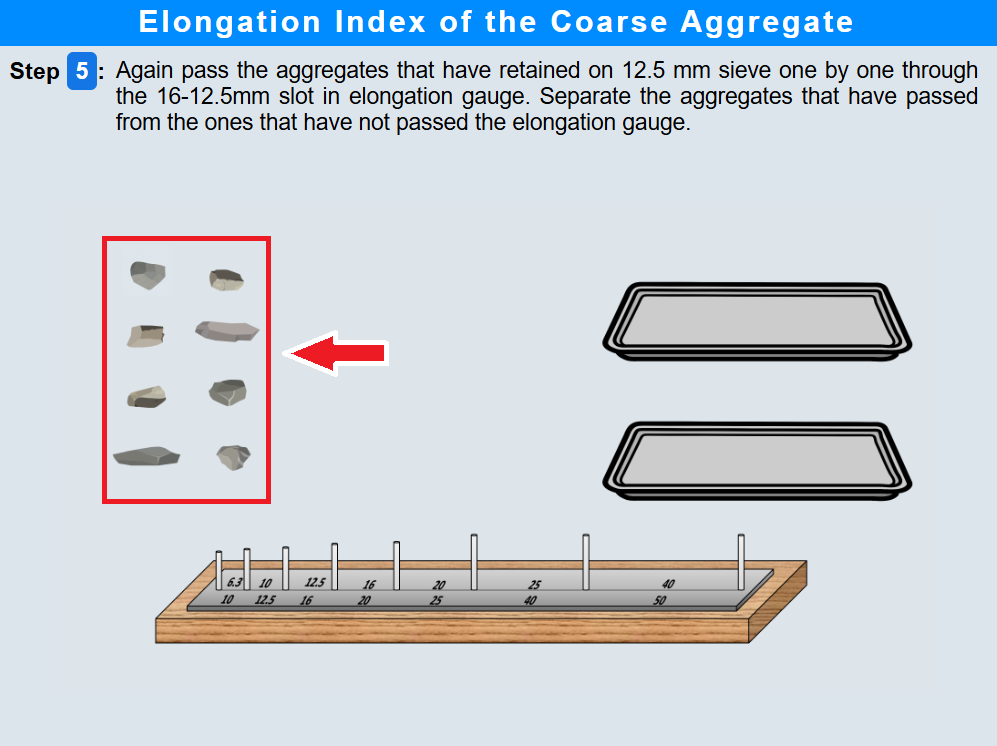
• Click on the aggregates tray to weigh passing aggregates.
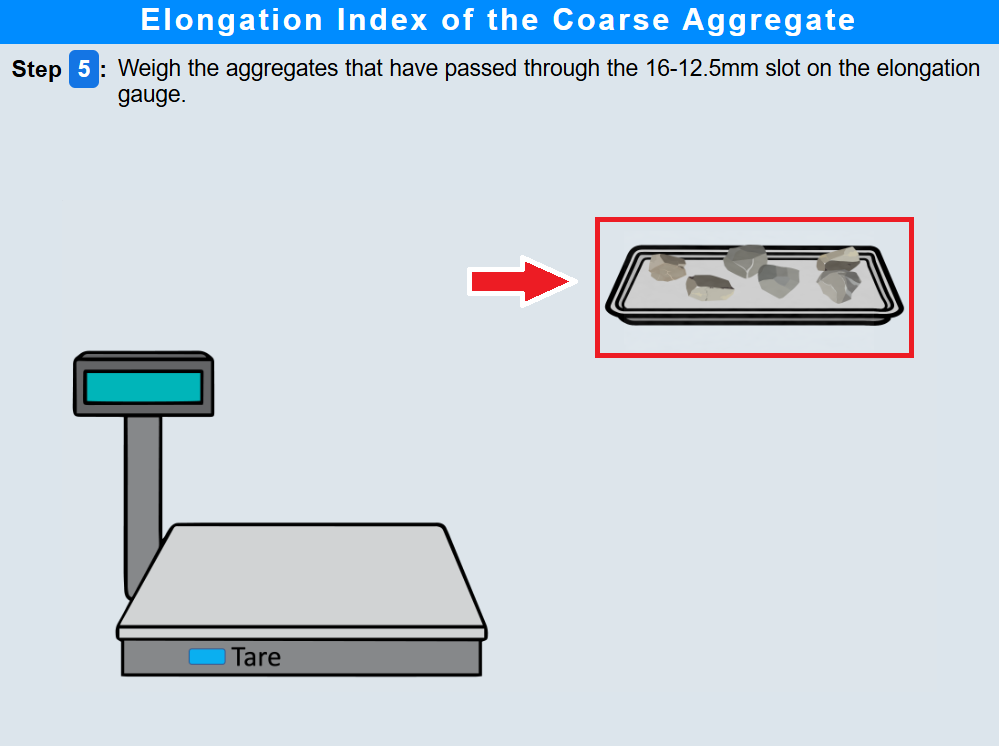
• Click the "Next Step" button.
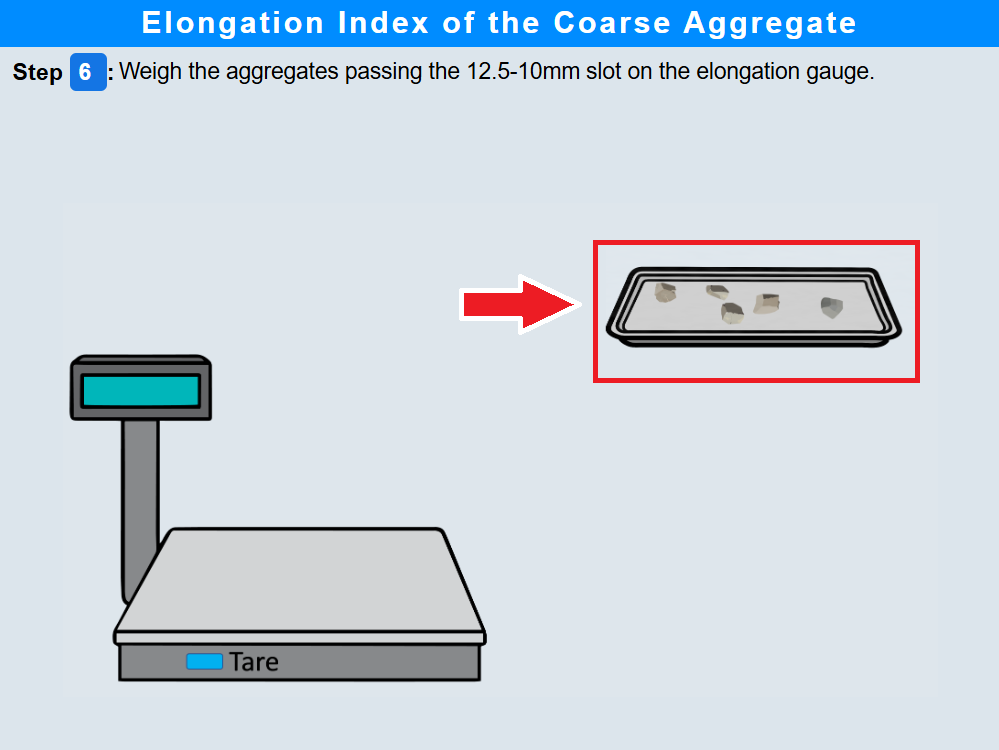
Step 6:Aggregate Size Analysis Using 12.5–10 mm Gauge
• Click on aggregate particles to pass through the 12.5-10mm gauge.
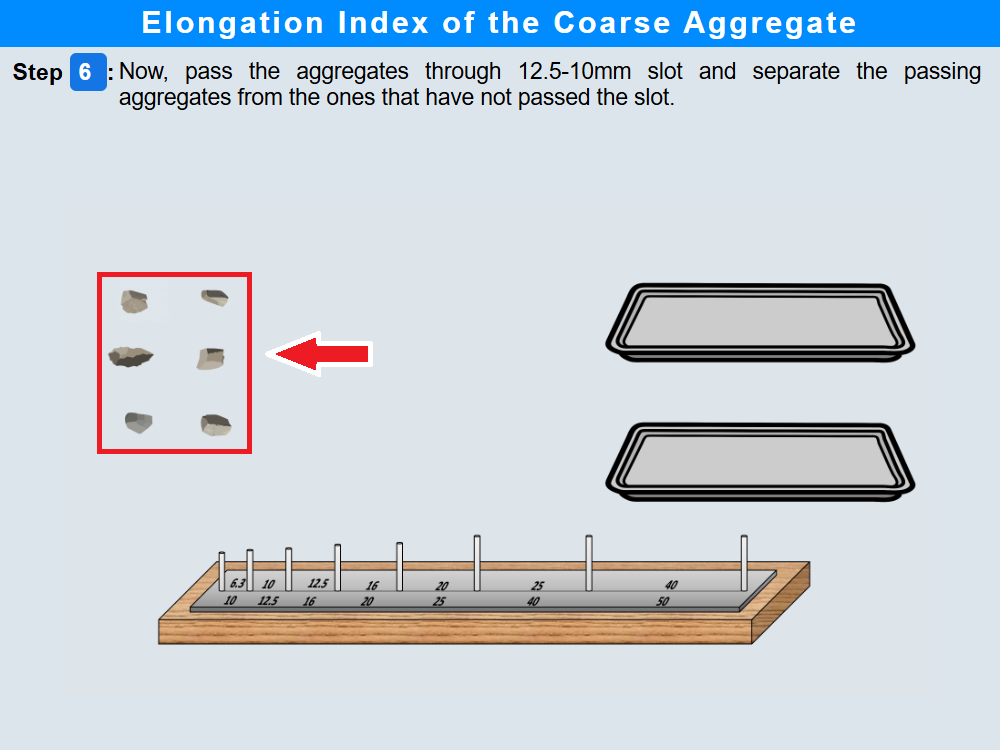
• Click on the aggregates tray to weigh passing aggregates.
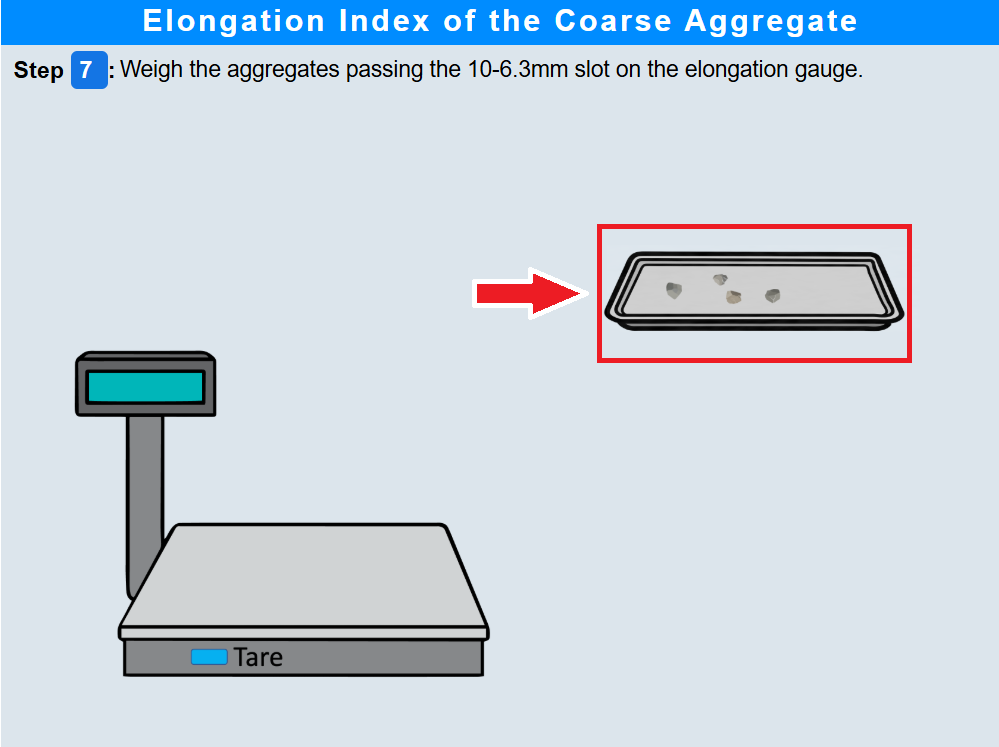
Step 7 : Aggregate Size Analysis Using 10–6.3 mm Gauge
• Click on aggregate particles to pass through the 10-6.3mm gauge .
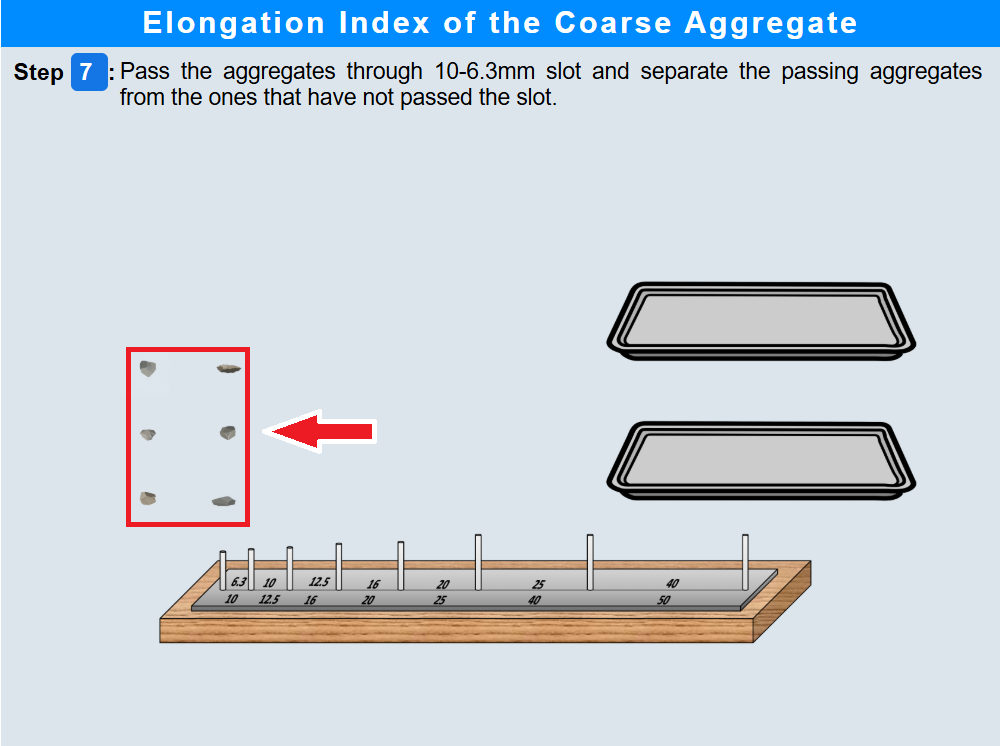
• Click on the weighing balance to weigh passing aggregates.
• Click the "Next Step" button.
Step 8: Results
• Click the "Show Results" button.