CFG Converter
Step 1 — Select an Example
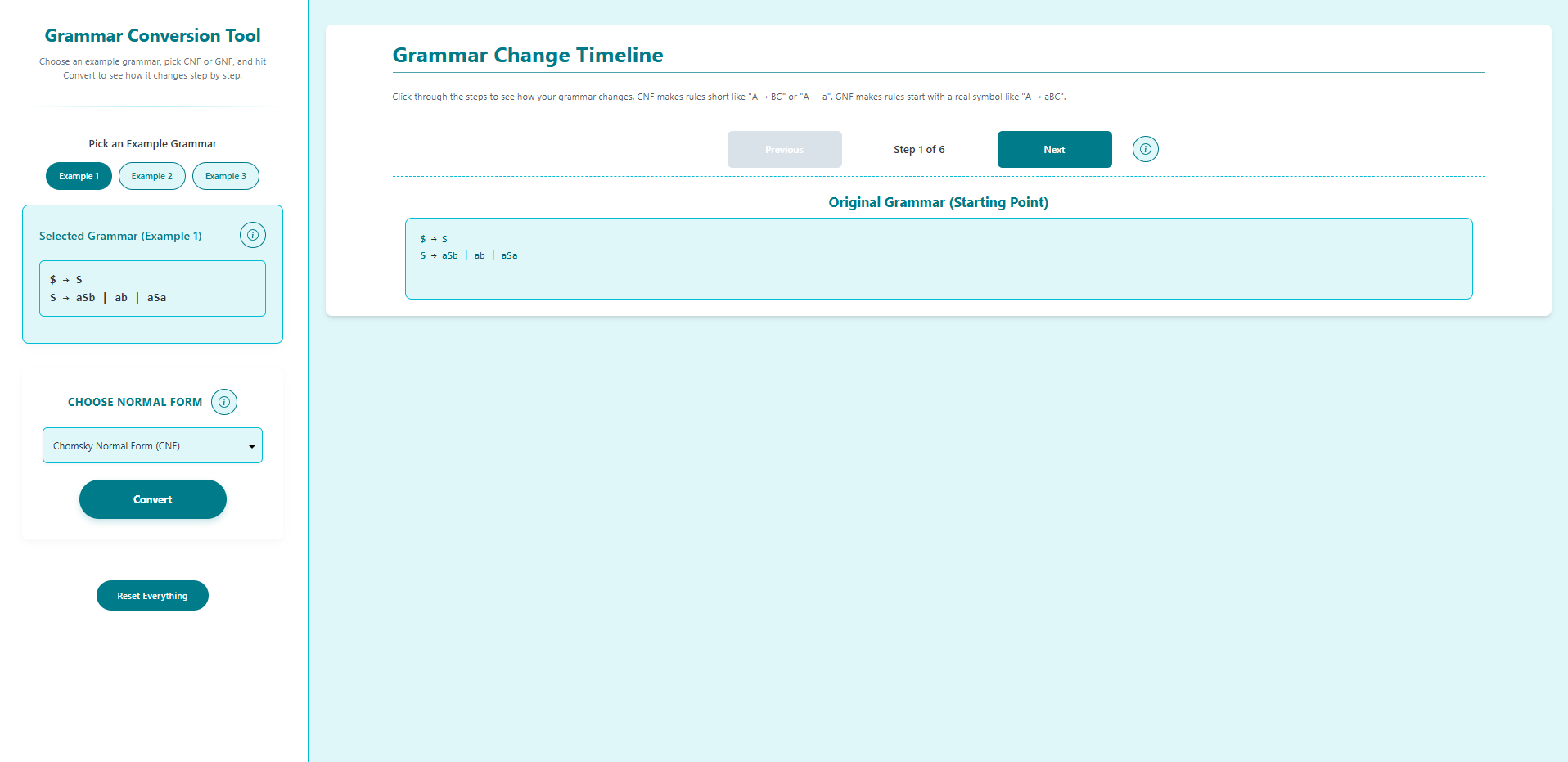
- Open the CFG Conversion Simulator.
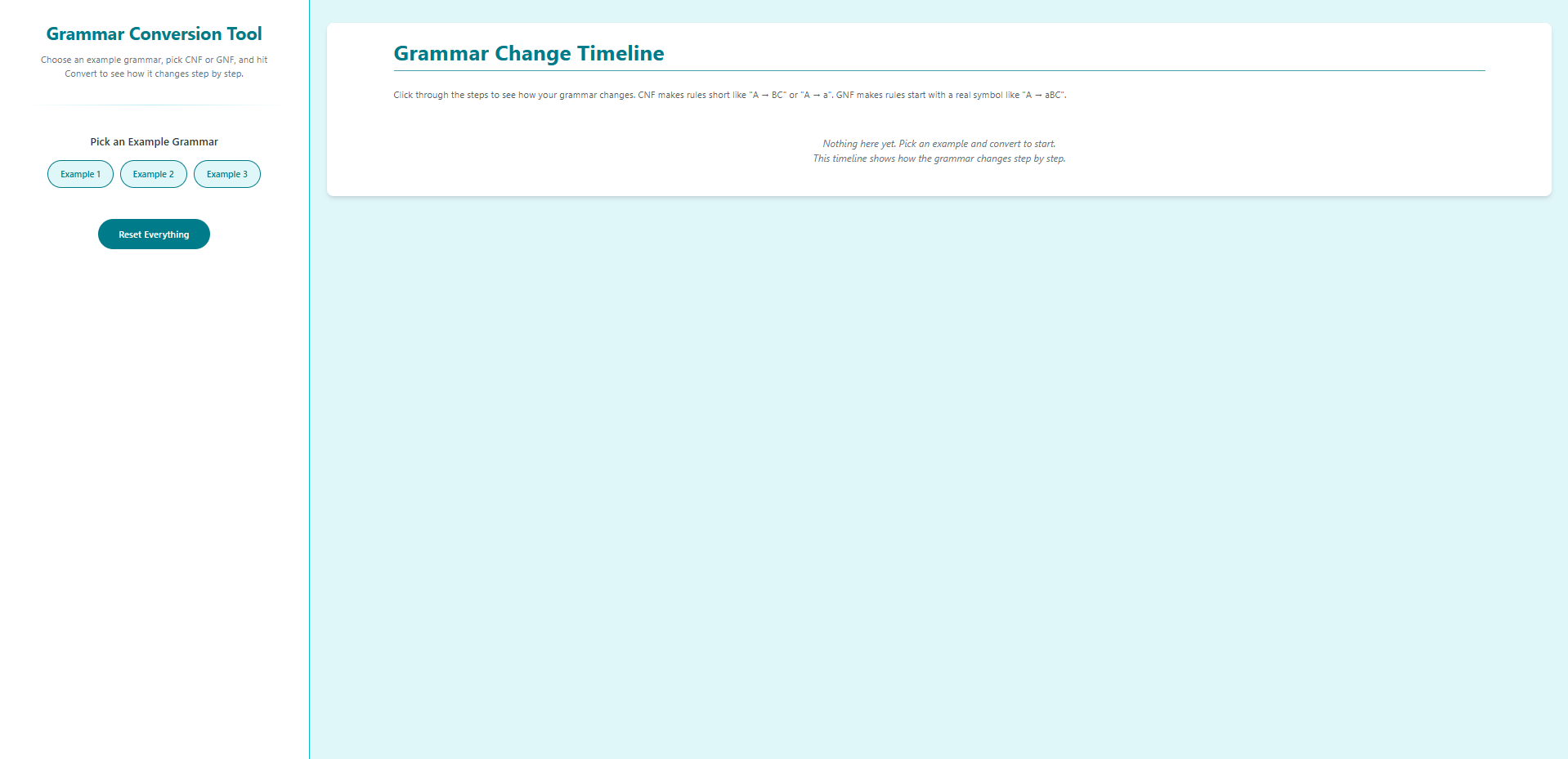
- Navigate to Select an Example Grammar.
Step 2 — Choose an Example Grammar
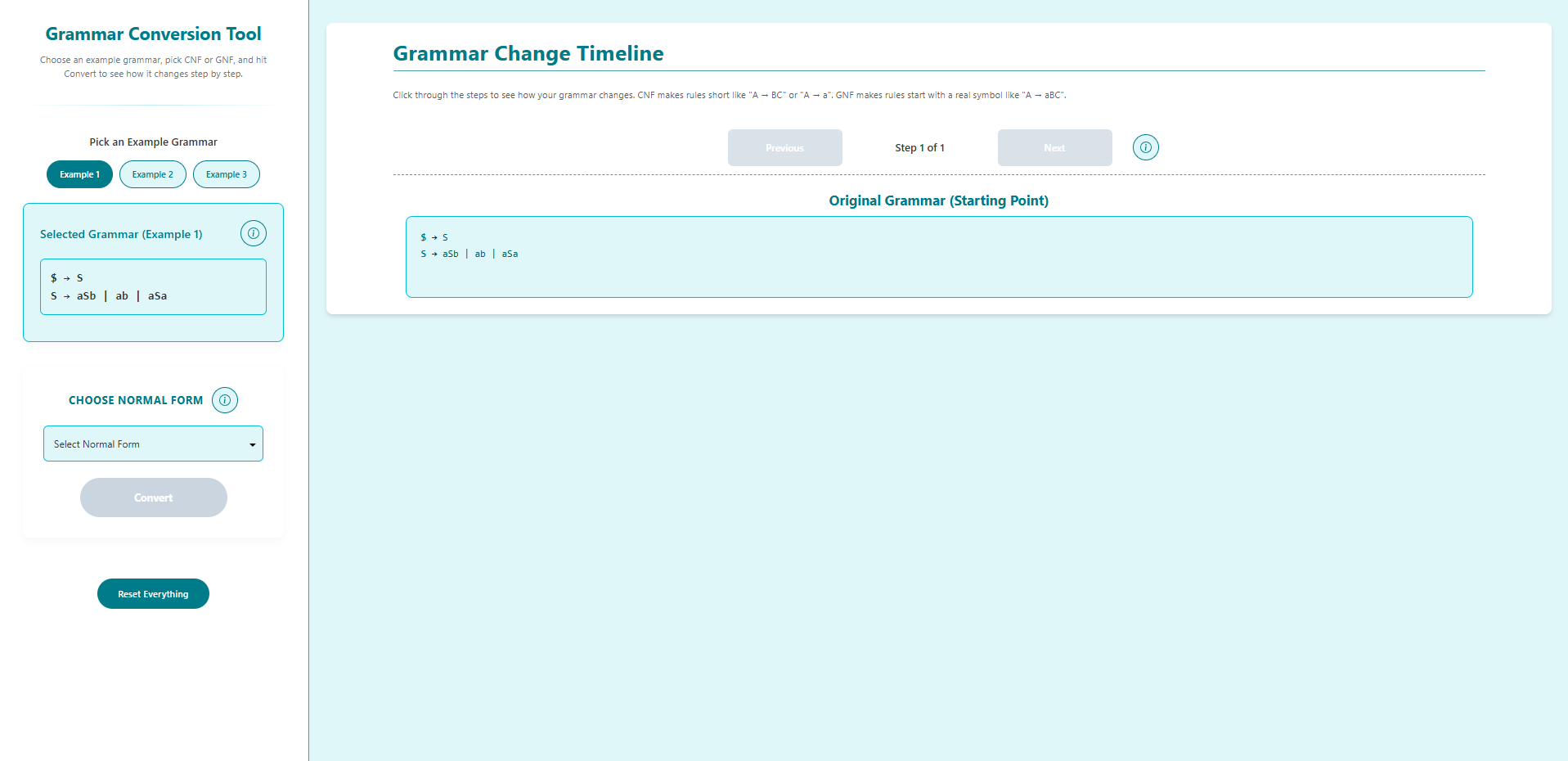
- Click on one of the example buttons: Example 1, Example 2, or Example 3.
- The Original Grammar panel will populate with the selected grammar.
Step 3 — Pick a Conversion Form
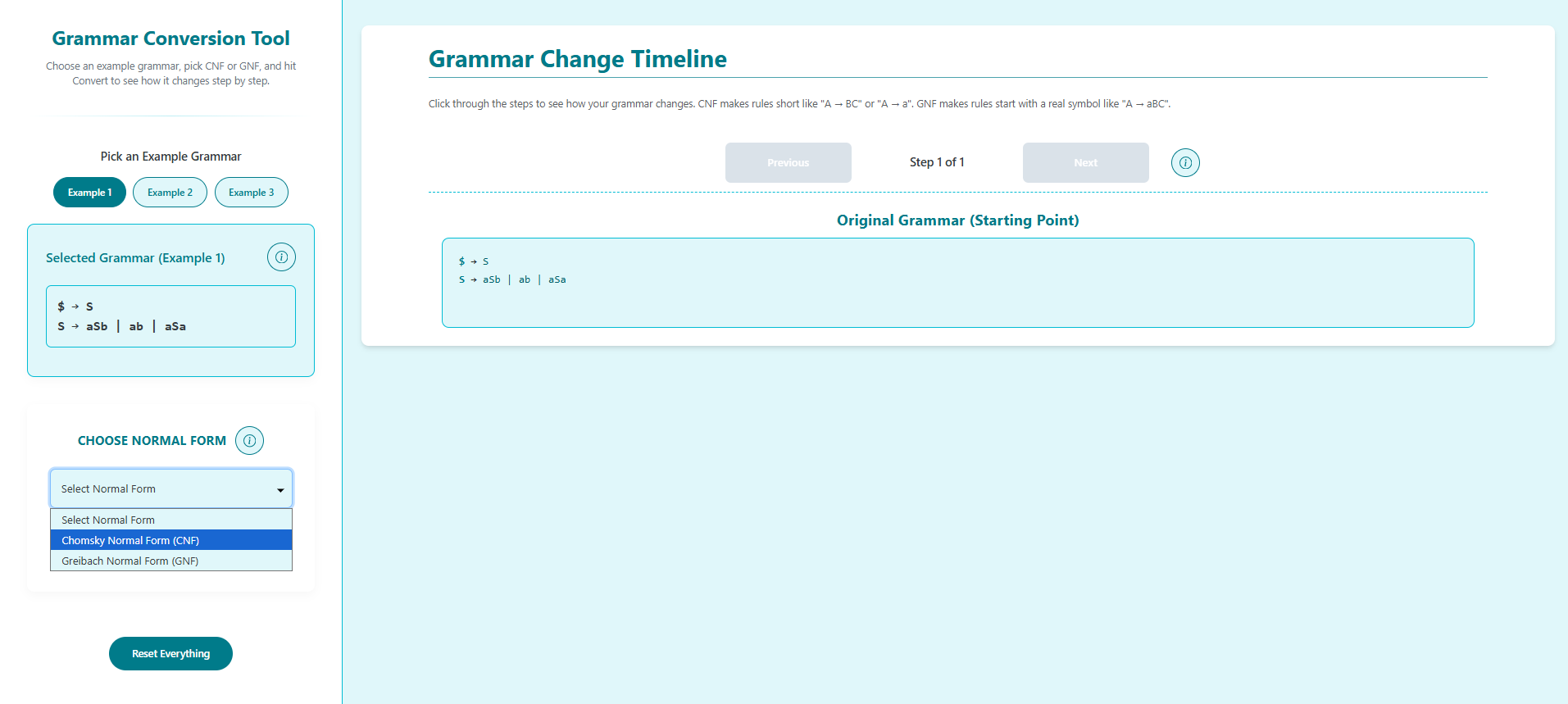
- In Pick a Normal Form for Conversion, choose one of the following:
- Chomsky Normal Form (CNF)
- Greibach Normal Form (GNF)
- The conversion panel updates to reflect your selection.
- If your UI has a Convert button, click it to start the conversion.
Step 4 — Step Through the Grammar Conversion
- In the Grammar Conversion Simulator panel, use the Next button to progress through each transformation step.
- Use Previous to go back if needed.
- Follow the “Step X of N” indicator until the final step is reached.
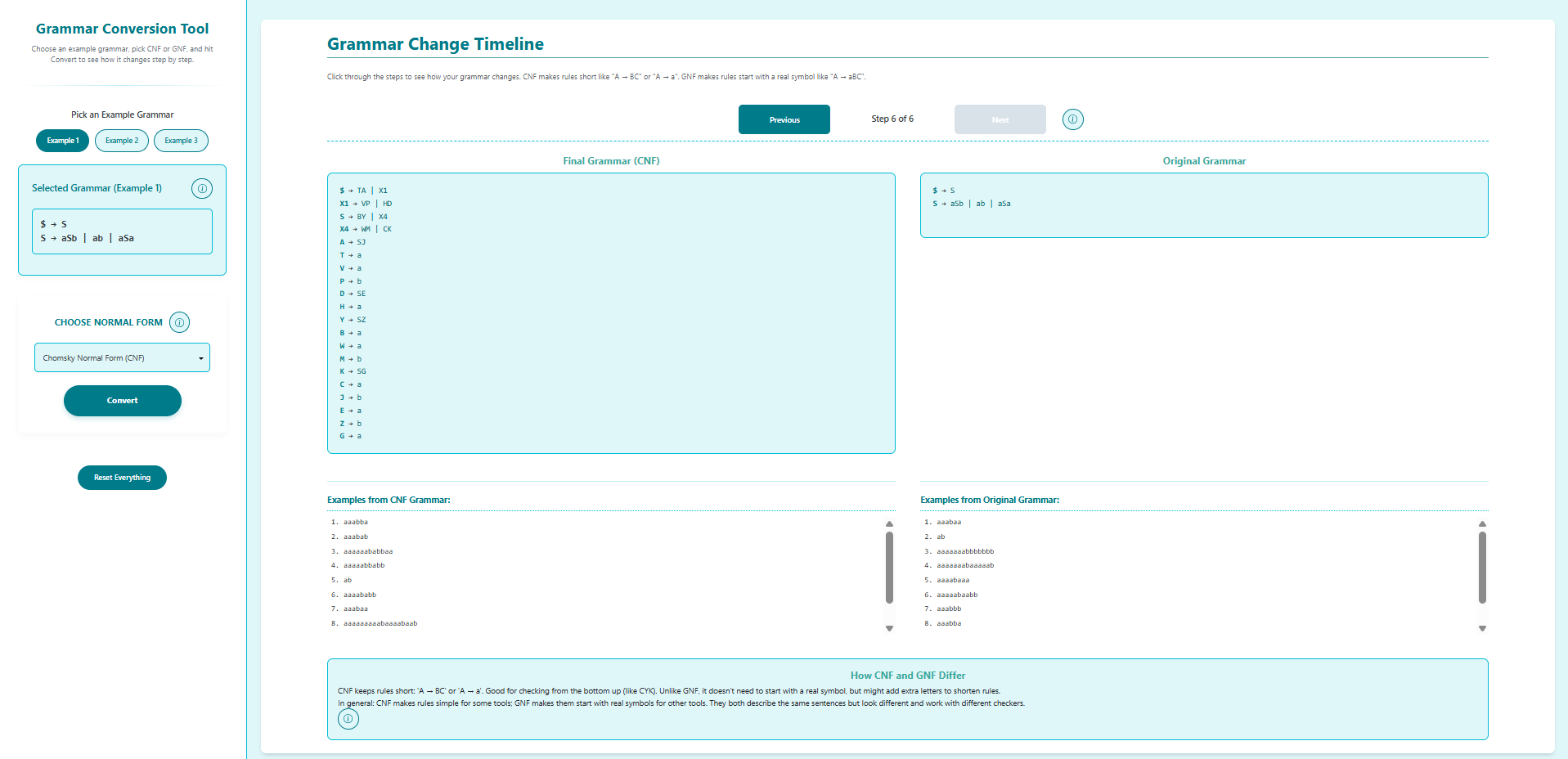
Step 5 — View Final Converted Grammar
- At the last step, compare the two panels:
- Final Converted Grammar: grammar after conversion to the chosen normal form.
- Original Grammar: grammar you started with.
- Review the example strings generated for each to verify equivalence.
- Use Previous to revisit steps or Reset to start over.