
Compressive strength of standard cement mortar cubes
1. Weighing of the sample
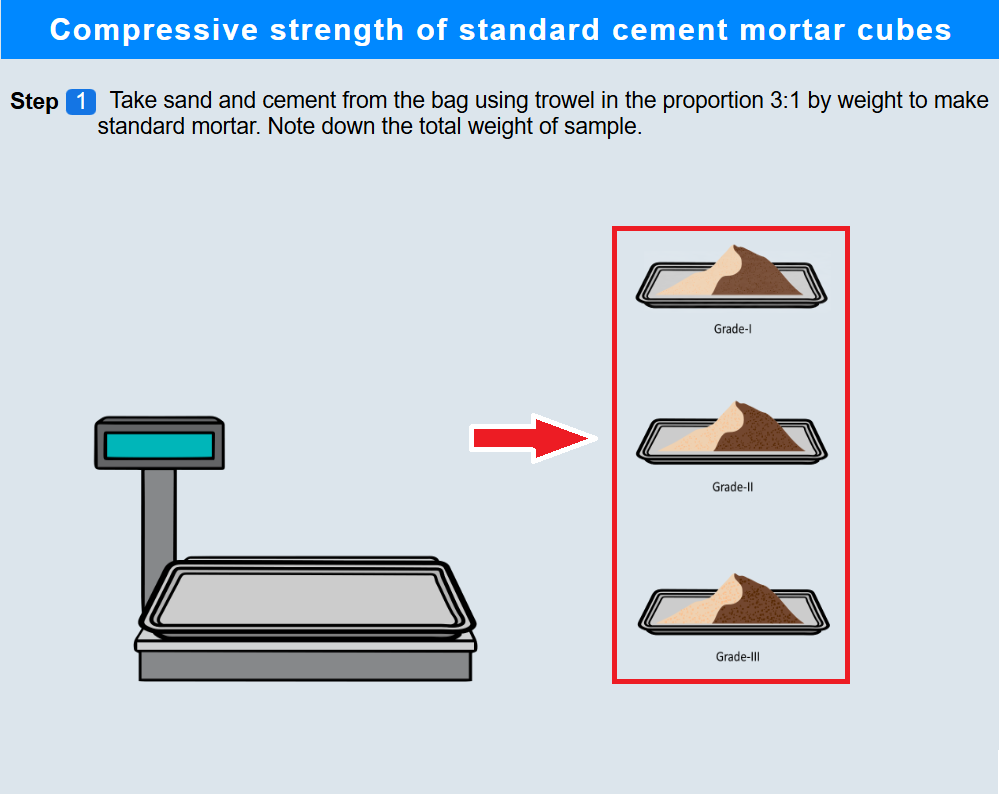
• Click on trays containing sand to measure 3 part of sand sample.
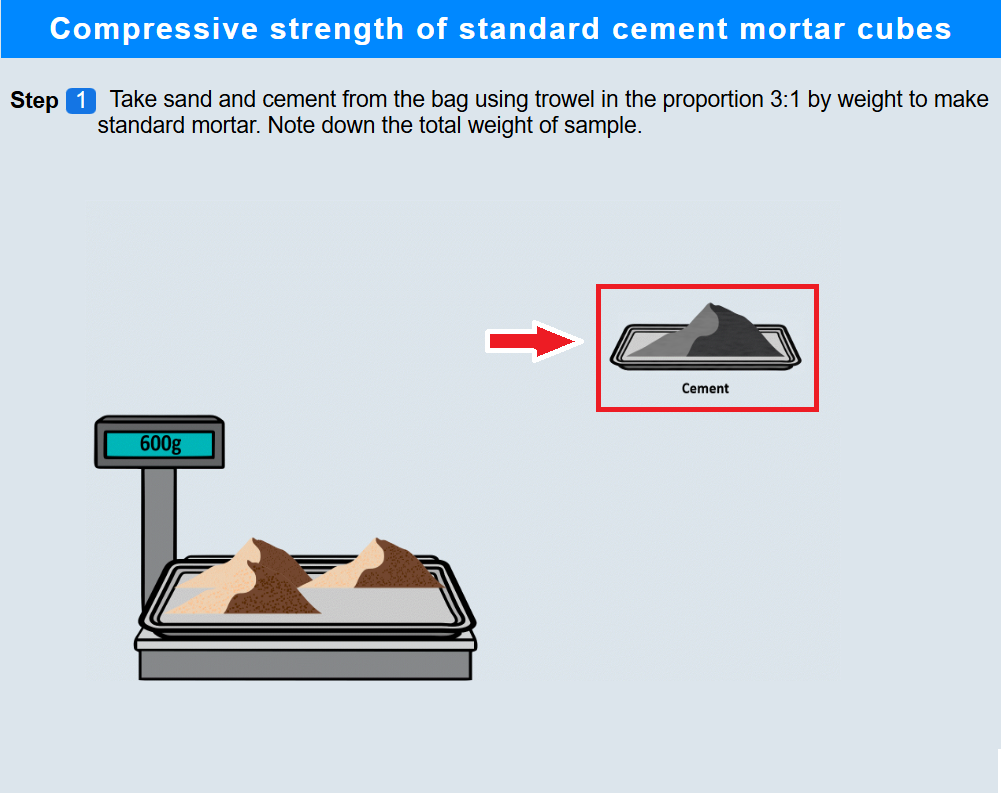
• Click on tray containing cement to measure 1 part of cement sample.
2. Transferring the sample
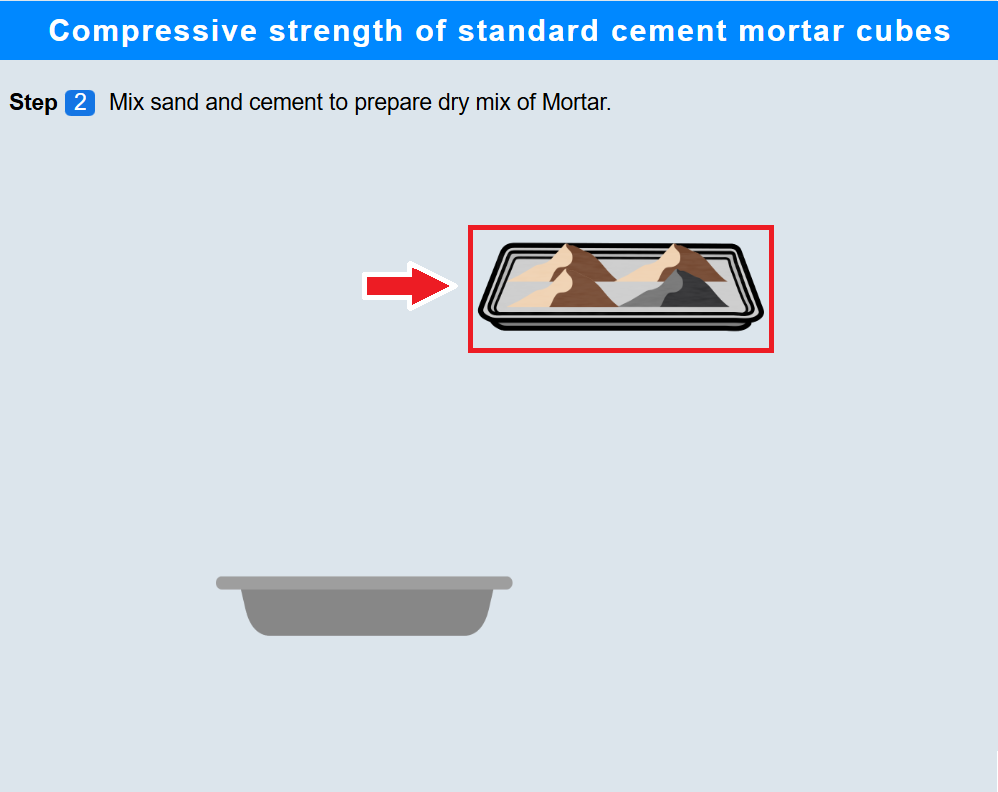
• Click on the tray containing sand and cement samples to transfer the material into the tub.
3. Measuring the water
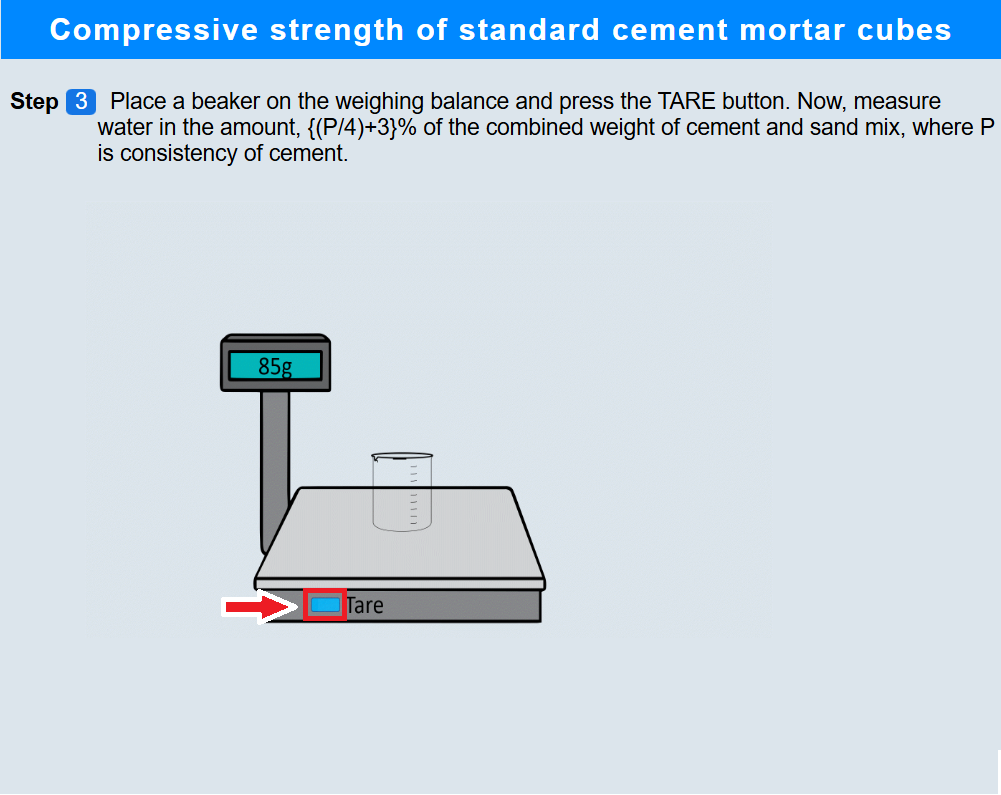
• Click on the empty beaker to put it on the weighing balance.
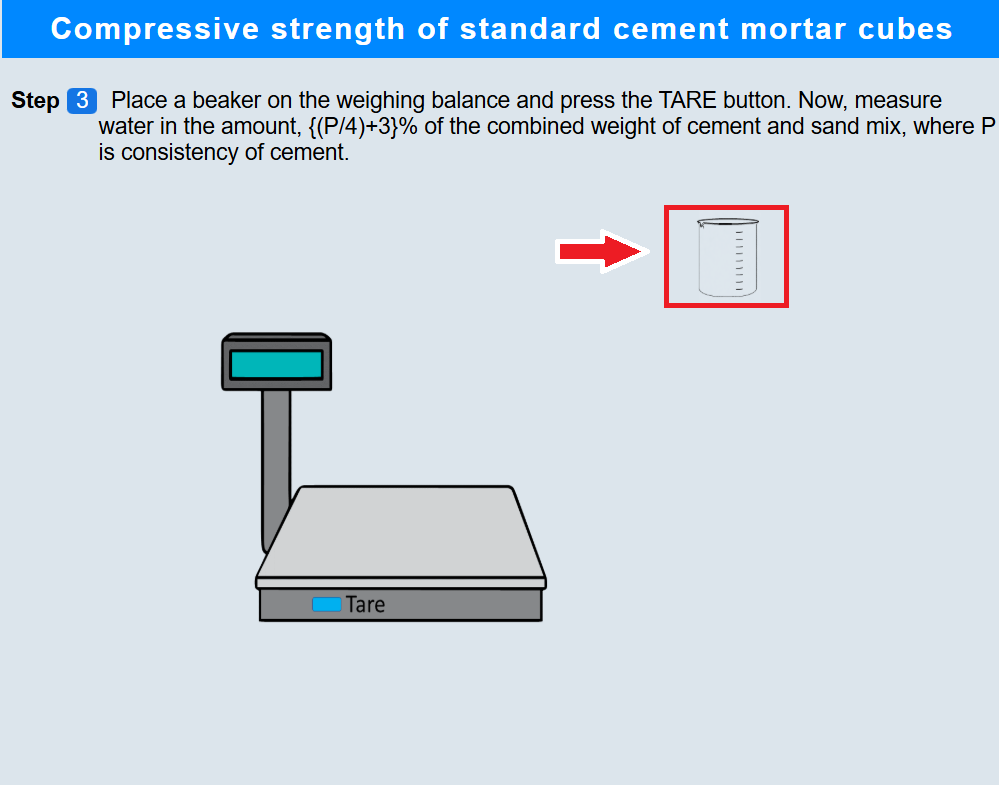
• Click on tare button to tare the weighing balance.
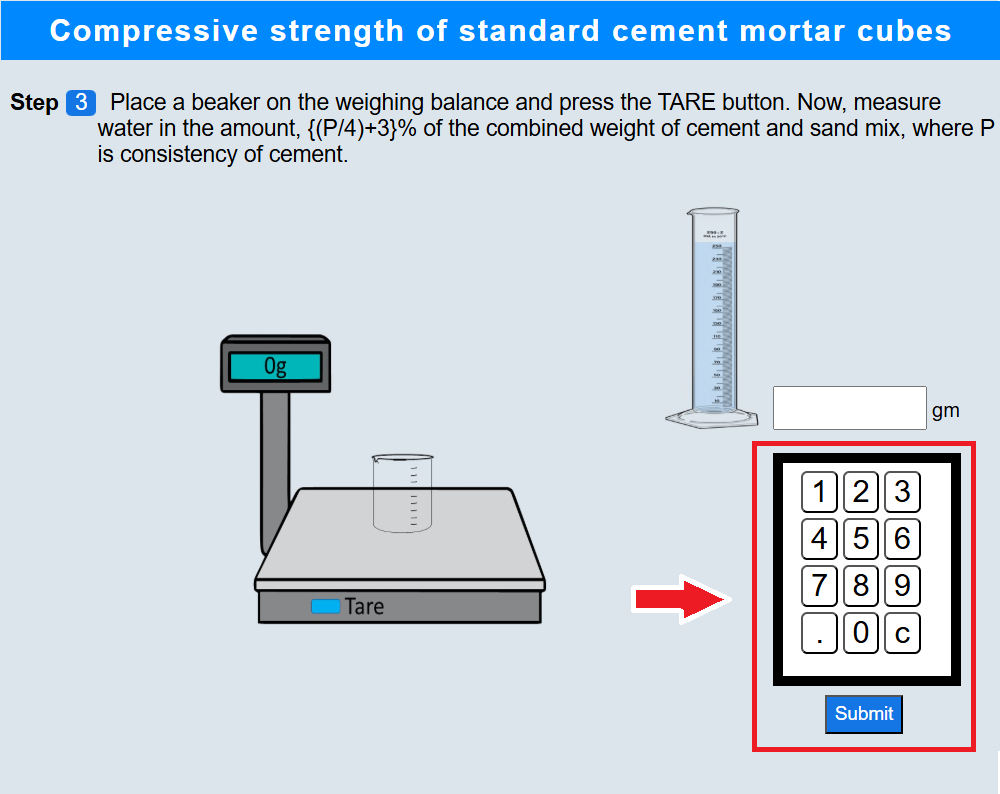
• Click on the measuring cylinder and enter appropriate value of the amount of water to be added.
4. Mixing the water
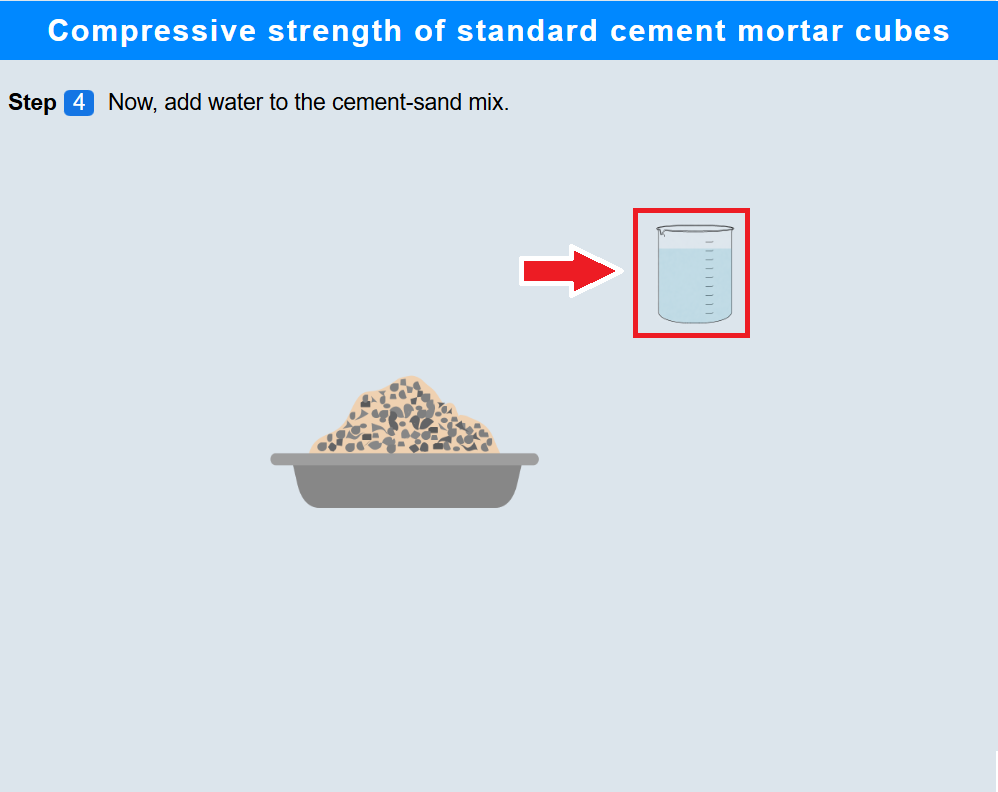
• Click on the beaker to add water to the cement-sand sample and mix it.
5. Pouring the mortar into the moulds
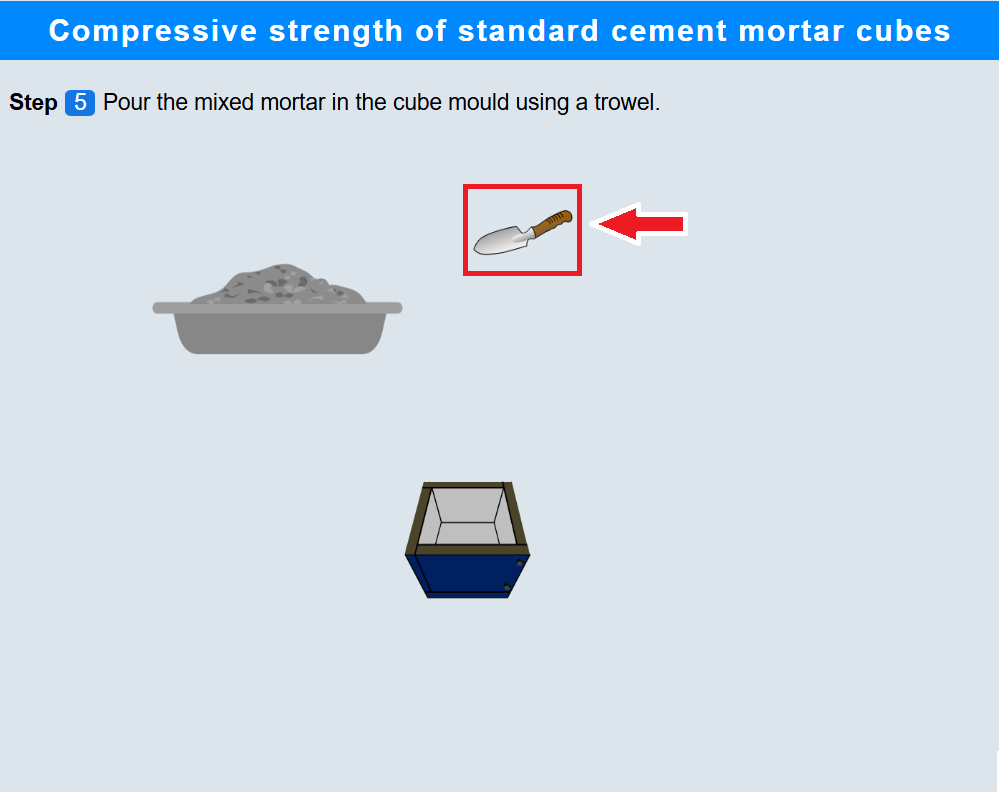
• Click on the trowel to pour the mortar in the cube.
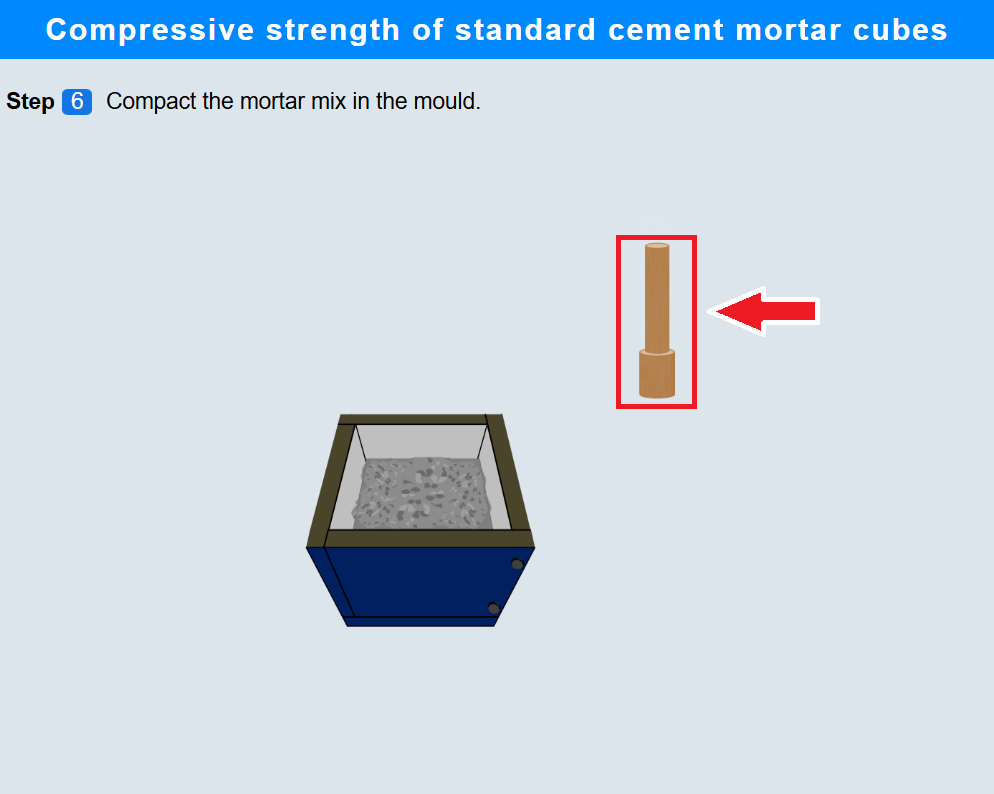
6. Compacting the mortar
• Click on the rammer to compact the mortar mix in the mould.
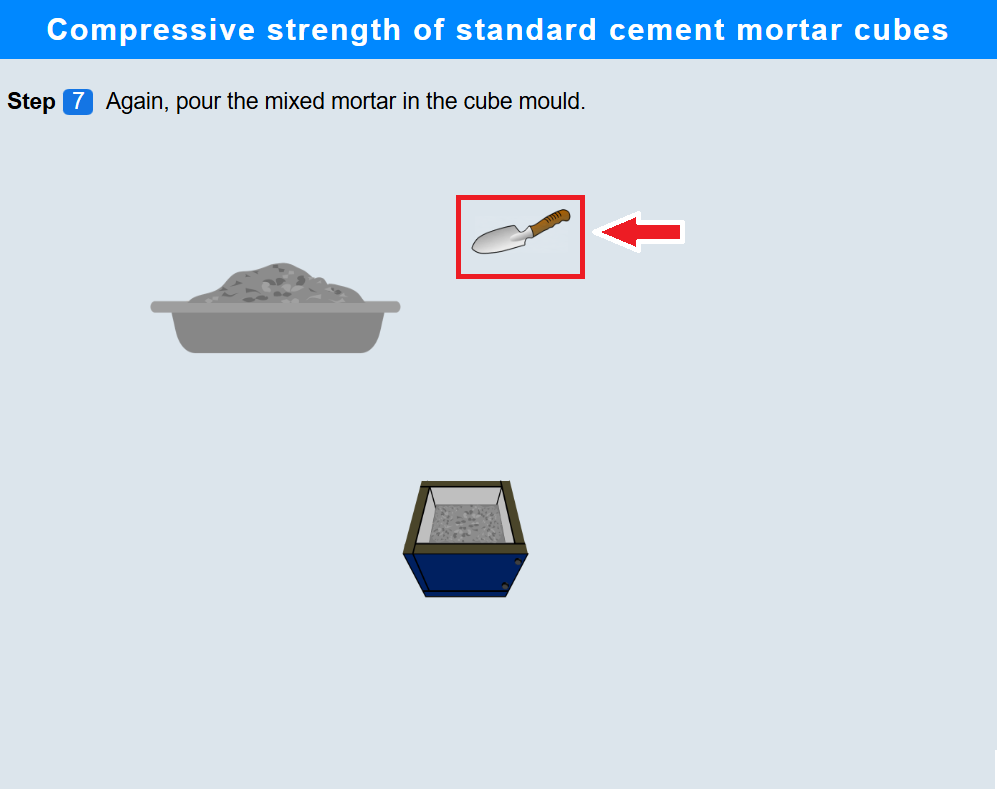
7. Pouring the mortar into the moulds
• Again, click on the trowel to pour the mortar in the cube mould.
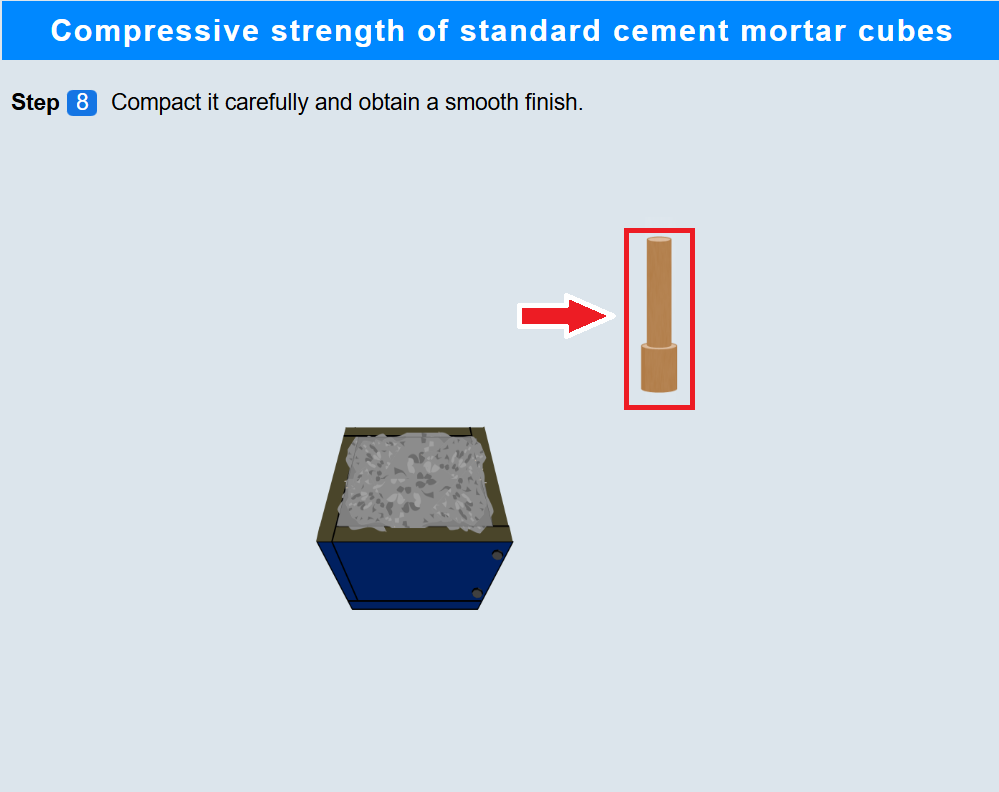
8. Compacting the mortar
• Click on the rammer to compact it and obtain a smooth finish.
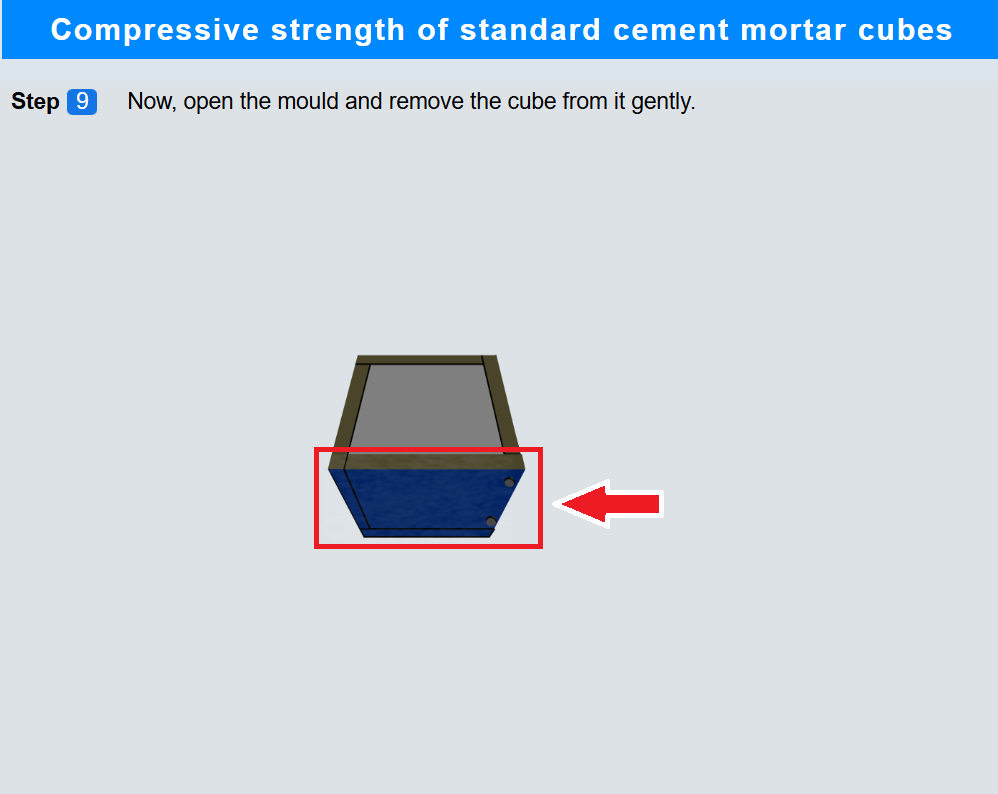
9. Opening the mould
• Click on the mould to open it and remove the cube
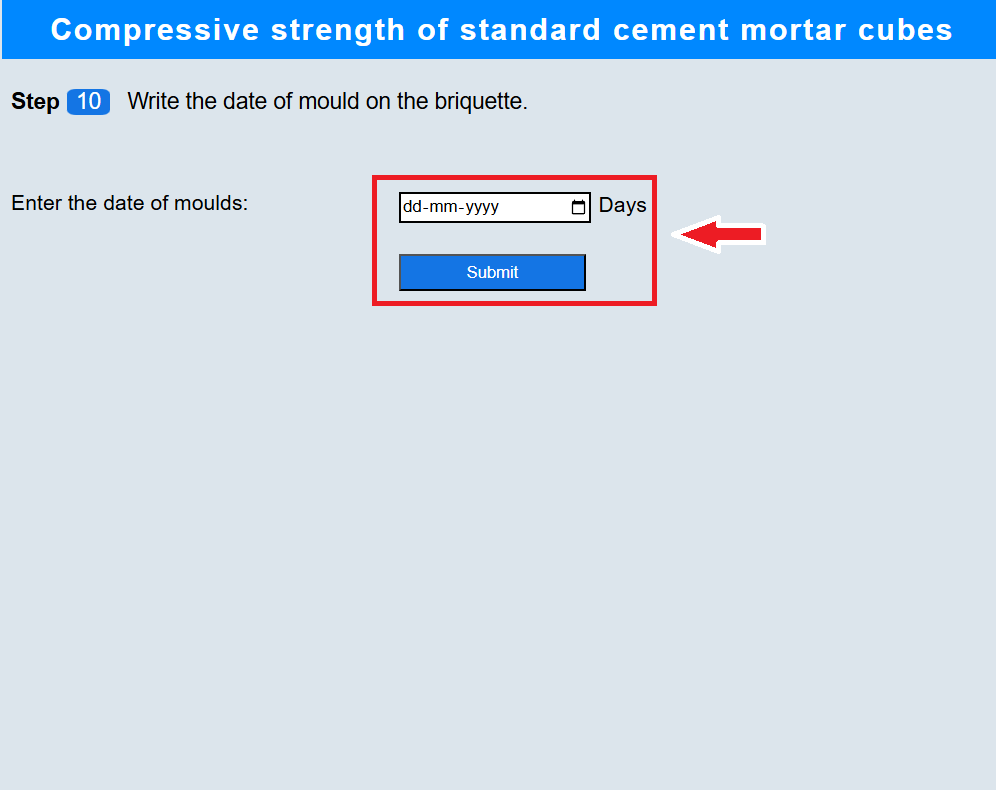
10. Writing the experiment date on the cubes
• Select the date of test to write it on the cubes.
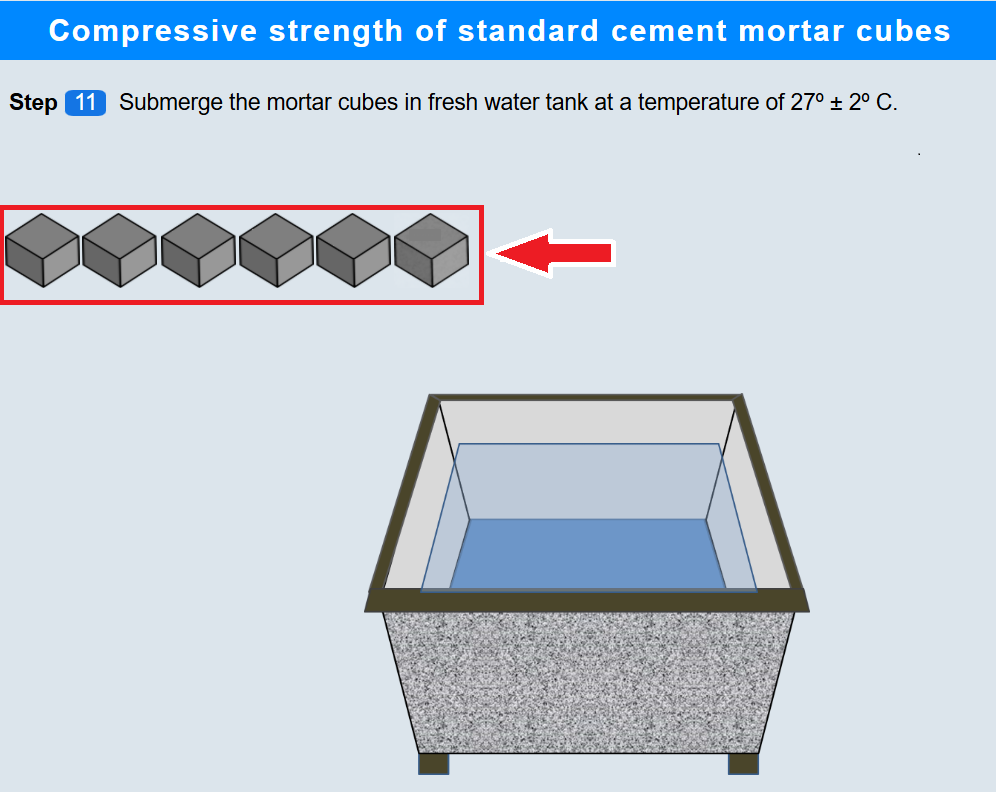
11. Submerging the cubes into water tank
• Click on the cubes one by one to submerge them into the water tank.
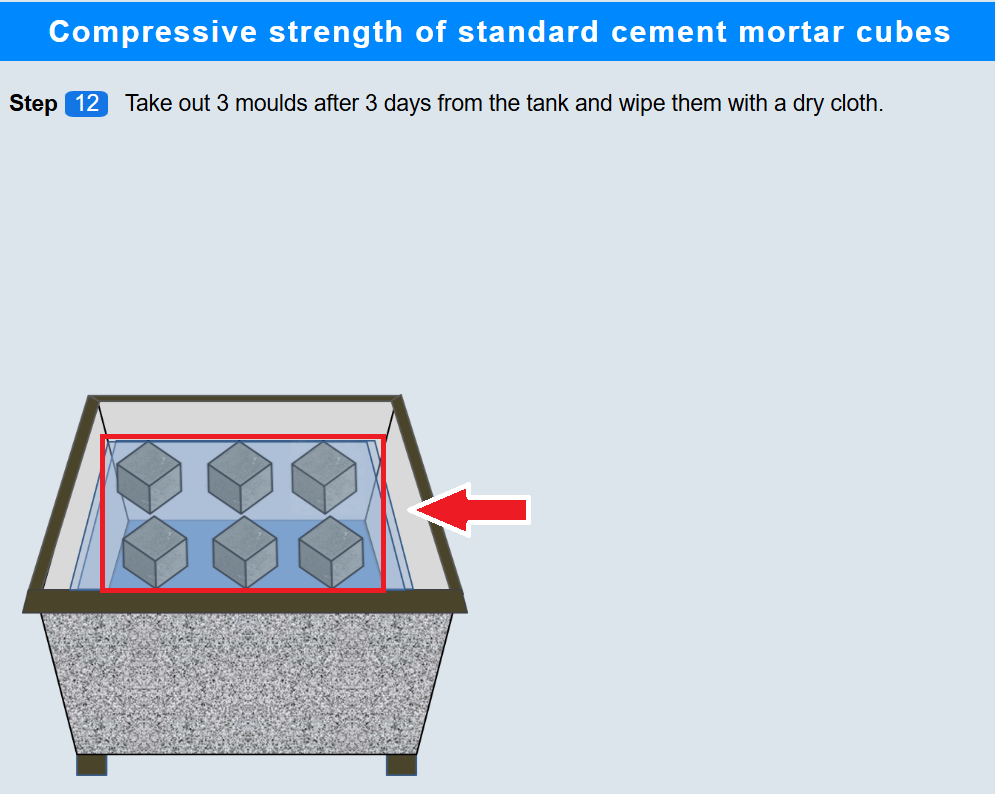
• Click on the first 3 moulds to take out them after 3 days.
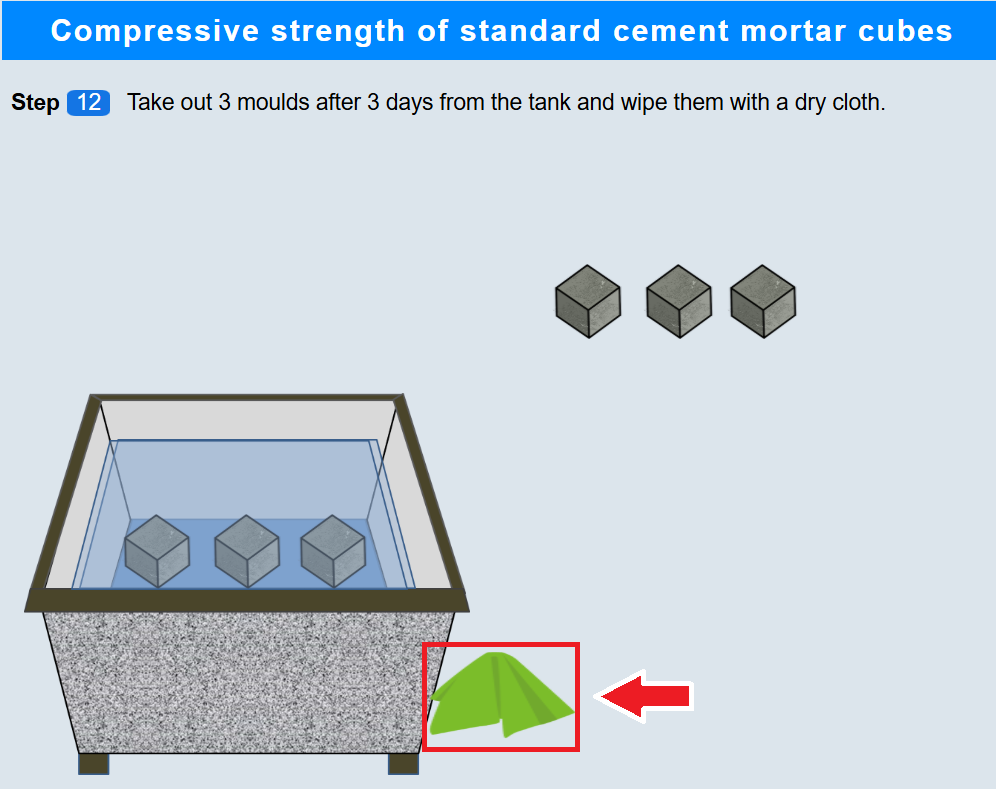
12. Wiping the cubes
• Click on the cloth to wipe them using the cloth.
13. Testing the compression strength
• Click on the cubes to place them on the compression testing machine.
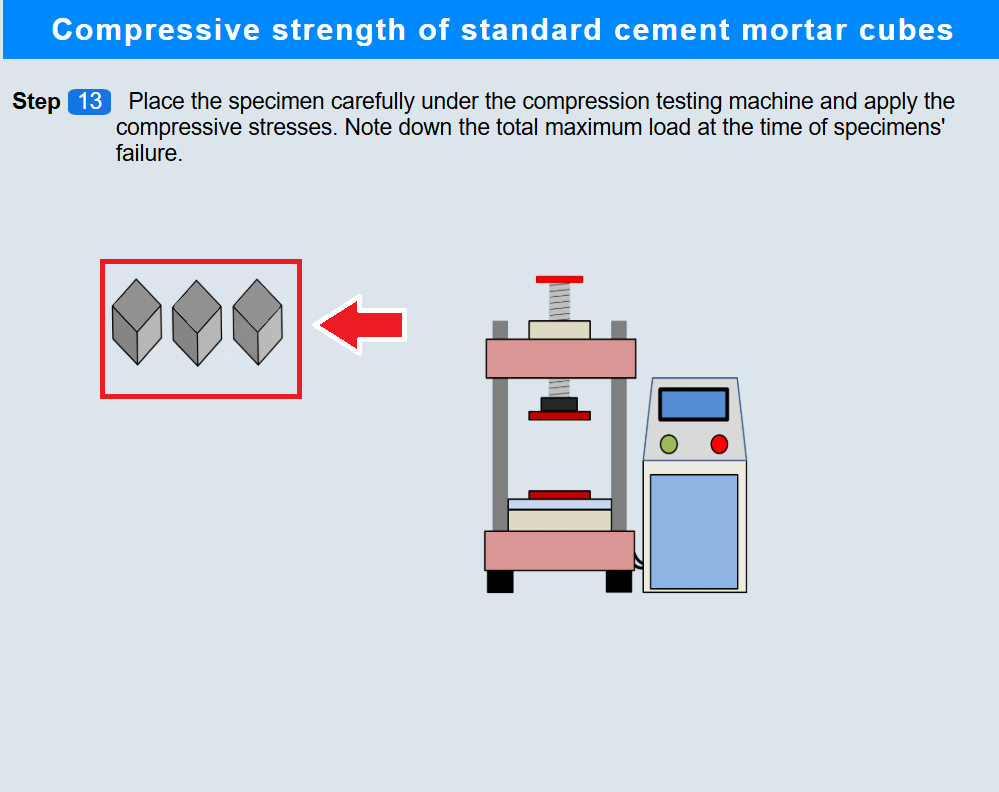
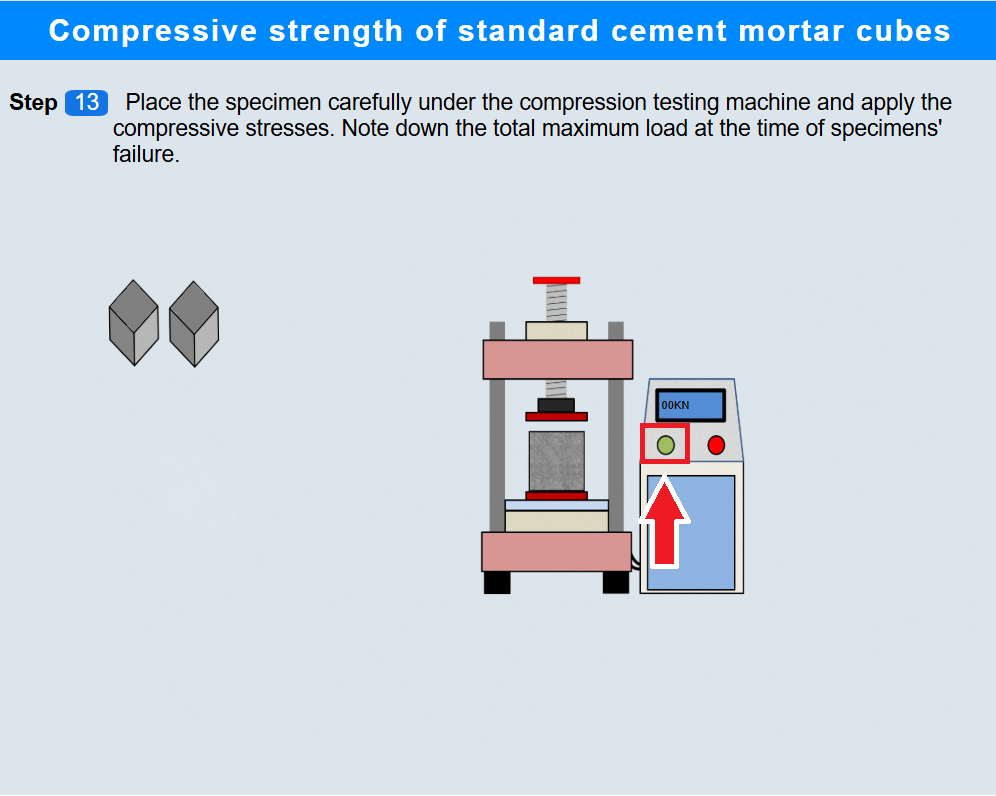
• Click on the start button to apply the load and note the maximum load value.
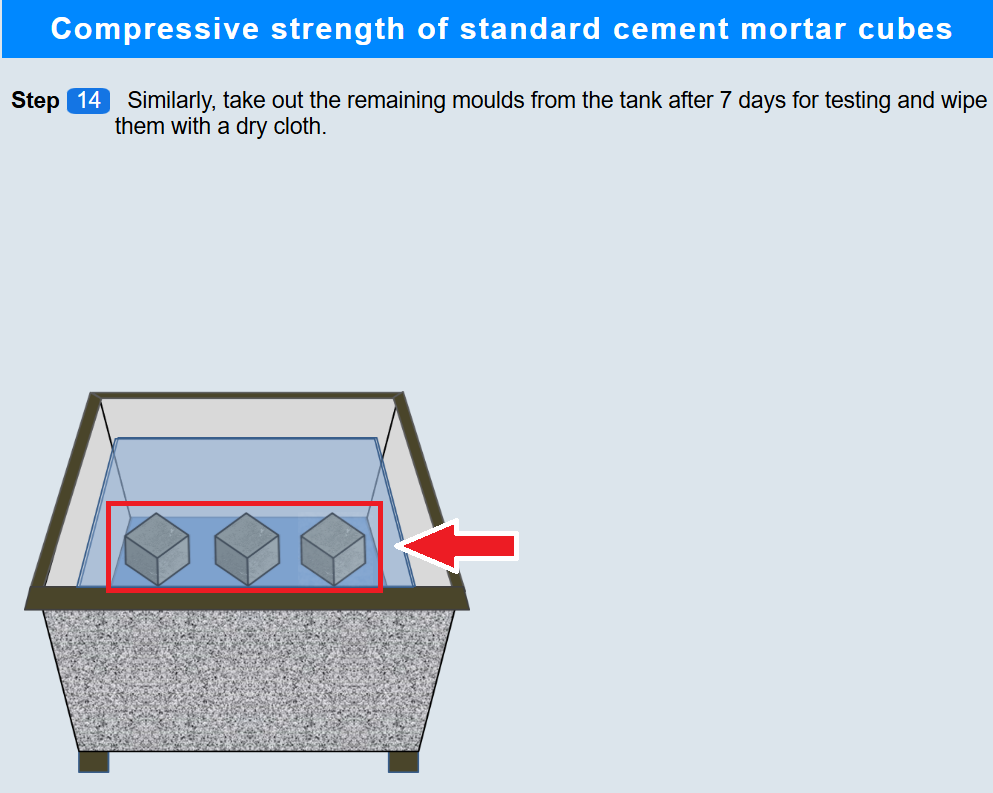
• Click on the remaining three mould to take out them from the tank after after 7 days.
• Similarly, click on the remaining moulds to place them on the machine.
• Again click on the start button to apply the load and note the maximum load value.