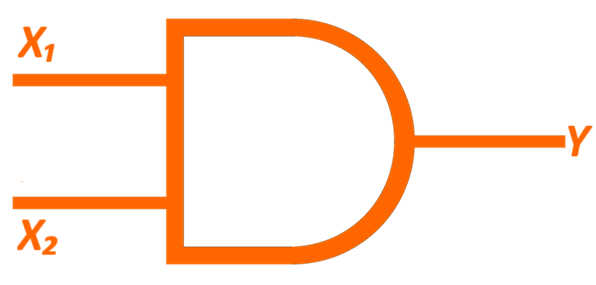
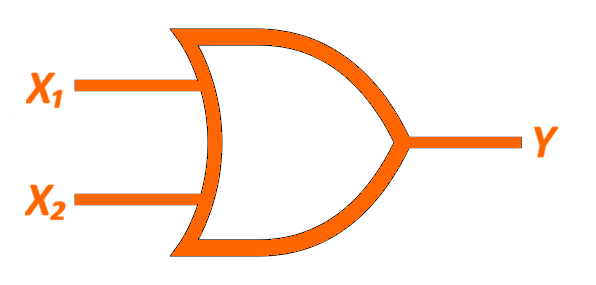
- Click on the SELECT GATE tab.
- Choose a gate from the dropdown menu and press the
SUBMIT button.
- Navigate to the COMPUTE tab in the header and click on it.
-
To initialize weight and bias values, click on the INITIALIZE button (random value).
-
Proceed to select values for the input nodes, specifically X₁
and X₂. Confirm your selections by clicking the
SUBMIT button.
- Identify the Yin cell corresponding to the current row and click on it. Then, input the appropriate (Σ + Bias) value.
- To apply the step function, click the ACTIVATE button.
-
Now, confirm the accuracy of the result by clicking the CHECK button to compare the expected value (T) with the actual value (Y).
- If T does not match Y, follow these steps; otherwise, jump to step 10:
- Click the UPDATE button to adjust weights and bias value.
- Initialize the learning rate value (skip this step if already done).
- Enter the required values in the input boxes for W₁(new) and click the SUBMIT button.
Note: Observe the w₁(old), w₂(old), and b(old) values from the network, and the T, Y, and x values from the table.
- Repeat the above step(c) for W₂(new) and b(new).
- Repeat steps 5 through 9 for the other (total = 2²) combinations of X₁ and X₂.
- Proceed by clicking the NEXT button to execute epochs until the predicted output is obtained for each input dataset.
- Lastly, proceed to the ANALYZE tab and select it. Then, plot the graph by clicking the PLOT button.
Formulae:
- Summation :
Σ =
w₁ . x₁ + w₂ . x₂ + ....+ wₙ . xₙ
-
Step function :
Yin = Σ + Bias
f(y) = 1, if Yin >= 0
f(y) = -1, if Yin < 0
-
Weight adjustment :
Δw = η * d * x
Note : Read the alerts properly.