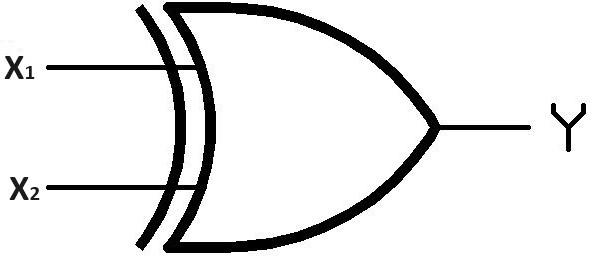
- Click on CREATE tab.
-
Enter the target value for the XOR gate in the table, then click the SUBMIT button.
-
Navigate to the COMPUTE tab in the header and click on it.
-
Initiate the process by clicking the
GENERATE WEIGHTS button to initialize weight values.
-
Proceed to select values for the input nodes, specifically X₁
and X₂. Confirm your selections by clicking the SUBMIT button.
-
Identify the Zᵢ cell corresponding to the current
row and input the appropriate Zᵢ value.
- Click the ACTIVATION FUNCTION button.
-
Confirm result accuracy by clicking the CHECK button to
compare target (X₁.X₂') and output values (f(Zᵢ)).
- If X₁.X₂' does not match f(Zᵢ), follow these steps. Else, jump to step 10:
9.1) Click the UPDATE button to adjust weights.
9.2) Enter the learning rate value.
9.3) Provide necessary values in the input boxes for W₁₁ and click SUBMIT button.
9.4) Repeat the above step (9.3) for W₁₂.
-
Repeat steps 5 through 9 for all four combinations of X₁
and X₂.
-
Proceed by clicking the NEXT button to execute epochs until the predicted output is obtained for
each input dataset.
- Lastly, proceed to the ANALYZE tab and select it. Generate the graph by clicking the PLOT
button.
Formulae: