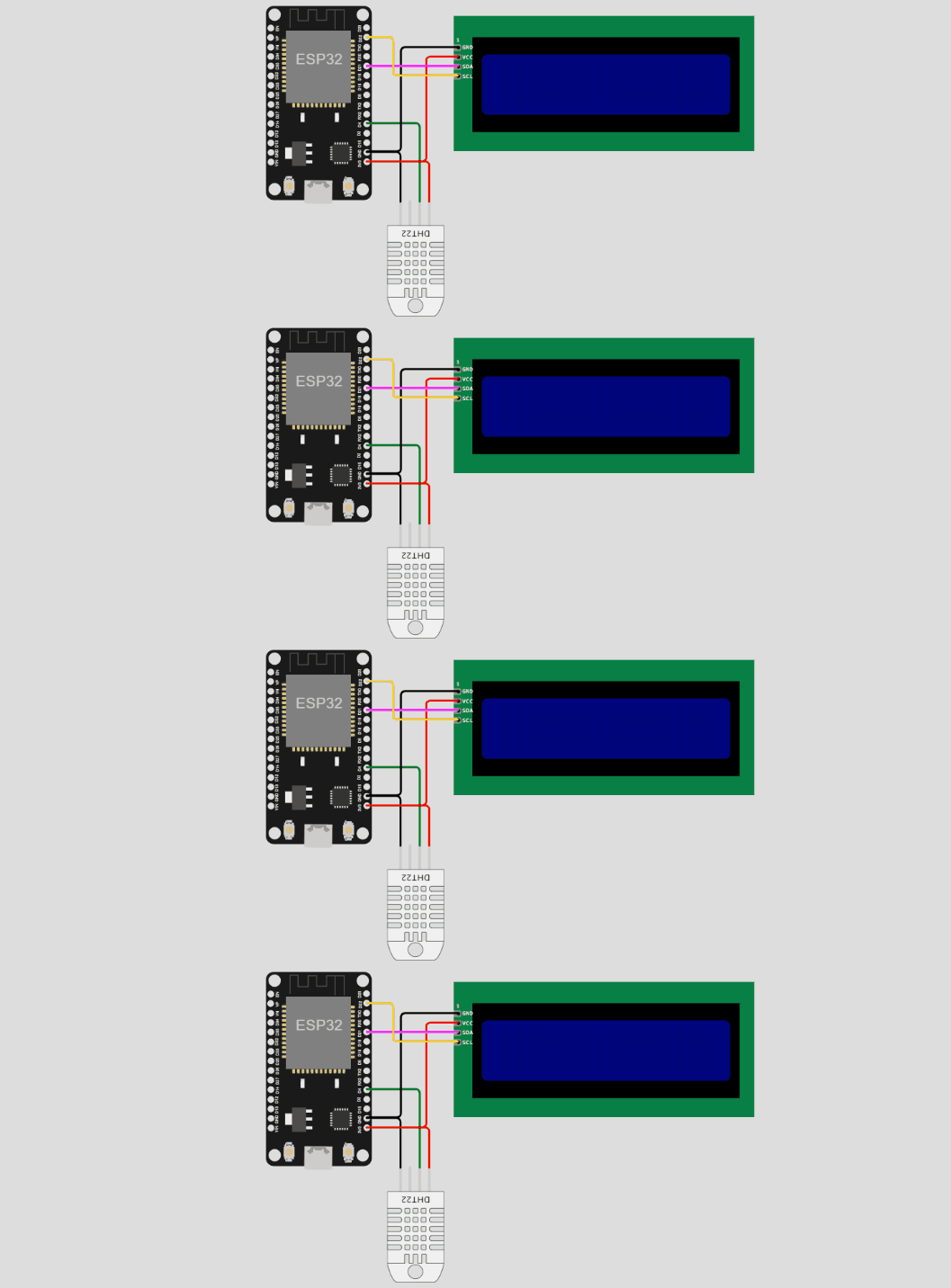
Objective: Simulate DHT11 sensor data transmission from ESP32 to MQTT Broker using MQTT protocol.
- Review the ESP32 code in the text area showing WiFi, MQTT client, and DHT11 sensor configuration.
- Click "Start Simulation" to establish connection with MQTT broker and begin publishing data.
- Observe the sensor readings and connection status changing from "Disconnected" to "Connected".
- Scroll down to view real-time MQTT messages being published to topics:
iot/temperature and iot/humidity.
- Monitor the gauge charts updating with live sensor readings transmitted via MQTT protocol.
- Click "Stop Simulation" to disconnect from MQTT broker and halt data transmission.
💡 Note: The ESP32 publishes DHT11 sensor data every 2 seconds to the MQTT broker (mqtt.iot-server.com:1883).