Instructions
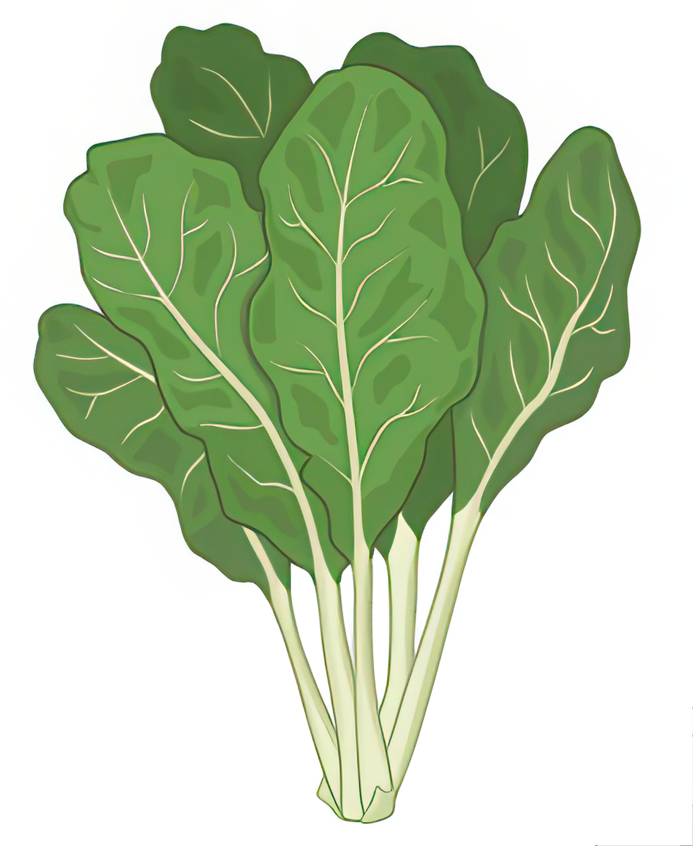
- Click on the button "Select plant" to display plant.
- Click on the button "Select plant tissue" to display a leaf.
- Click on the checkboxes and click on the button "Select Growth Conditions"
- Click on the checkbox "Understanding Carbon flux of photosynthesis" to define the goal of the experiment.
- Next from the dropdown select isotope for labelling.
- Click on the dropdown and select labelling duration.
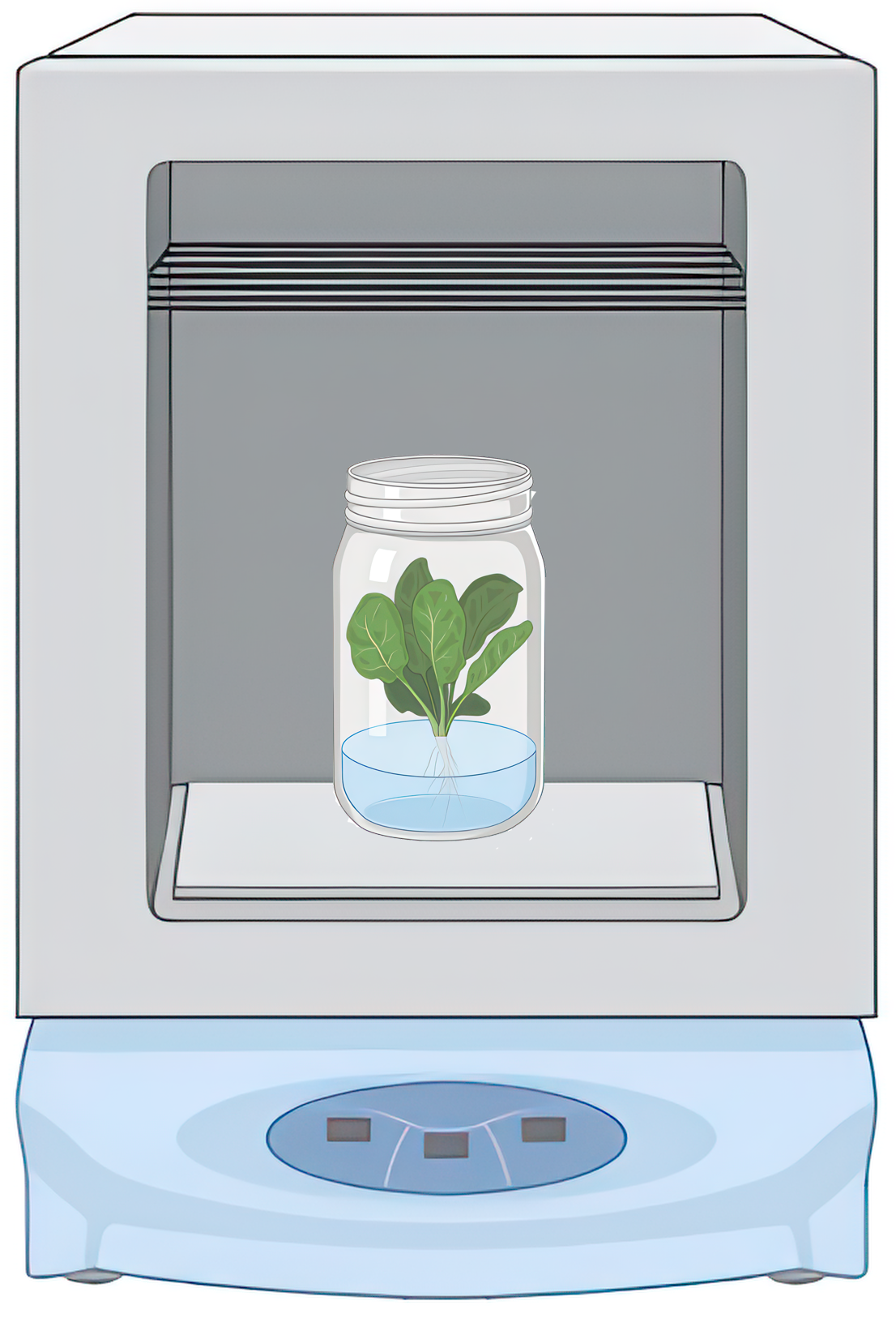
- Click on the button "Grow plant in controlled conditions as decided".
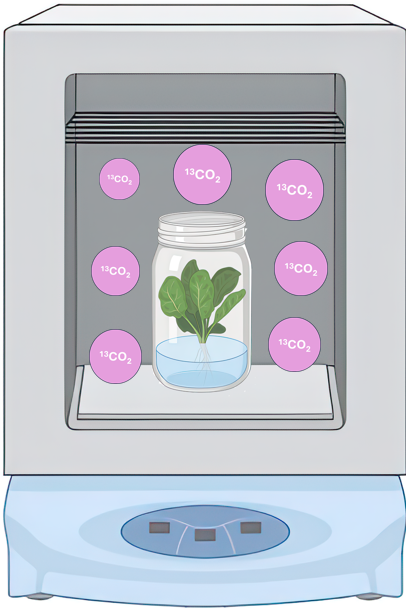
- Click on the button "Introduce 13C labelled 13C02 in the chamber.
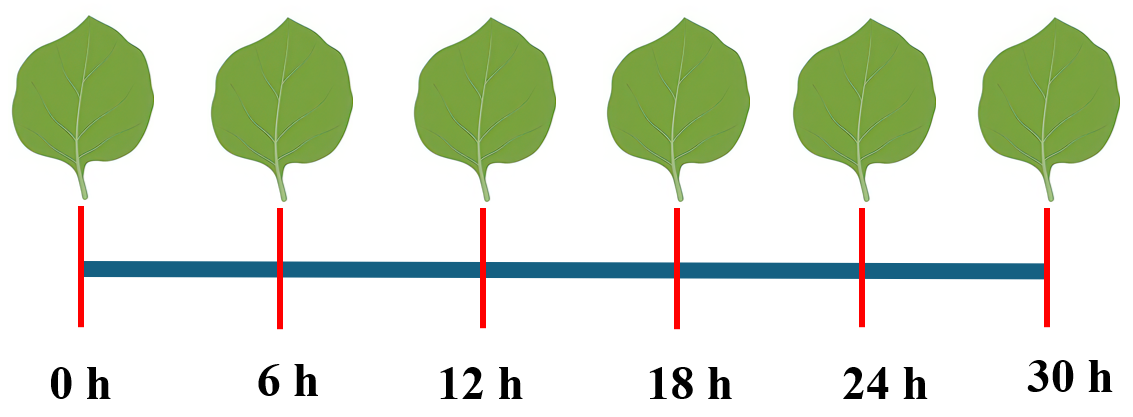
- Click on the button "Harvest tissue sampled at specific time points".
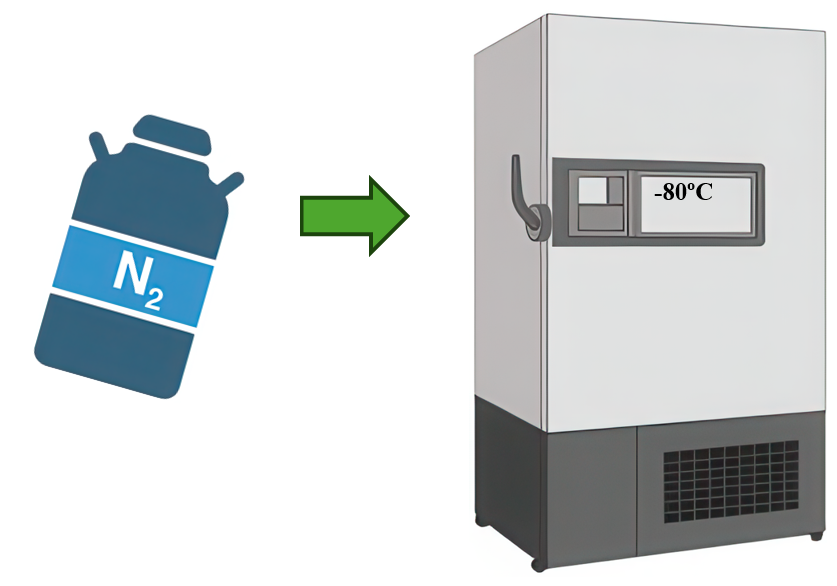
- Click on the button "Instantly freeze tisse samples using liquid N2 and store in -80oC.
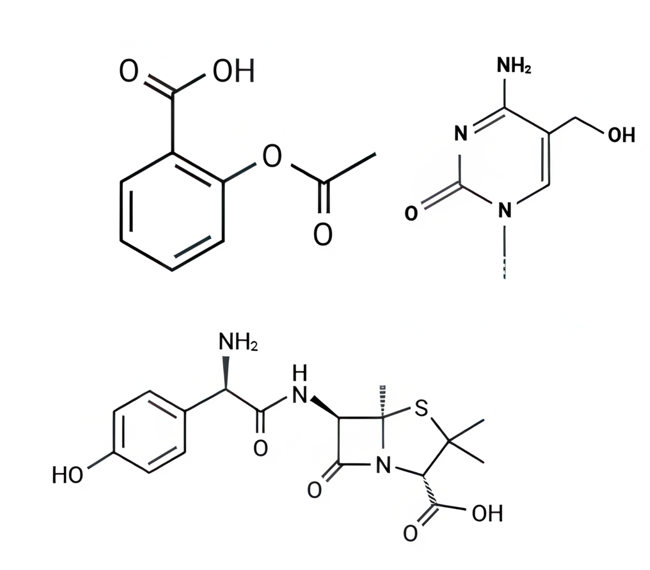
- Click on the button "Extract metabolities from frozen samples".
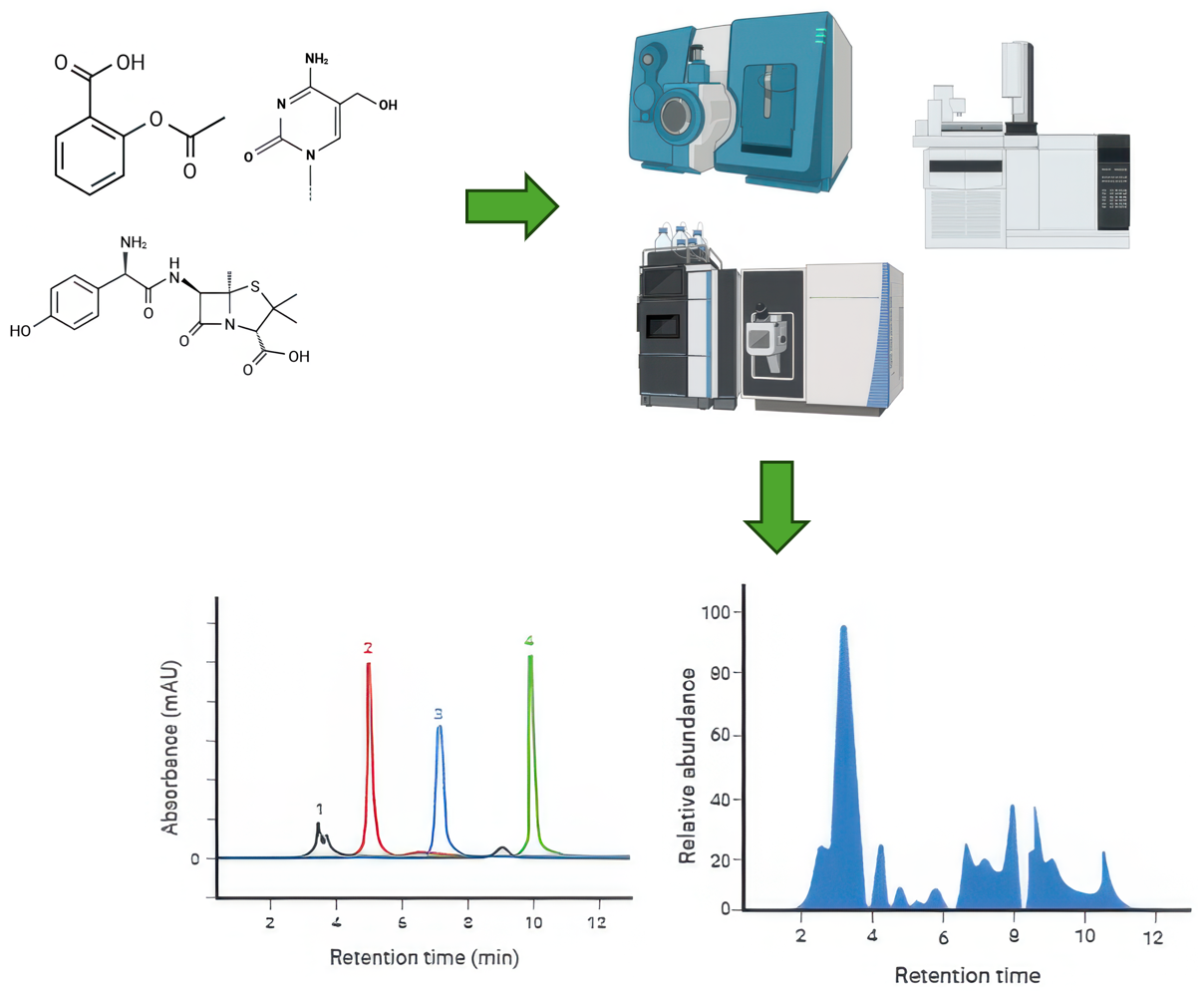
- Click on the button "Identify and quantify metabolities using GC-MS, HPLC, LC-MS, etc".
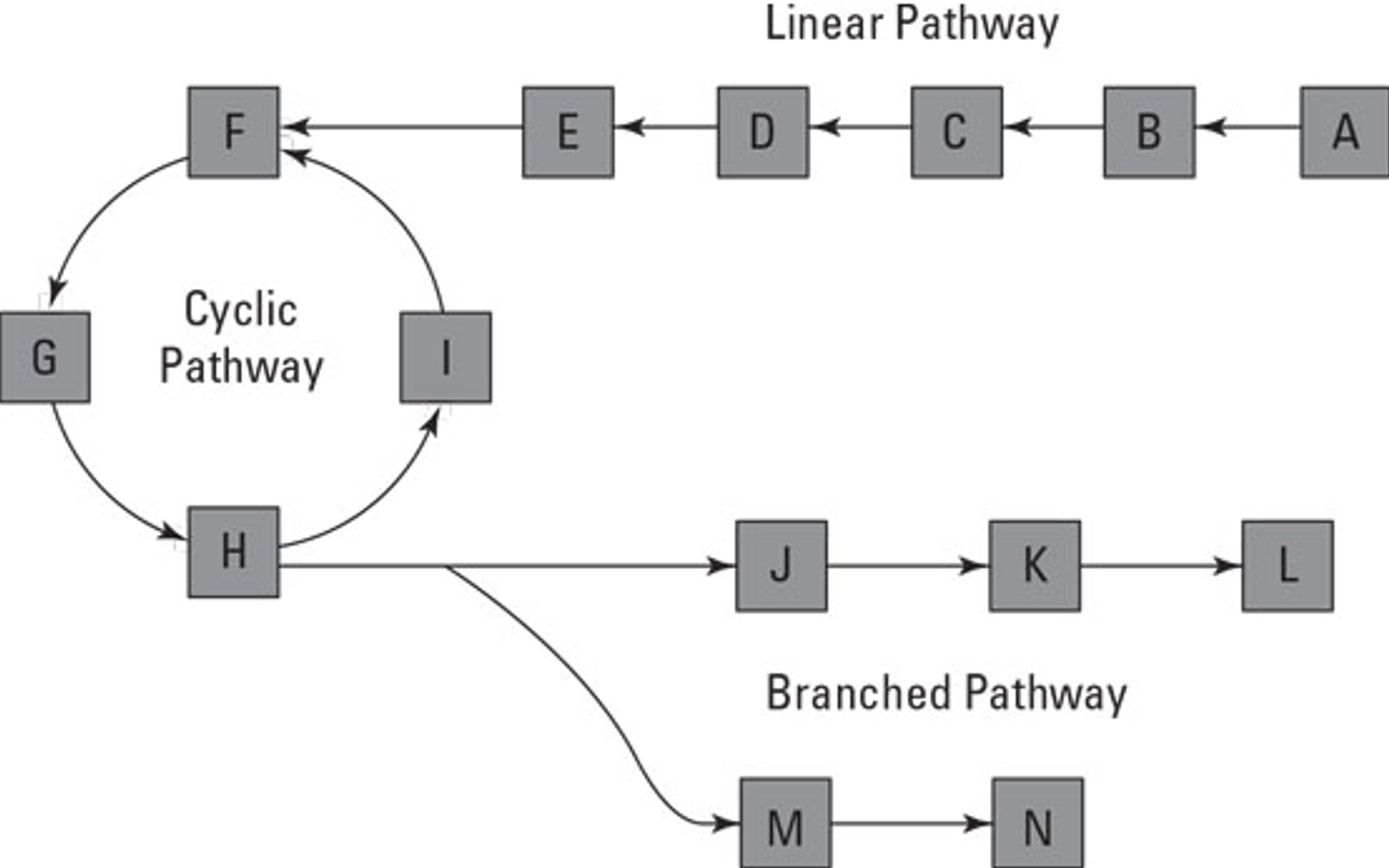
- Click on the button "Generate metabolic pathway model for flux analysis".
- CLick on the button "Use softwares like 13CFLUX2, OpenFLUX, or Metran to analyse metabolic flux data".
| Step 1 | |
| Step 2 | |
| Step 3 |
|
| Step 4 |
|
| Step 5 | |
| Step 6 | |
| Step 7 | |
| Step 8 | |
| Step 9 | |
| Step 10 | |
| Step 11 | |
| Step 12 | |
| Step 13 | |
| Step 14 |