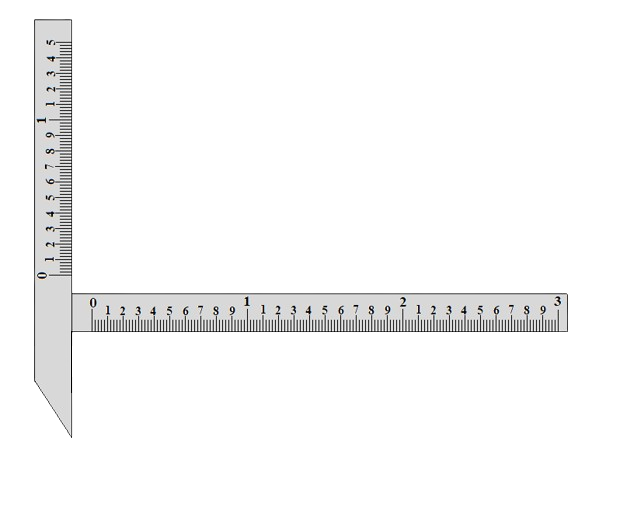
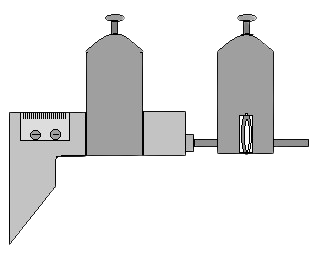
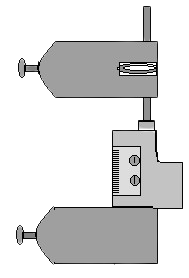


This experiment is having two parts i)Gear tooth thickness calculation and ii)Span calculation
Gear tooth thickness calculation:
Click on the 4 mm Slip Gauge to place it exactly between the horizontal jaws of gear tooth vernier caliper.
Click on the 'Right arrow' sign of 'Horizontal scale jaw' to place the '4 mm Slip Gauge' properly according to its width.
Click on the 'Left arrow' sign of 'Horizontal scale jaw' to properly fix it horizontally. When it is properly fixed between the jaws one alert message will be seen.
Click on the 'Down arrow' sign of 'Vertical scale jaw' to properly fix it vertically.
Click on the 4 mm Slip Gauge again to remove it.
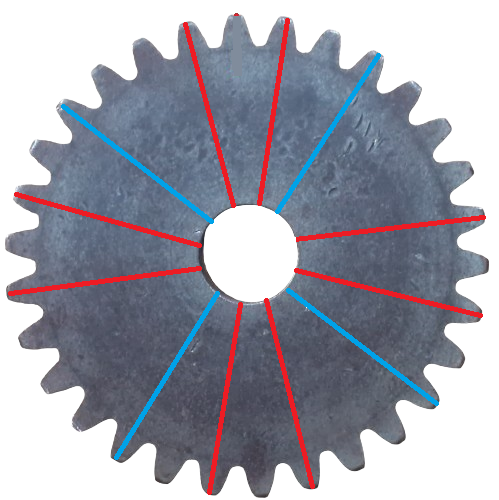
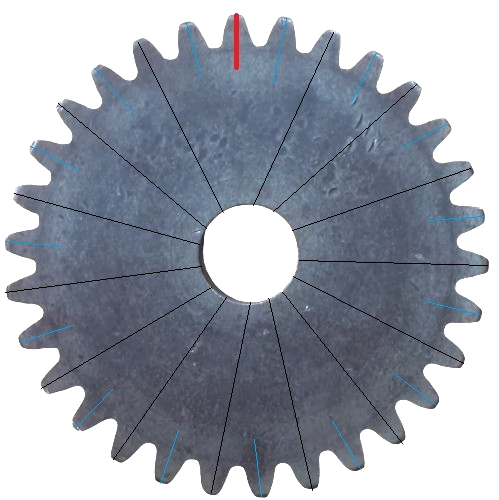
Click on the Spur Gear to place its one tooth (with a red mark) exactly between the horizontal jaws of gear tooth vernier caliper.
Click on the 'Left arrow' sign of 'Horizontal scale jaw' again to fix the red marked tooth properly according to its width.
When it is properly fixed between the jaws one alert message will be seen. It is now properly fixed for a gear tooth so no need to
adjust the horizontal jaw position for rest of the experiment. Click on 'Measure' button to measure the tooth thickness as t1.
Click on the clockwise arrow sign of 'Rotate Gear' button. The gear will rotate in clockwise direction. Rotate it until a tooth with black mark
comes between the horizontal jaws of Vernier caliper. Click on 'Measure' button to measure this tooth thickness as t2.
Again click on the clockwise arrow sign of 'Rotate Gear' button until another tooth with black mark
comes between the horizontaljaws of Vernier caliper. Click on 'Measure' button to measure this tooth thickness as t3.
Click on 'Table' at the bottom of the page to see the observation table and click on 'Add to Table' button to fill the first row of the observation table.
Click on 'Remeasure' button to take another three readings of t1, t2 and t3.
Note: Once the readings of t1, t2, and t3 have been recorded, the 'Add to Table' button should be clicked.
Follow step 8 for successive three times again and click on 'Measure' button each time to measure the tooth thickness. After taking another
three readings of t1, t2 and t3 follow step 9 to fill the second row of the observation table.
Till now total 6 readings have been taken.
Follow step 10 until total readings of tooth thickness in observation table is 15.
Now follow steps 7-11 to measure the thickness of gear teeth (with blue marks). 15 blue marked teeth are there, hence at the end
there would be total 30 thickness readings.
Under 'Calculations' box enter the average value of mean tooth thickness, after calculating it from observation table. Click on 'Calculate' button to see the
Percentage error.
Click on 'Clear' button to erase the observation data. Click on 'Table' button to hide the observation table.
Click on 'Span' under 'Experiment Parts' to perform second part of this experiment.