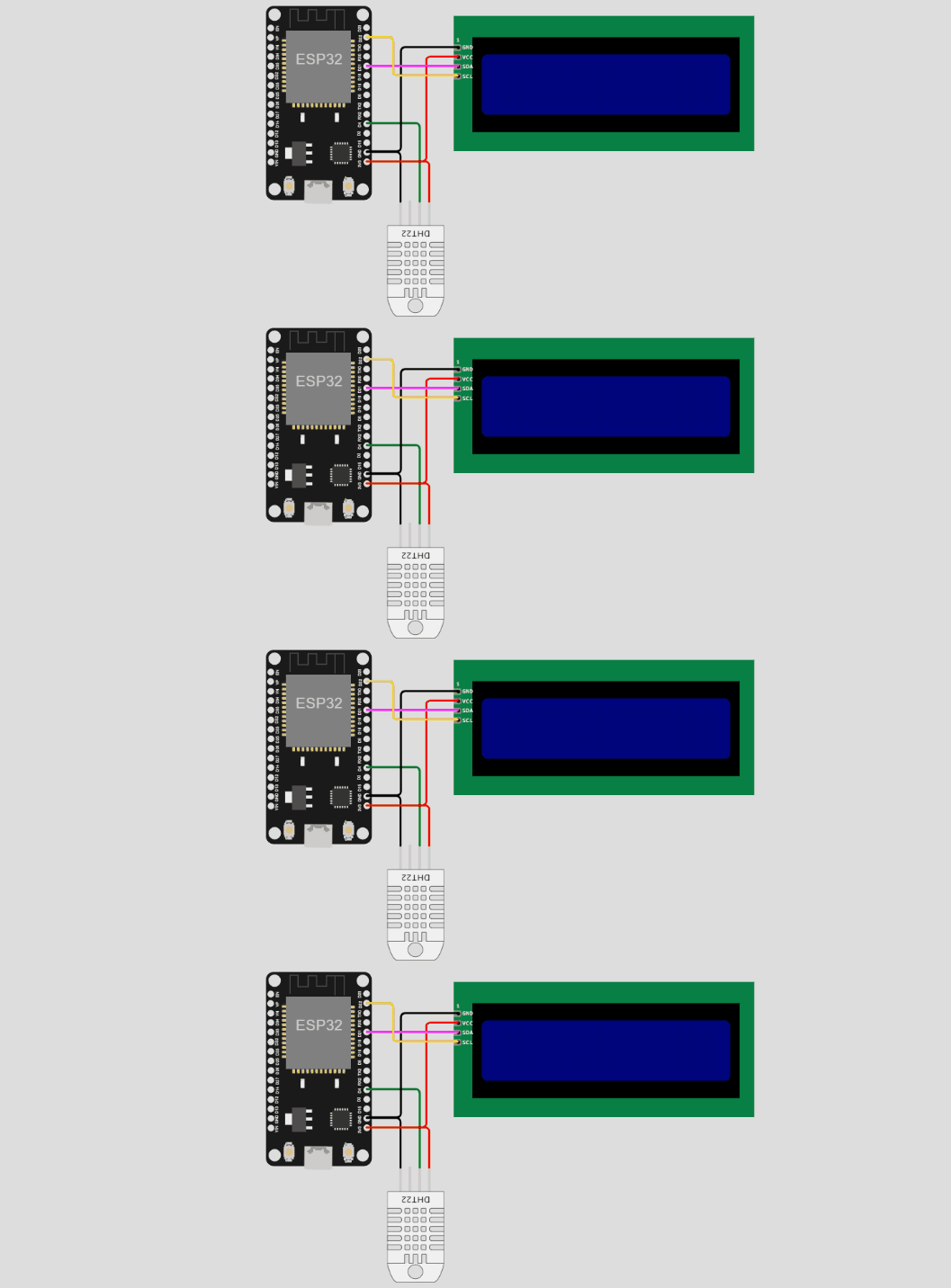
Objective: Simulate DHT11 sensor data transmission from ESP32 to IoT Server using HTTP
protocol.
- Review the ESP32 code in the text area showing WiFi and DHT11 sensor configuration.
- Click "Start Simulation" to begin sending temperature and humidity data.
- Observe the sensor readings and scroll down to view real-time data on the IoT Server dashboard.
- Monitor the gauge charts and line graphs updating every second with sensor readings.
- Click "Stop Simulation" to halt data transmission.
💡 Note: The DHT11 sensor sends data every 10 seconds via HTTP POST to the IoT
server.