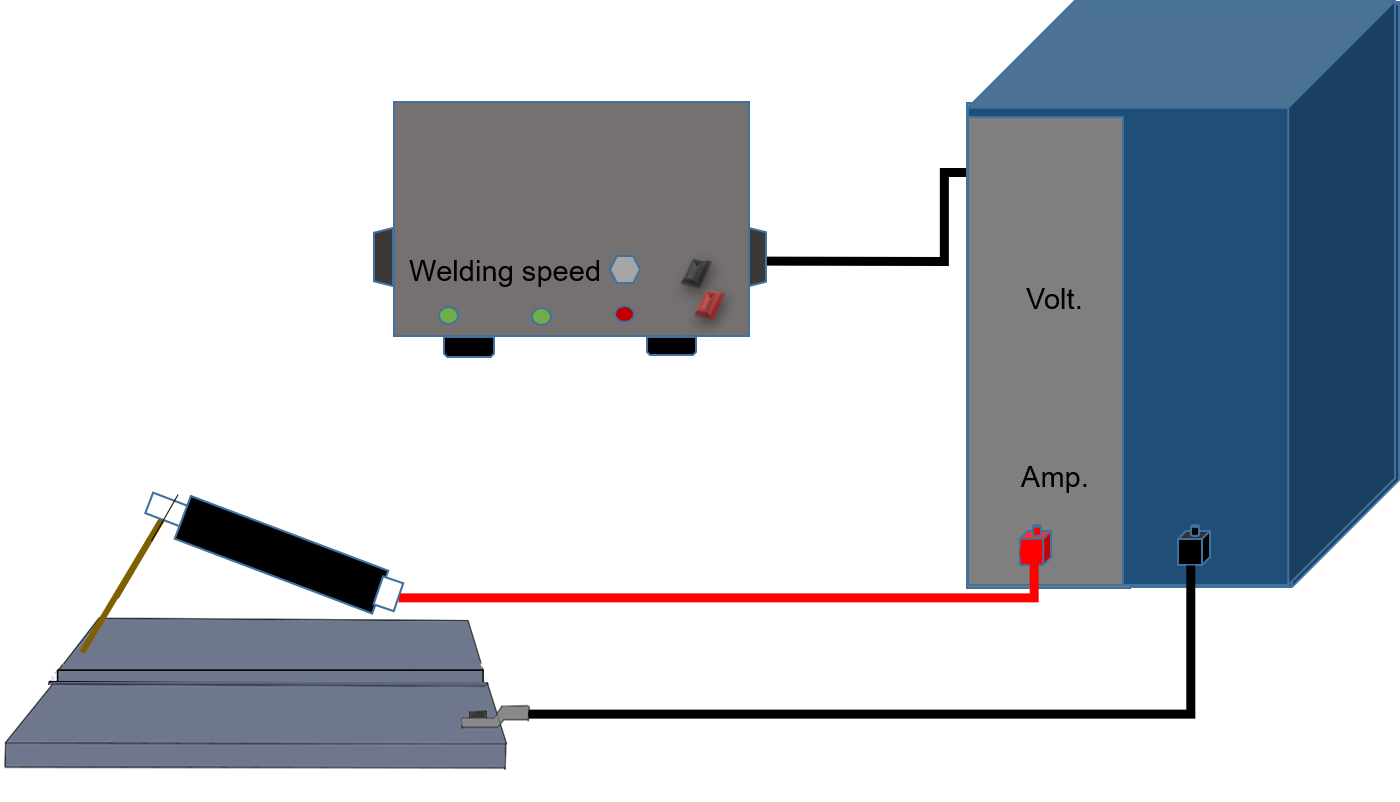
Before starting the process read the instructions completely
Select the Select Arc Wire Diameter (in mm) of a value between 1.2 and 1.6 from the dropdown list.
Click on Next button
Choose the Arc Voltage (in Volts) of any Real Value between 20 and 30
Click on Next button
Choose the Arc Current (in Ampere) of any Real Value between 180 and 360
Click on Submit button
Choose the Welding Speed (in mm/min) of any Real Value between 25 and 41
Click on Submit button
Observe the Welding simulation starts and it shows the final welded portion.
Observe the plot and hover the mouse on plot for the weld bead dimensions i.e., reinforcement height, penetrationdepth, and bead width obtained, for the chosen weld parameters
Note:
Use scroll button to change the value of the knob
After Simulation is over, click on "Stop" button to restart the experiment